6
3. Interface
3.1. Device Interface
3.1.1 RJ45 WAN Port
A. Router Mode: The WiFi HDD will serve as host. With the built-in DHCP function, it
can assign IP address to connect two or more devices through WiFi.
B. Bridge Mode: Allows two or more wireless devices to communicate with each
other.
3.1.2 Micro USB Interface
The built-in Micro USB 2.0 is for data transfer and charging the internal battery when
connected directly into the computer’s USB port or wall chargers.
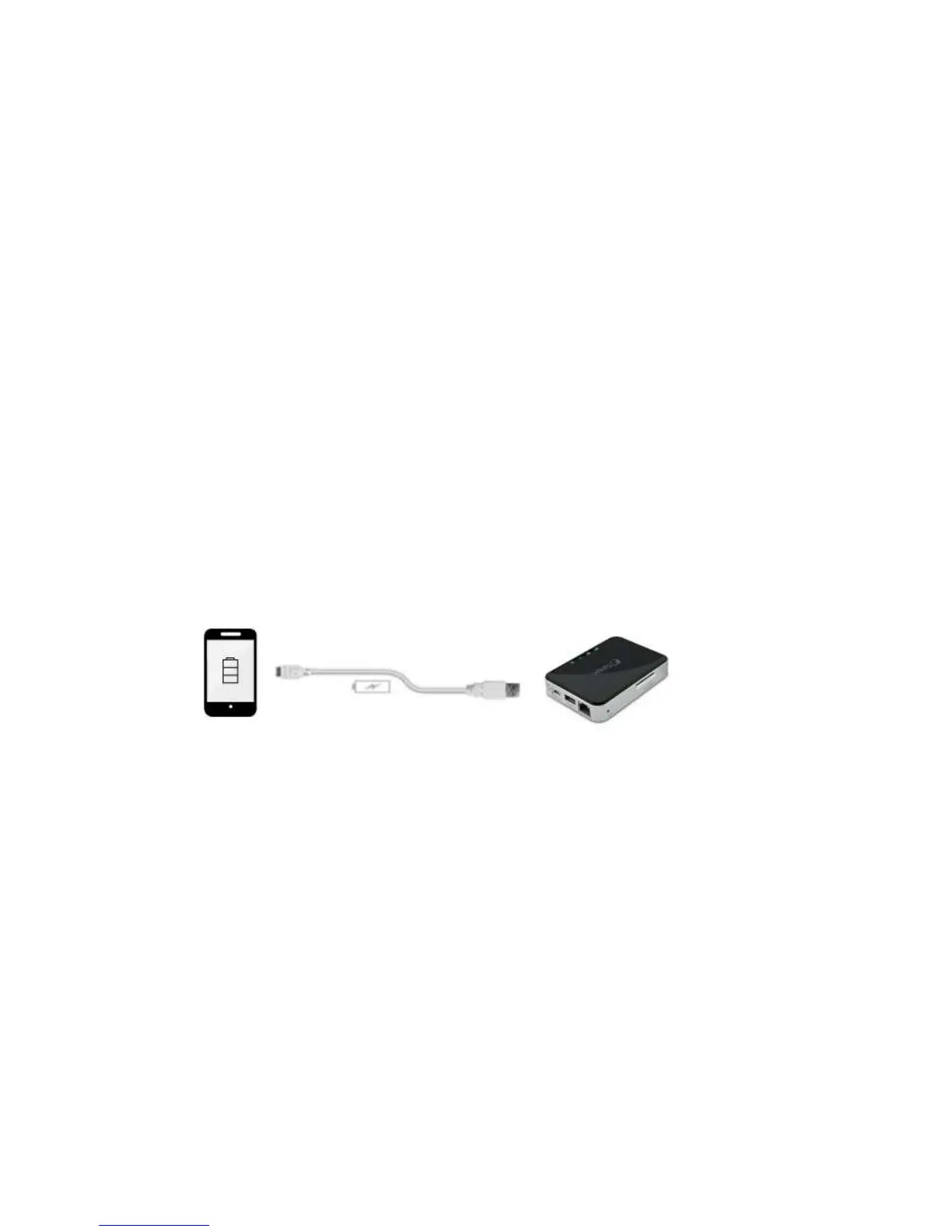
3.1.3 USB Host Interface
The built-in USB 2.0 Host Interface for connecting any USB Mass Storage device and for
charging mobile devices such as smartphones, MP3 Players, and tablets.
3.1.4 SD Card Slot
Available SD slot to support SD, SDHC, and SDXC. SD adapter is needed to support
Micro SD and Mini SD.



 To Next Page