8
4. Hardware Installation
4.1 SD Memory Card
Note: Do not touch the exposed connectors on your SD memory card.
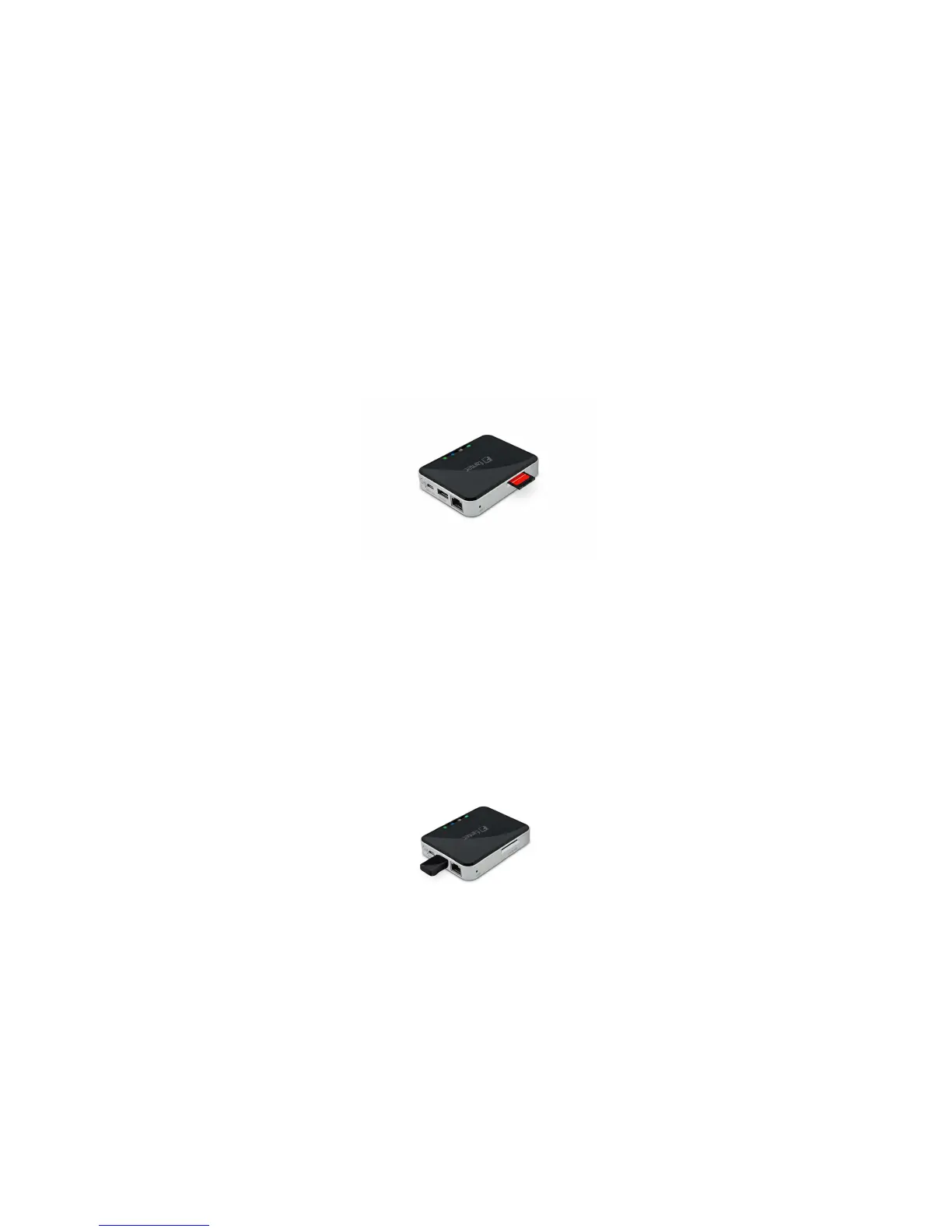
Installing the SD memory card is very simple. Locate the SD memory card slot. Simply insert the memory
card as seen on the image below. Gently push the memory card all the way in until it locks into its place.
Press the power button to switch on the device. Wait for few seconds to complete the initialization process
and your SD memory card is ready to use.
4.2 USB External Storage
Locate the USB port on the device. Simply insert the any USB Mass Storage device including Flash Drives,
External Hard Drive and card readers into the USB port of the device as seen the image below.
Press the power button to switch on the device. Wait for few seconds to complete the initialization
process and your USB external storage is ready to use.



 To Next Page