36
7.12. Copy, Delete, Download, Upload functions (iOS and Android)
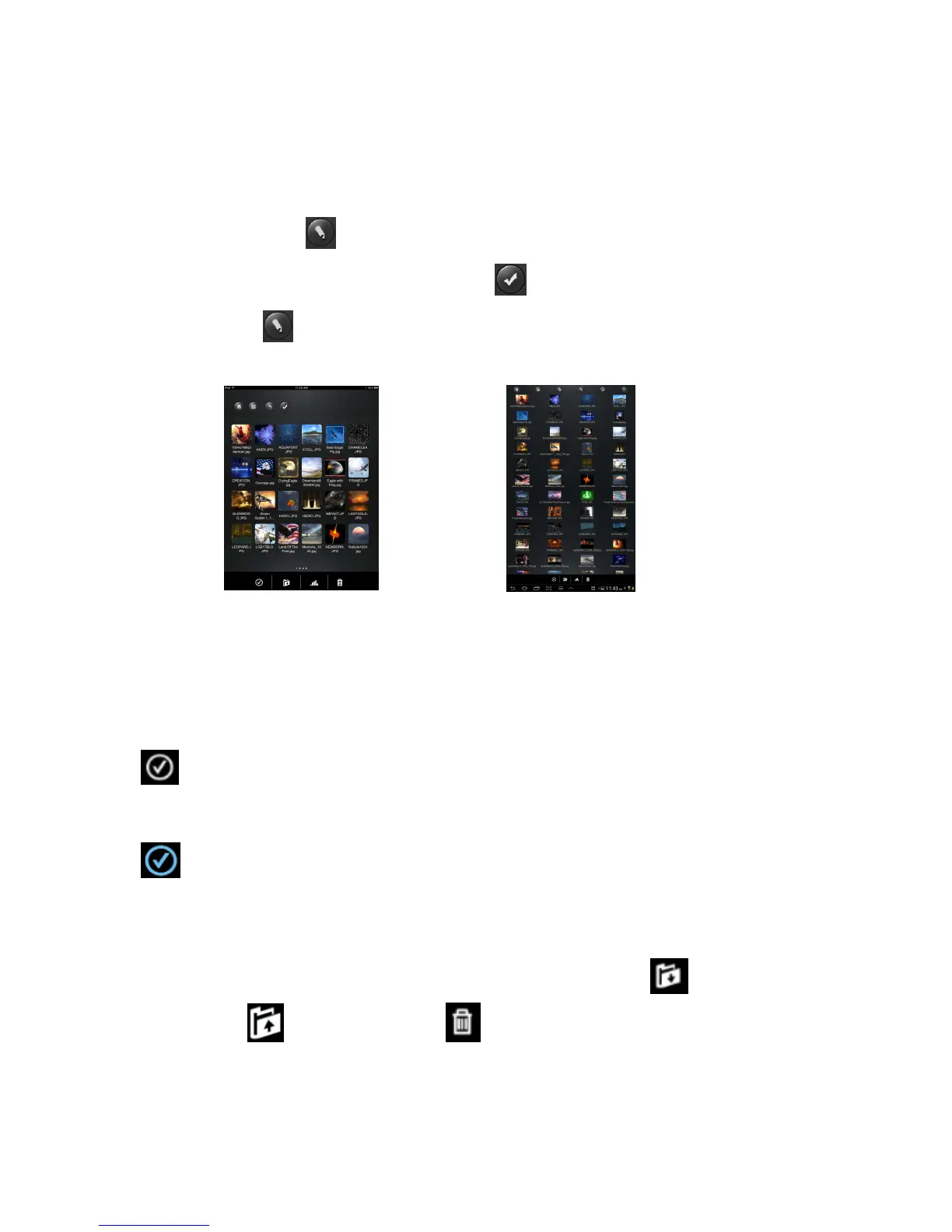
You may click on the icon at anytime to share, copy, delete, download, and upload
files. As seen on the screenshots below, the will appear at the top as part of the
menu once the is clicked.
At the bottom of the screen, there are new icons. See below for their functions.
- Click once, all the files will be selected. The icon will turn into blue color and a
check mark will appear on every file.
- Click once again, all the files will be unselected. The check marks will no longer
be visible.
Tip: You may select a single file or multiple files by clicking on the thumbnail. As well, you
may click and hold on the thumbnail for few seconds and drag it to icon to
download, or icon to upload or to icon to delete a file or files.
Screenshot from iOS Device
Screenshot from Android Device



 To Next Page