34
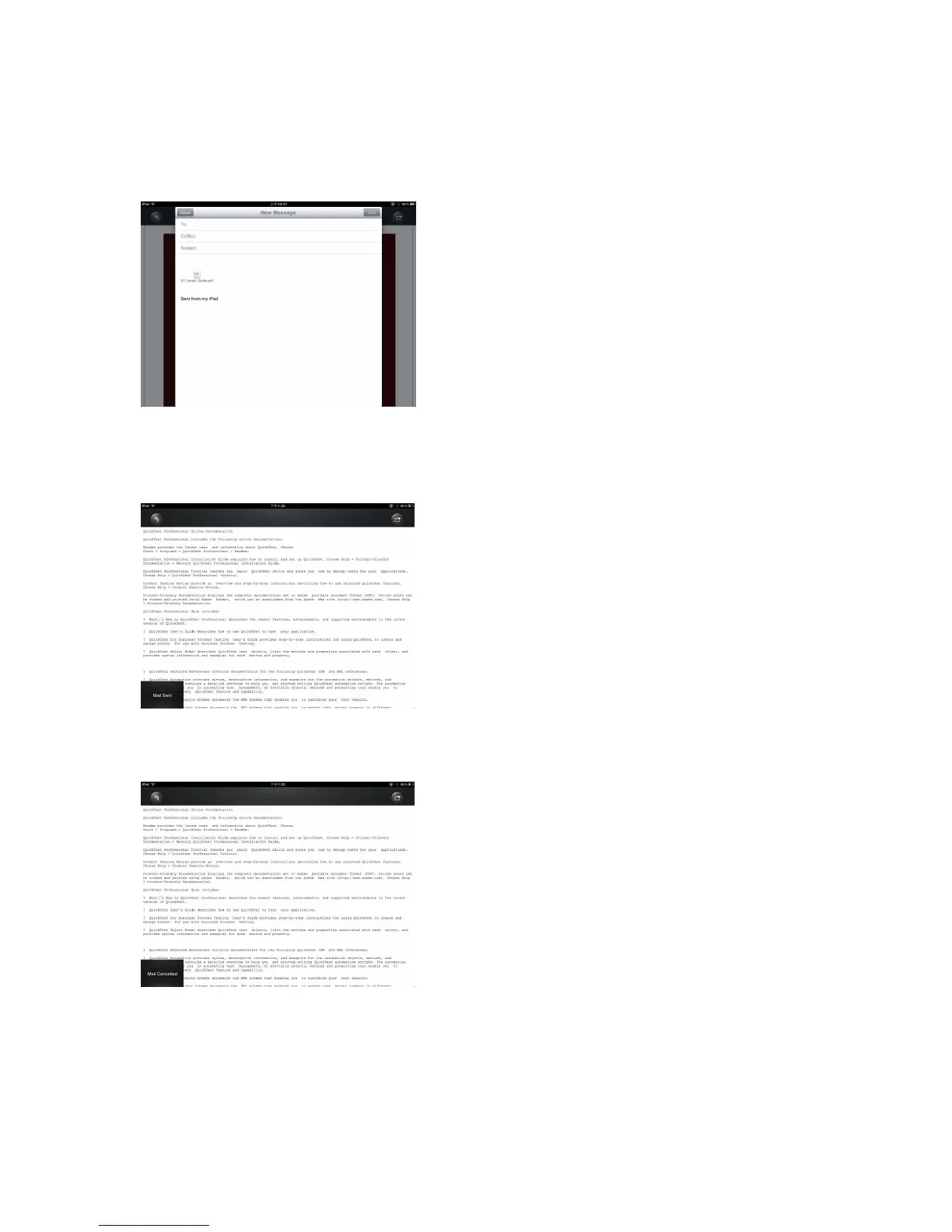
Click the “E-Mail” button, the default email app will launch automatically and the selected
document will be sent as an attachment.
Once the email is sent, there will be a message “Mail Sent” located at the lower-left
corner of the screen. This is an indication that the email was sent successfully.
“Mail Canceled” message will appear at the lower-left corner of the screen when the
email is canceled. See the screen shot below.



 To Next Page