44
Copy button - to copy file or files and paste them into another folder.
Move button - to move a file or files from one location to another.
Download button - to download a file or files to a specific location. If the software
installed on your computer supports a specific file type, this file will automatically be
openned.
Note: Downloading a folder or folders is currently not supported.
Delete button - to delete a file or files.
Renaming button - to make name modification or changing the file name.
8.1.2. Context Menu
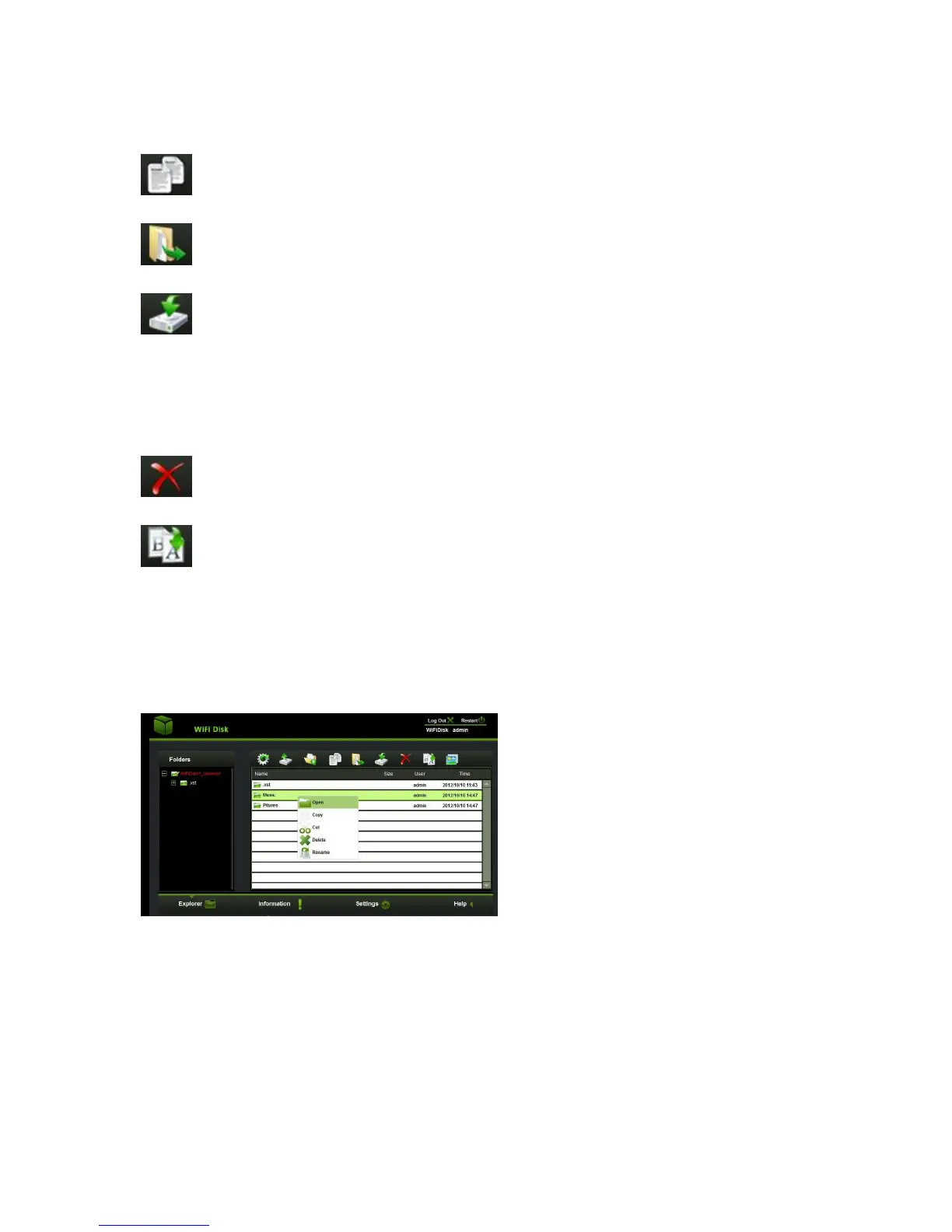
1. On the file level, you can right-click using your mouse and a pop-menu will
appear. You can Copy, Cut, Delete, Rename or Download as seen on the screenshot
below.



 To Next Page