49
8.3.1. User
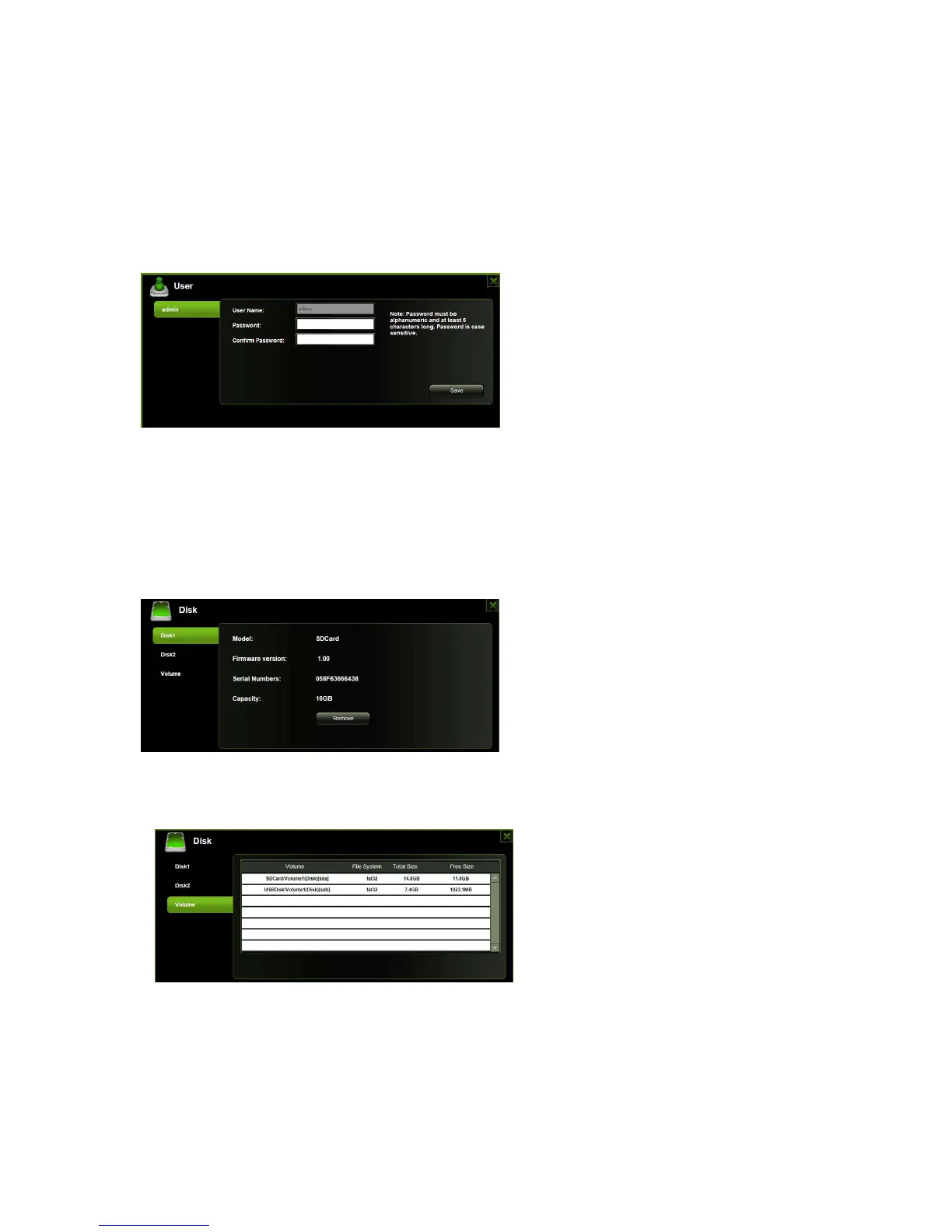
Click on the “User” thumbnail. This window will allow you to modify the admin password
as seen on the screenshot below. The password should have minimum 5 characters and
maximum 32 characters. Click on the “Save” button the password has been changed.
The default User Name is admin and no password is assigned. Click on the “X” to cancel
and exit.
8.3.2. Disk
Click on the “Disk” thumbnail. This window provides information about the internal hard
drive as seen on the screenshot below. It provides detailed information including firmware
version, serial number, disk total capacity and more.
As seen on the screenshot below, the Volume screen provides information about the File
System of the internal hard disk drive as well as total and available capacity.
,
Click on the “X” to exit.



 To Next Page