3. Functions
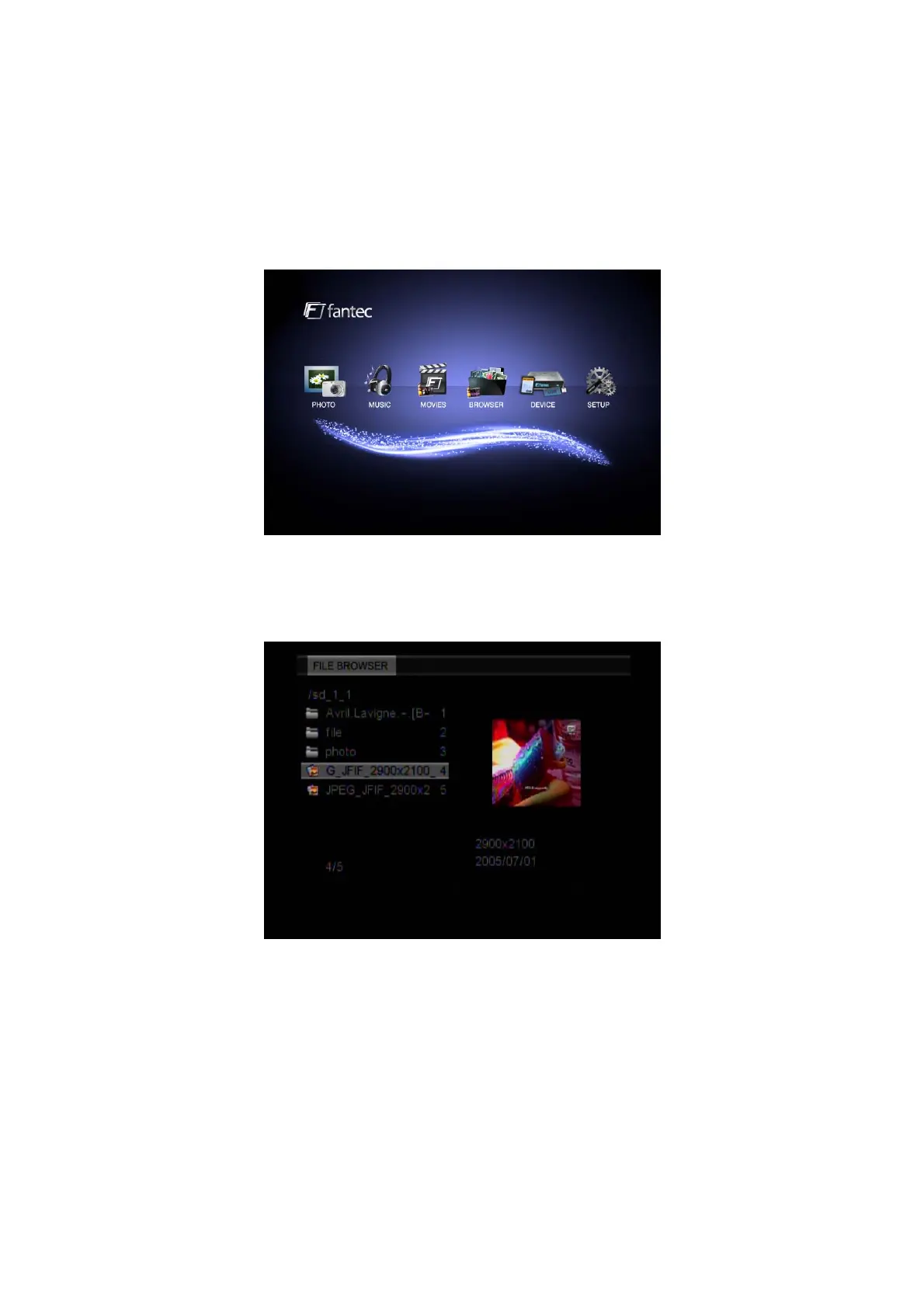
3.1 Main Interface
The main interface contains: PHOTO, MUSIC, MOVIE, BROWSER, DEVICE and SETUP.
3.2 Photo Playback
Enter the Photo menu, to display the supported image files and folders. Please go to SETUP /
Slide Modes to select your preferred display. The player supports JPG / JPEG files.
Select an image file to open the file. You can change the slideshow setting in Setup.
You can use the following functions during playback:
z Direction Button: Press UP/DOWN/LEFT/RIGHT button to change the view (Rotate, Flip
Vertical or Horizontal).
z ZOOM: Press this button to activate the zoom mode.
z REPEAT: Select to choose between TRACK, FOLDER and ALL.
z SLIDE: Press this button to activate the slideshow mode with background music.
z STOP: Press this button to stop the playback and return to the photo menu.
z OPTION: Press this button to open tool bar.
EN 17 / 28



 To Next Page