Press the navigational buttons to select options while navigating the DVD root menu.
You can use the following functions during playback:
z HOME: Press to return to the root menu during playback.
z OPTION: Press to activate/hide the tool bar during playback.
z PREV/NEXT: Press to go to previous/next chapter.
z STOP: Press to stop the playback.
With the buttons in the tool bar, you can switch the audio languages, subtitles, etc.
Note: The VIDEO_TS and AUDIO_TS folder need to be copied into the same DVD folder on
your HDD. If no AUDIO_TS folder is present at your DVD, please create it yourself afterwards.
3.6 Storage device
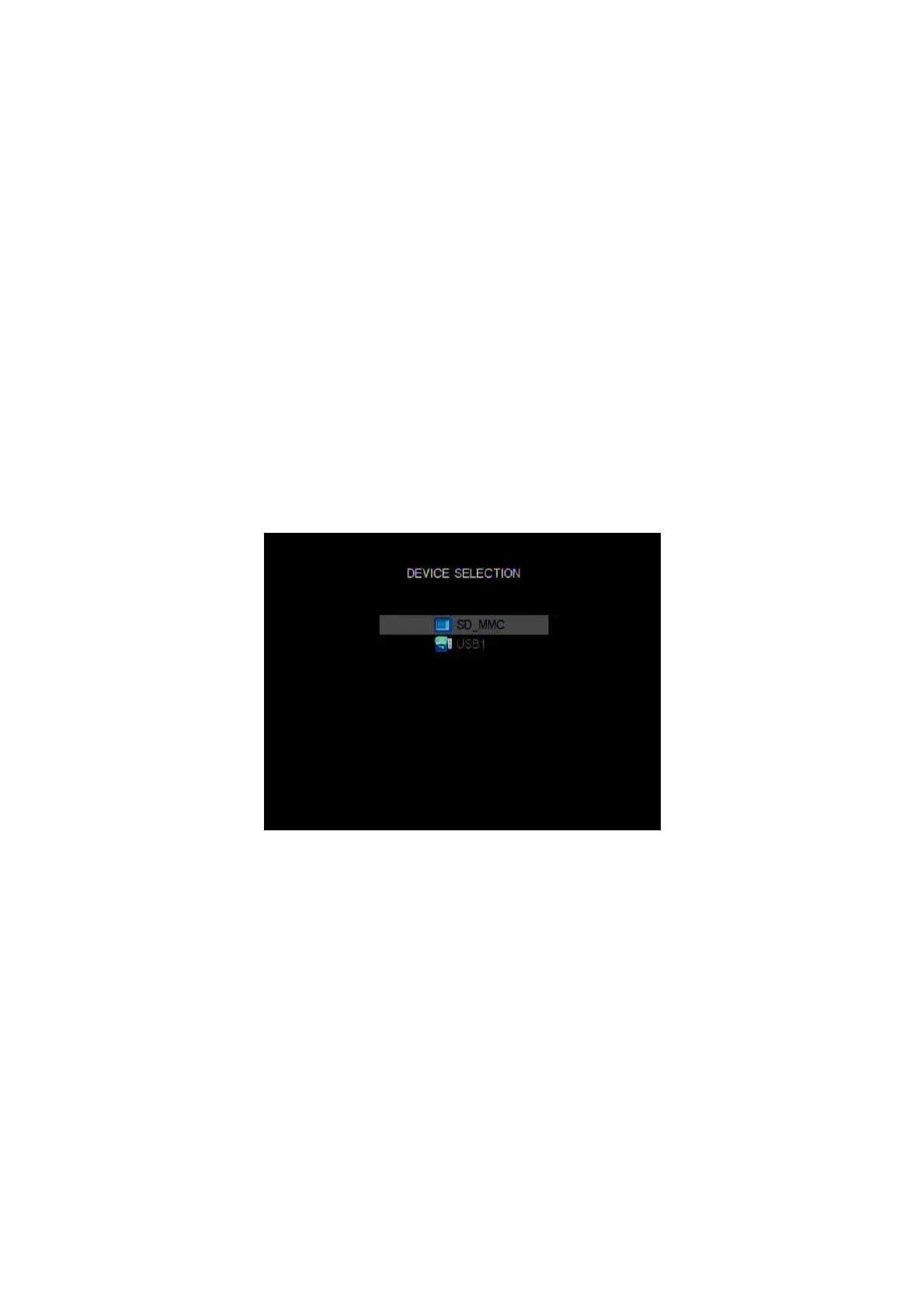
In the main menu, press the DEVICE button on the remote control to enter the storage device
selection menu. If there is more than one partition on your device, you can select the specific
partition you want.
EN 20 / 28



 To Next Page