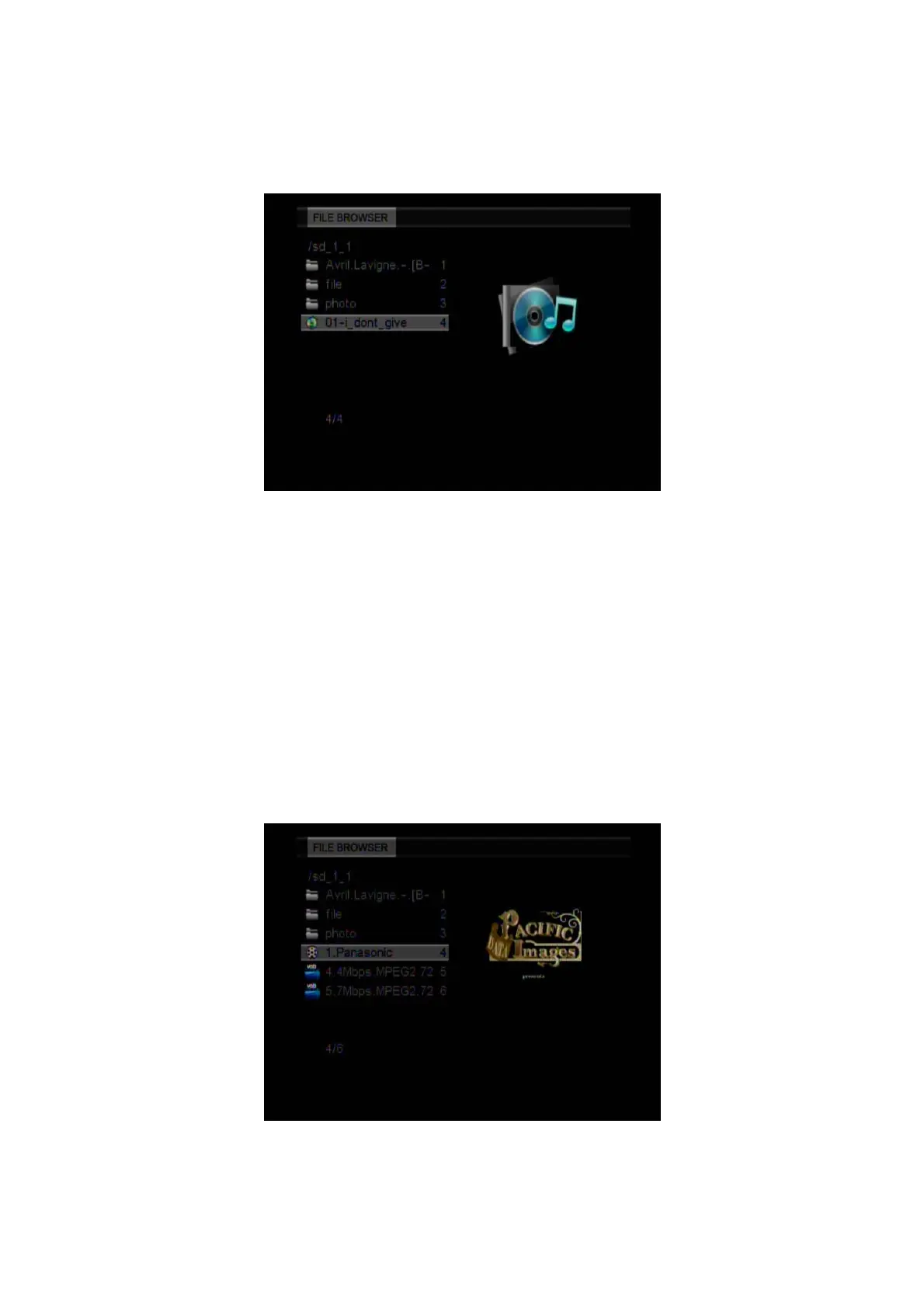
3.3 Music Playback
Enter the Music menu, to display the supported audio files and folders. This player supports
MP3 and WMA audio files.
Select an audio file to start playback.
You can use the following functions during playback:
z PLAY/PUASE: Press this button to play/pause the playback.
z FR/FF: Press to fast reverse/fast forward the current playback. Press repeatedly to select
speed (2x/4x/6x/8x/16x/32x).
z REPEAT: Select to choose between TRACK, FOLDER and ALL.
z STOP: Press to stop the playback and return to the audio menu.
z OPTION: Press to open tool bar.
3.4 Movie Playback
Enter the Movie menu, to display the supported movie files and folders. This player supports
DAT, VOB (DVD), AVI, MPG, Dvix and Xvid video files.
Select a video file to start playback, due to size of the video, the loading process might take a
while.
EN 18 / 28



 To Next Page