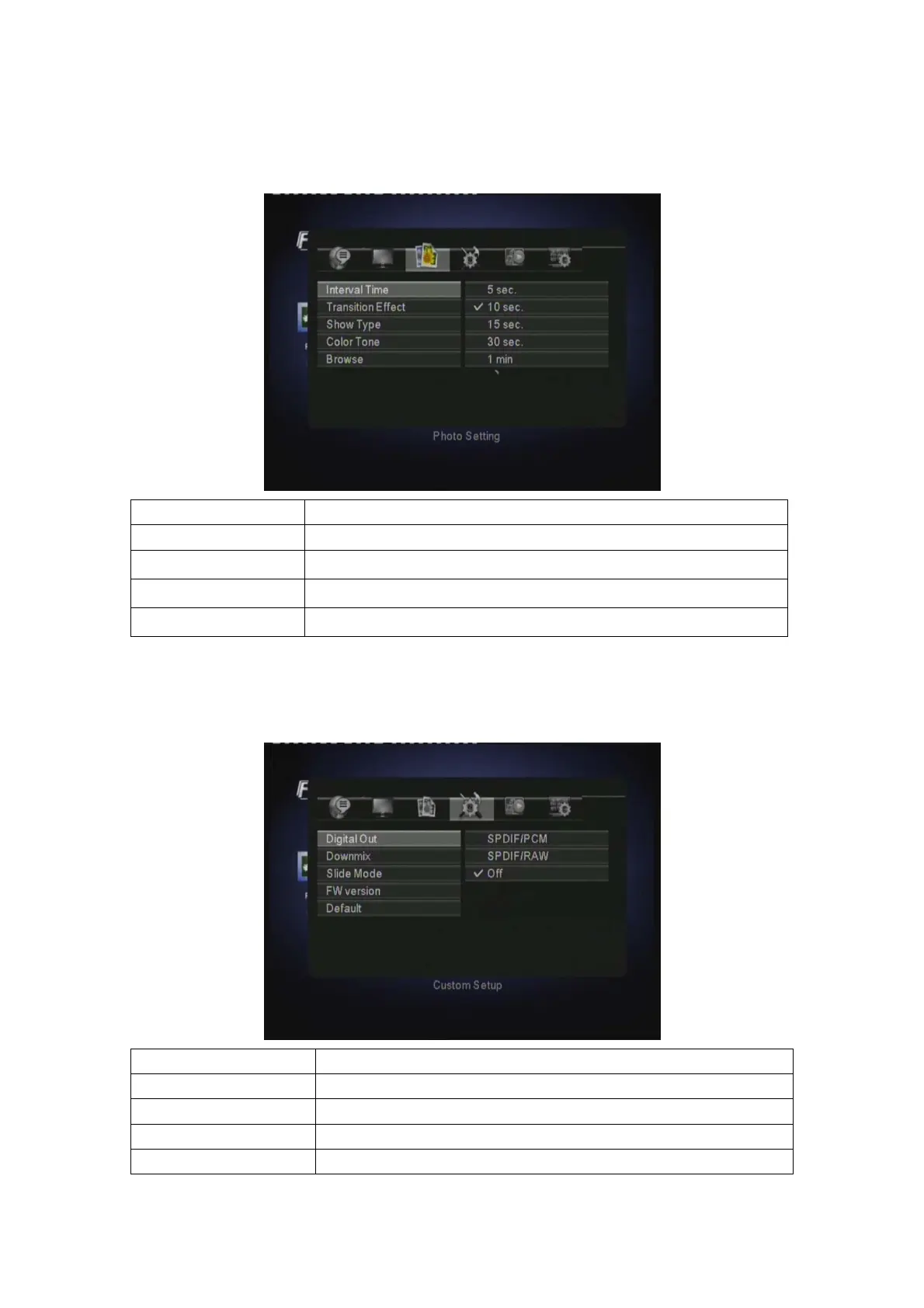
3.7.3 PHOTO SETUP
Select PHOTO SETUP to setup INTERVAL TIME, TRANSITION EFFECT, SHOW TYPE,
COLOR TONE and BROWSE.
INTERVAL TIME 5 Sec, 10 Sec, 15 Sec, 30 Sec, 1 Min, 3 Min, Off
TRANSITION EFFECT Select to set the transition effect for photo slide show.
SHOW TYPE Fit Screen, Full Screen
COLOR TONE Normal, Black & White, Classic
BROWSE Thumbnail, File Manager
3.7.4 Custom SETUP
Select Custom SETUP to setup DIGITAL AUDIO MODE, SLIDE SHOW MODE, FW VERSION
and DEFAULT.
DIGITAL AUDIO MODE SPDIF/PCM, SPDIF/RAW, OFF
Downmix Lo/Ro (Left only / Right only), Lt/Rt (Left / Right)
SLIDE SHOW MODE FOLDER, ALL FILES
FW VESION Show the FW version
DEFAULT Select to restore factory defaults.
EN 22 / 28



 To Next Page