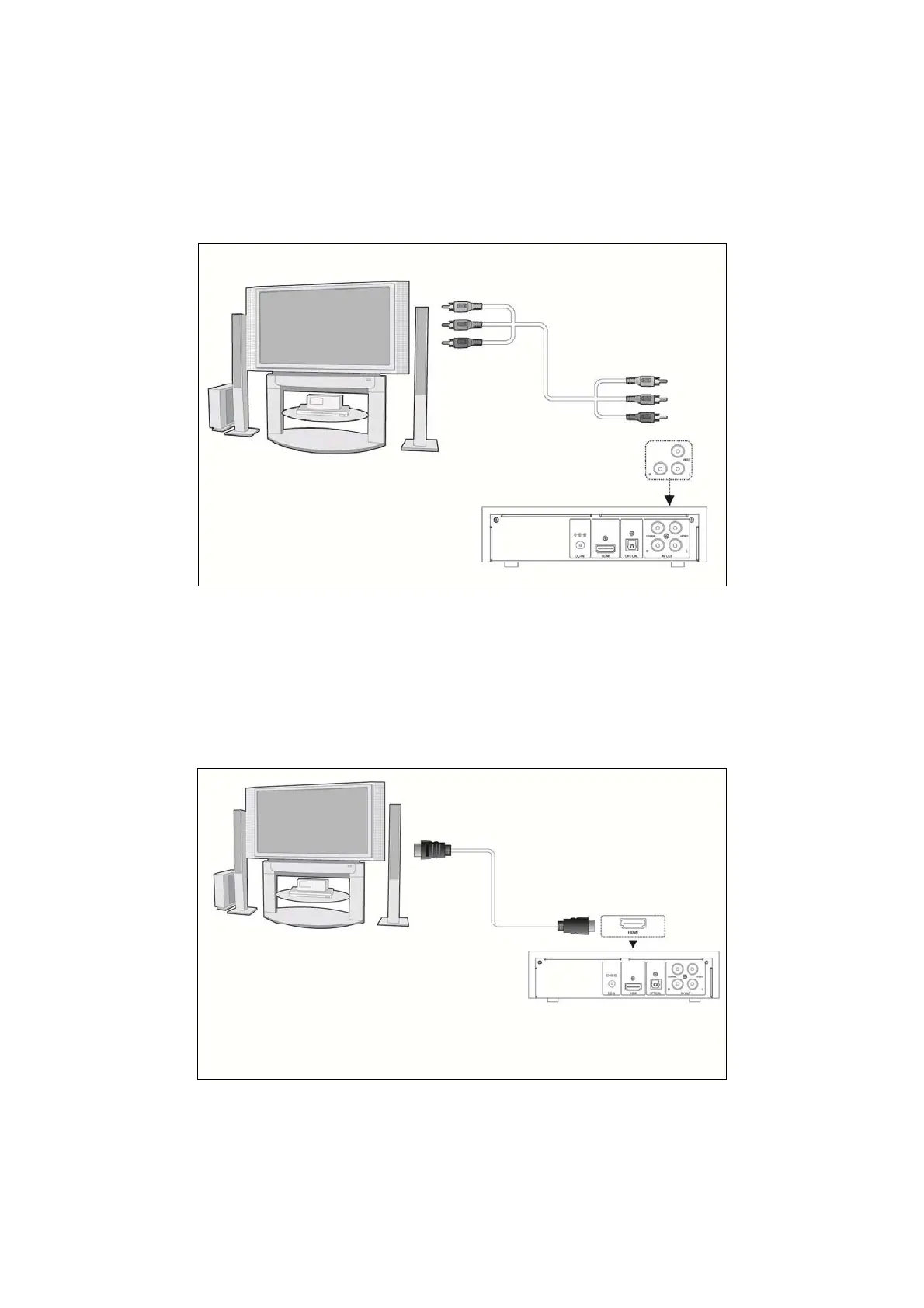
1.4.4 TV connection
1.4.4.1 A/V OUT
(1) Follow the picture and plug in the 3 color connector to the player’s A/V OUT jack;
(2) Follow the picture and plug in the 3 color connector to the TV’s A/V IN jack.
In this way, you can also enjoy videos, music, and photos in the player on TV.
1.4.4.2 HDMI OUT
(1) Follow the picture and plug one connector on your HDMI cable to the player’s HDMI jack;
(2) Follow the picture and plug the other connector on your HDMI cable to the TV’s HDMI jack.
(HDMI cable is not supplied)
In this way, you can have the highest quality video and audio via a single cable.
EN 9 / 28



 To Next Page