5
HOW TO SELECT A LANGUAGE
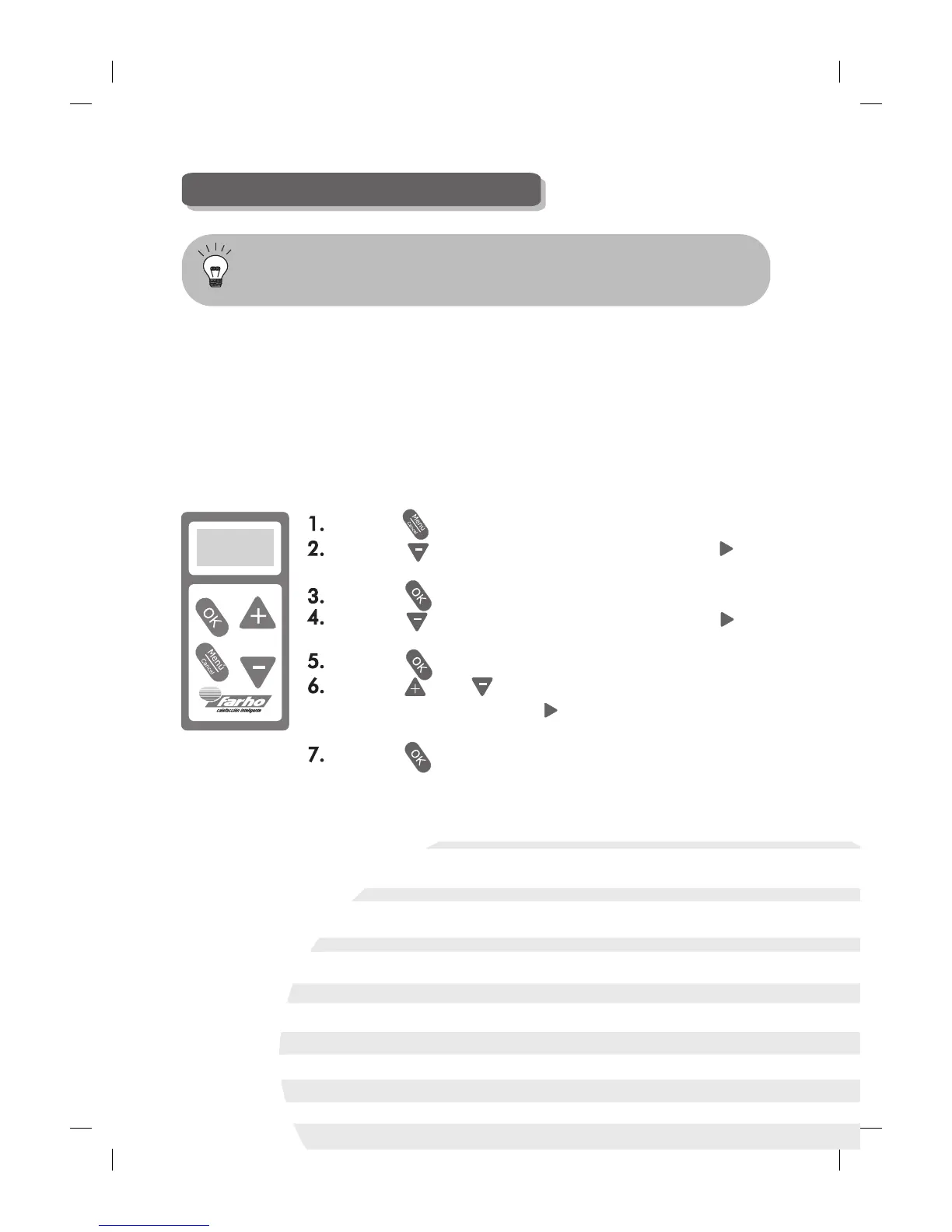
Press the key.
Press the key ONCE, which will make the “ ”
indicator position itself in front of “Settings”.
Press the key.
Press the key ONCE, which will make the “ ”
indicator position itself in front of “Languages”.
Press the key.
Press the and keys in order to scroll down the
menu, and position the “ ” indicator in front of the
desired “Language”.
Press the key.
Go to the “Settings” menu and select the language you
require in the “Language” section.
The FARHO XANA PLUS model enables you to select the language that
best suits you as regards handling the radiator. The following languages
are available in this model: Spanish, Catalan, Basque, Galician,
German, French, Hungarian, English, Italian and Portuguese.
Follow the steps below to change the menu language:


 To Next Page