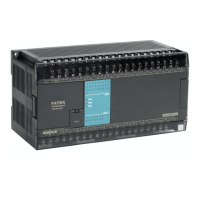
FB Series SIO Driver
GP-Pro EX Device/PLC Connection Manual
23
Settings of External Device
Use the ladder software (WinProladder) for communication settings. After completing the settings, reboot the
External Device to enable them. Refer to your External Device manual for details.
1 Start up the ladder software (WinProladder).
2 Select [Setting] - [Port 3 Parameter] from the [PLC] menu.
3 In the [Comm. Parameter Setting] dialog box, set the following parameters.
4 Click [OK] to complete the port settings.
Item Settings
Baud Rate 9,600
Parity Even parity
Data Bit 7 bits
Stop Bit 1 bit



 To Next Page