12
11. Turn on
Assioma PRO MX automatically turns on by manually
rotating the sensor or when you start pedaling, and
automatically turns off after 5 minutes of inactivity to
safeguard the battery duration.
When using Assioma PRO MX for the rst time, you
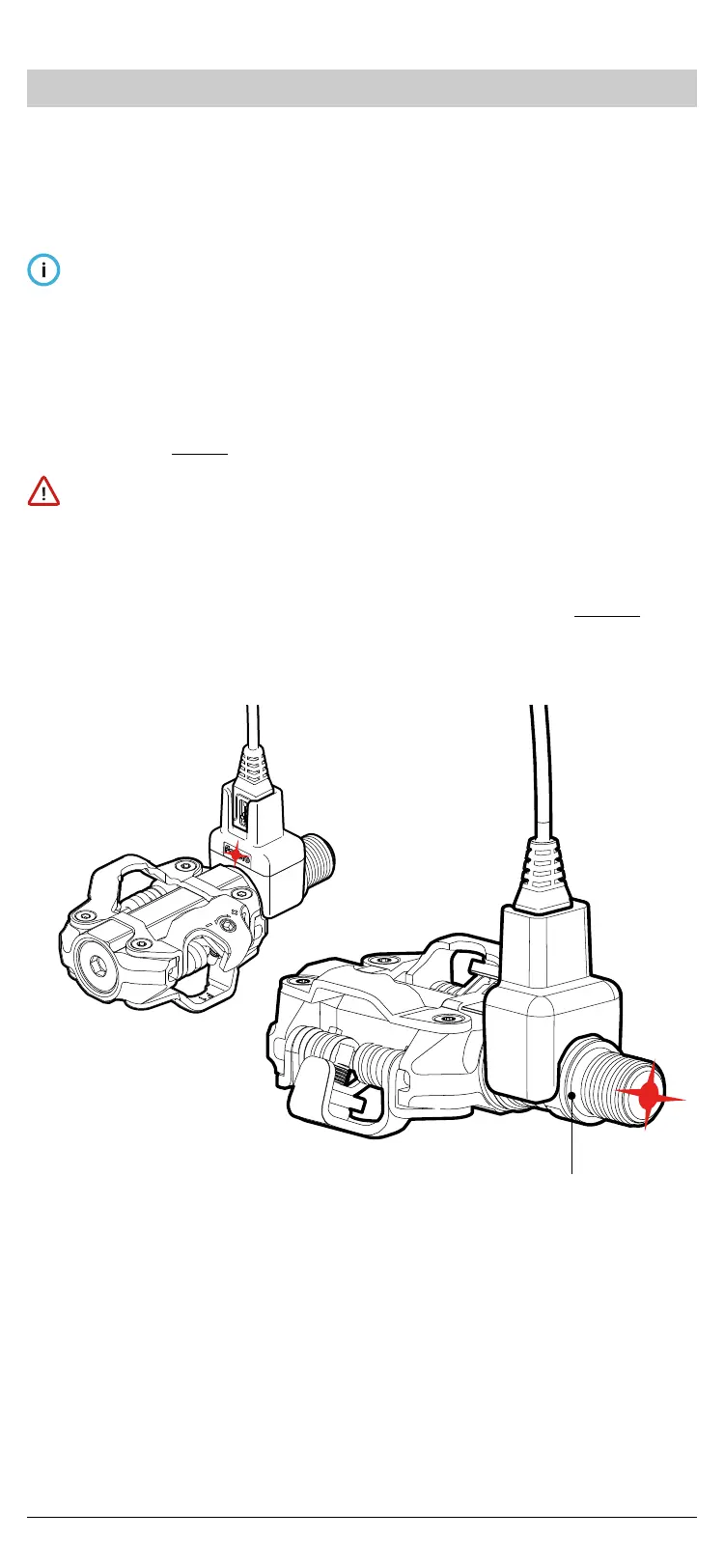
must turn it on by plugging it into a charger plugged
into a socket.
The same procedure is necessary to exit the “travel
mode” through the Favero Assioma app.
If you don’t see the LEDs blinking, charge the battery as
indicated in Ch.17.
Always clean the golden contacts present both on the
sensors and the magnetic connectors with a damp cloth
before charging to safeguard the correct functioning of
the product.
To learn more about the LEDs’ behaviour, see Ch. 21.
Charging LED
Fig. 14


 To Next Page