FCAR Series Product Operation Manual Instruction
18
The Bluetooth indicator on the VCI box is green, as shown in the following figure.
Second: Connect the host and VCI box via USB data cable
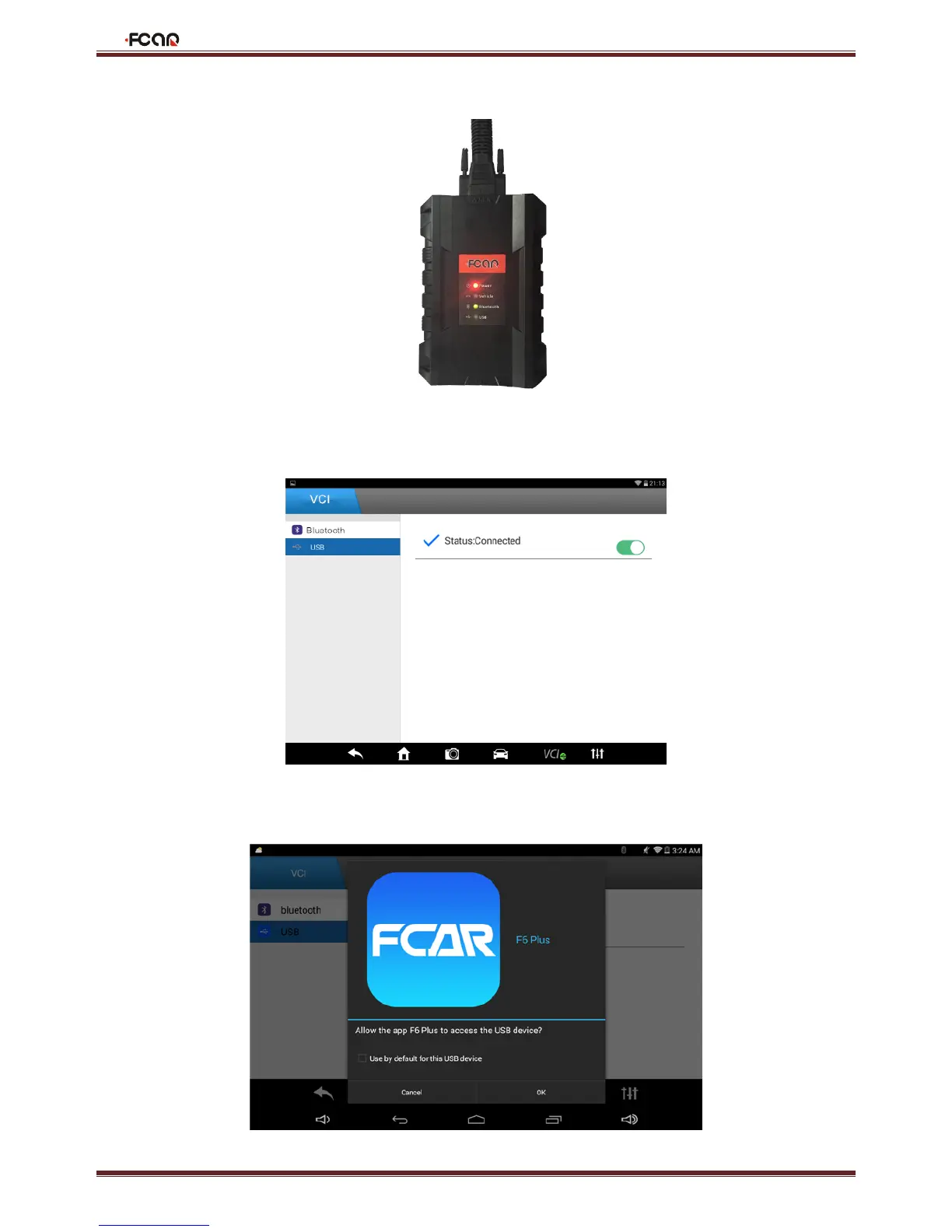
1. Select USB, status is "ON"; connect the VCI box and the F6 Plus main unit with the USB cable in the package.
2. It will suggest whether to use USB to connect F6 Plus, please click "OK";



 To Next Page