Document Number:
MAN – FDDOCAPSULE
Revision Date:
12/09/2016
Page 16 of 37
© 2016 FDS Avionics Corp.
All Rights Reserved.
TECHNICAL SUPPORT
470-239-7421 or FDSAvionics.com
Moving Map (Bulkhead Operation)
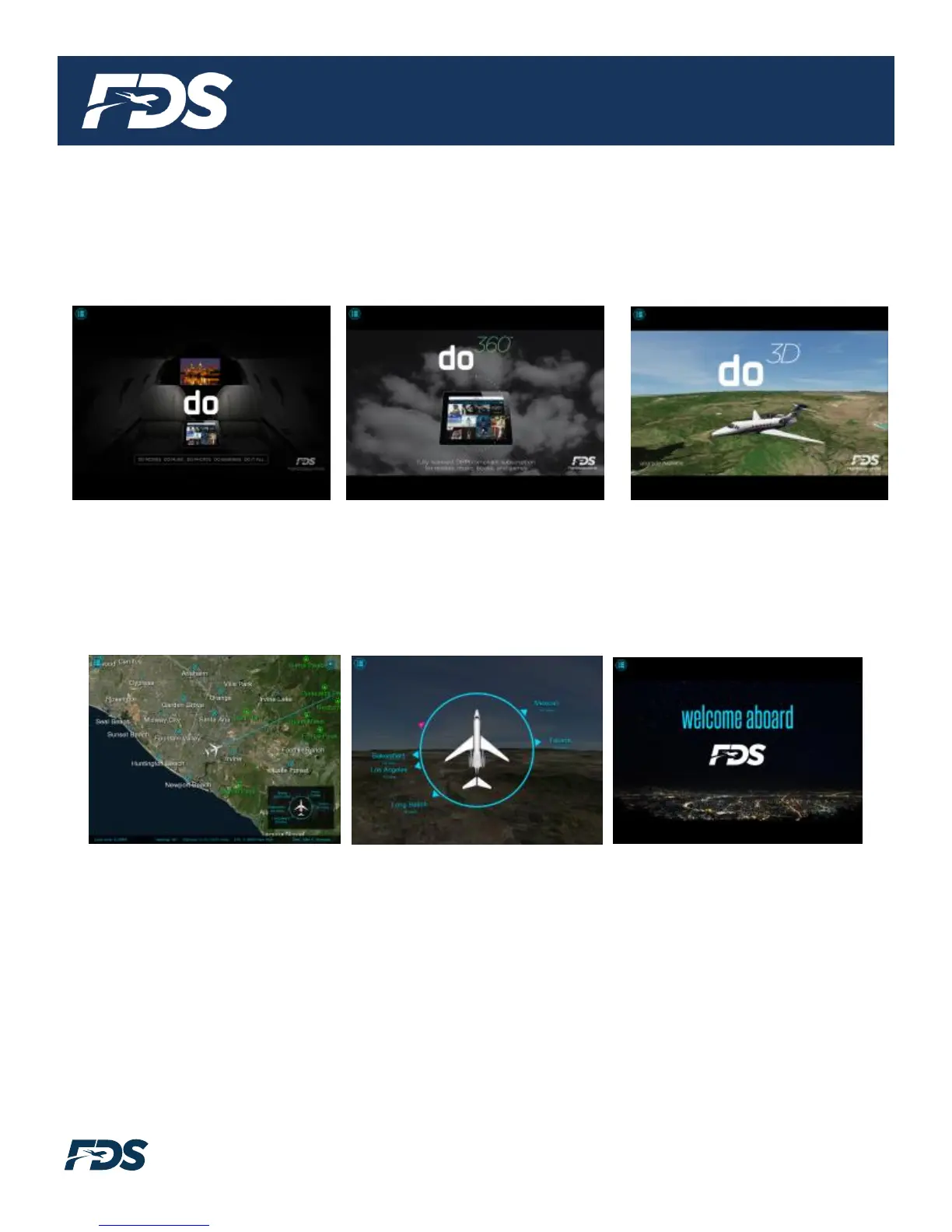
When the FDS do2D Moving Map starts, the application will start in an initialization mode until a valid
present position is obtained from aircraft’s avionics systems. During the initialization mode, three
screens will continuously cycle: do, do360, and do3D.
Once a valid position is obtained, the map will transition from the initialization mode to the preflight
mode. In this mode, there are three screens visible by default: a single map view (low zoom level),
the relative locator page, and the pre-flight splash page. The pre-flight splash page can be
customized for a fee. Contact the FDS sales department for more information.
Once the aircraft reaches the inflight startup speed (50 knots for fixed wing and 15 knots for rotary
aircraft), the moving map transitions to the inflight mode. This is the mode that is utilized for the
majority of the flight. In this mode the pages cycle through the default pages and map zoom levels.
There are nine available map zoom levels and four “feature pages” including the Instrument Panel,
Flight Data Page, Relative Location Indicator, and the World Clock view.


 To Next Page