Document Number:
MAN – FDDOCAPSULE
Revision Date:
12/09/2016
Page 9 of 37
© 2016 FDS Avionics Corp.
All Rights Reserved.
TECHNICAL SUPPORT
470-239-7421 or FDSAvionics.com
Operation Instructions
When applying 28VDC power, the do CAPSULE will turn on and takes roughly 90 seconds to
boot. At this time, media can be accessed and streamed using the web browser interface.
The do CAPSULE is continuously on but can be de-energized by removing power from the
cabin entertainment system. Pressing the power button on the front of the unit will power down
the CPU. The power indicator illuminates when the do Capsule is on. The fans are controlled
by software and will start based on the unit’s internal temperature.
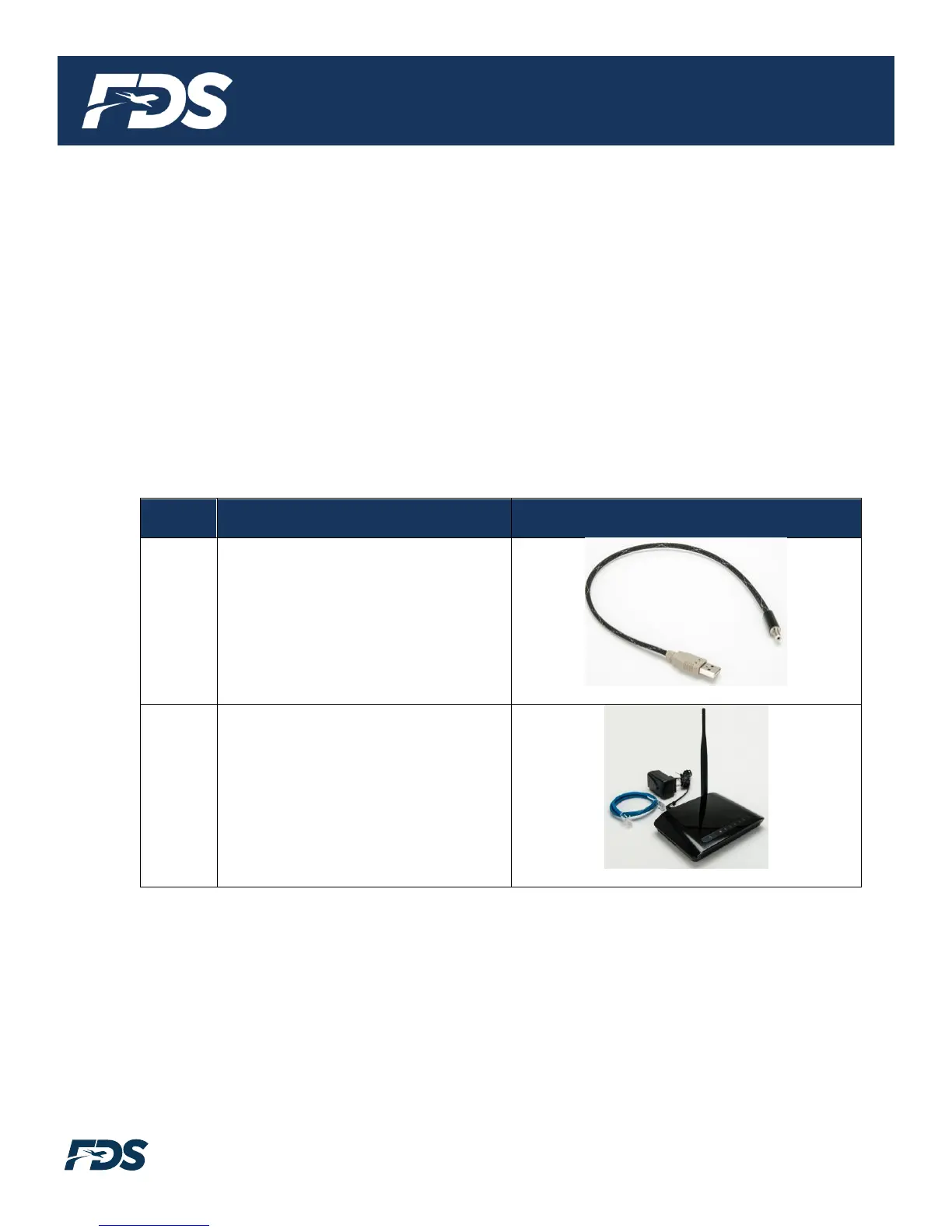
FDS Avionics supplies a test Wi-Fi router that can be used to test the system. This router is
included in the installation kit which is sold separately (P/N: FDDOCAP-ACCESSORY).
The FDDOCAP-ACCESSORY kit includes the following:
650-00801-00
USB to WIFI Router Power Cable
505-00068-00
Router, Wireless, 4 Port


 To Next Page