Document Number:
MAN – FDDOCAPSULE
Revision Date:
12/09/2016
Page 19 of 37
© 2016 FDS Avionics Corp.
All Rights Reserved.
TECHNICAL SUPPORT
470-239-7421 or FDSAvionics.com
Moving Map (Client Operation)
The FDS Avionics do CAPSULE client application gives the user the ability to interact and explore the
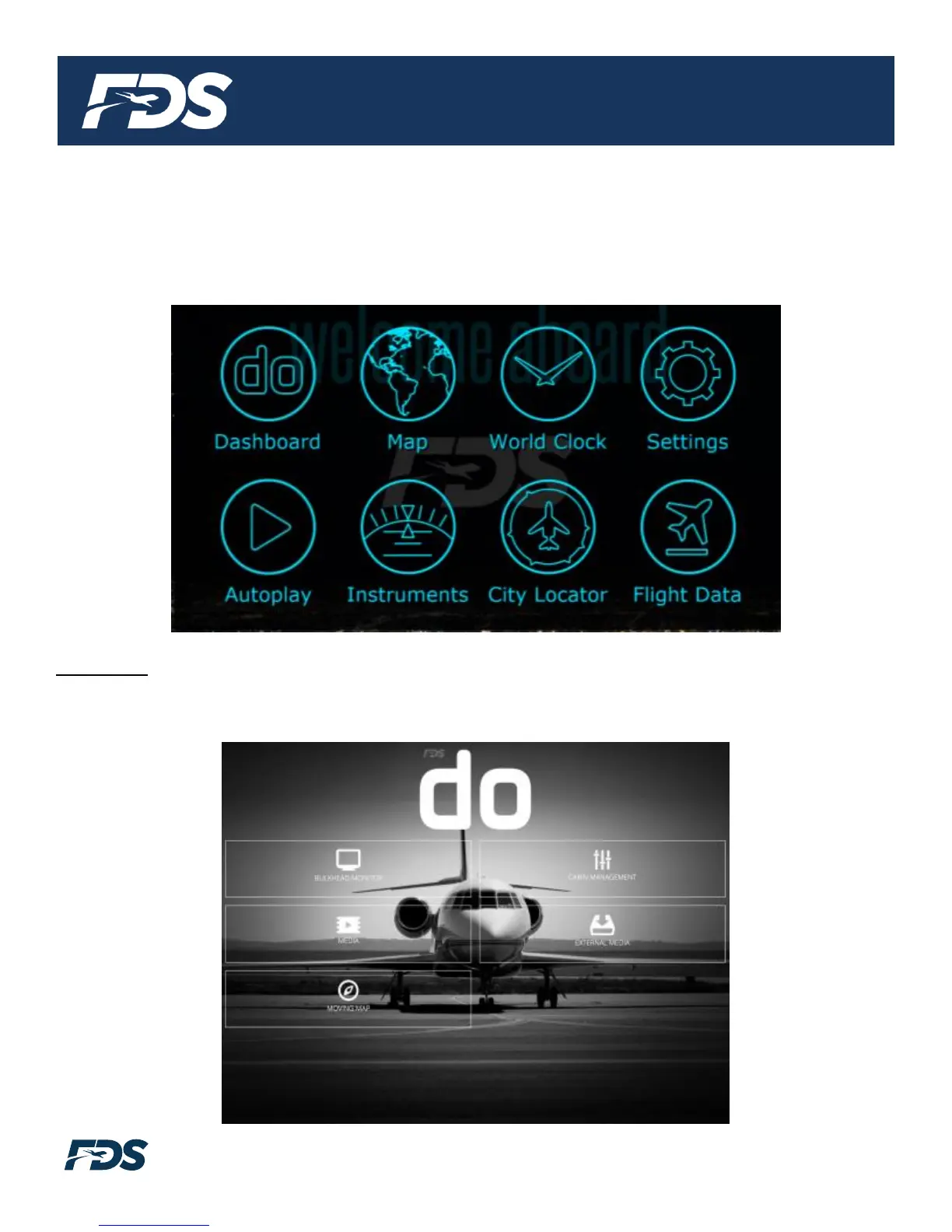
FDS Moving Map. Pressing the menu button in the top left hand corner brings up the navigation
menu. There are eight buttons available in the navigation menu.
Dashboard – This button returns the user to the FDS Avionics do CAPSULE dashboard: Media
Content, Moving Map, Bulkhead Monitor Control, and the Smart Cabin CMS interface (where
applicable).


 To Next Page