Quick Installation Guide 4
Step 3: Connect the Printer
to Your Computer
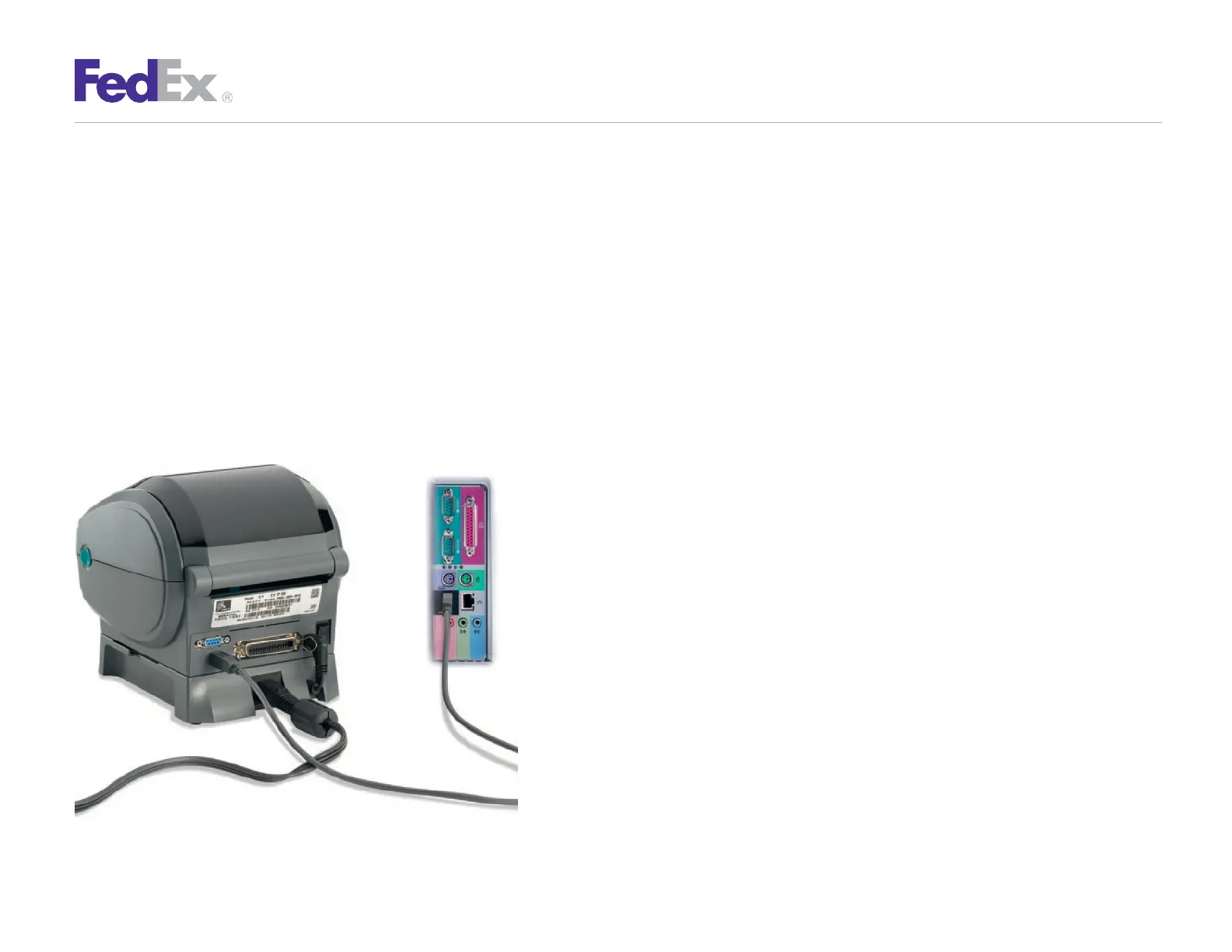
Turn off your computer and the printer before
connecting the supplied USB cable to a dedicated USB
port on the printer.
Be sure to thread the USB cable through the strain relief clip
before connecting it to the printer. Then connect the USB
cable from the printer to a dedicated USB port on the
computer.
Step 4: Turn Your Computer On
After connecting the printer, turn your computer
on, but do not turn the printer on yet.


 To Next Page