Video/Audio input, power supply
Long press to Turn ON/ OFF
power
Type-C 2
Video/Audio input, power supply
Indicator Light
Green color : detected
input signal
Red color: w/o input signal
Mini HDMI
Video/Audio input
Type-C 3
Connect with keyboard/ Mouse
>
Backlight shortcut press(OSD w/o
display); Increase, Next
<
Volume shortcut press (OSD w/o
display; Decrease, PREV
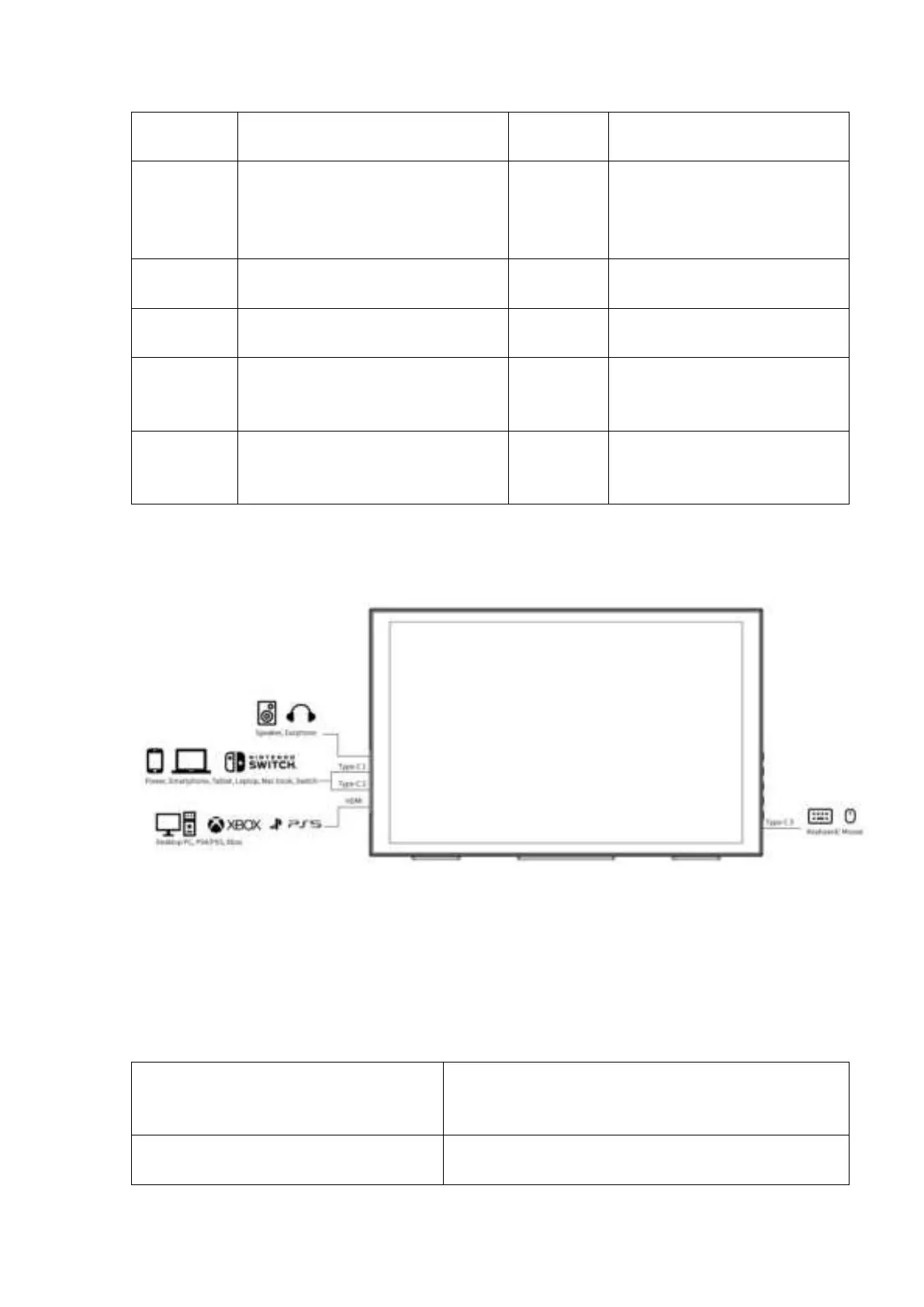
2. Ports Connection
Note: Phone for IOS system, MAC notebooks (without HDMI interface)
need to use adapter devices, such as Lightning to HDMI cable
3. Supported Phone Model
Mate10, Mate10 Pro, Mate20, Mate20 Pro,
Mate20 X, Mate30, Mate30 Pro, P20, P20 Pro,
P30, P30 Pro, P40, P40 Pro



 To Next Page