S8, S8+, S9, S9+, S10e, S10, S10+, S20,
S20+, Note8, Note9, Note10, Note10+, A90
5G, Galaxy Fold, Galaxy Fold2 5G, Tab S4, Tab
S5e, Tab S6
Razer Phone, Razer Phone2
Tips: the smartphone can be compatible which equipped with USB-C port
and supports DP output function , not limited to the listed models.
4. Button Shortcut Operation Instructions
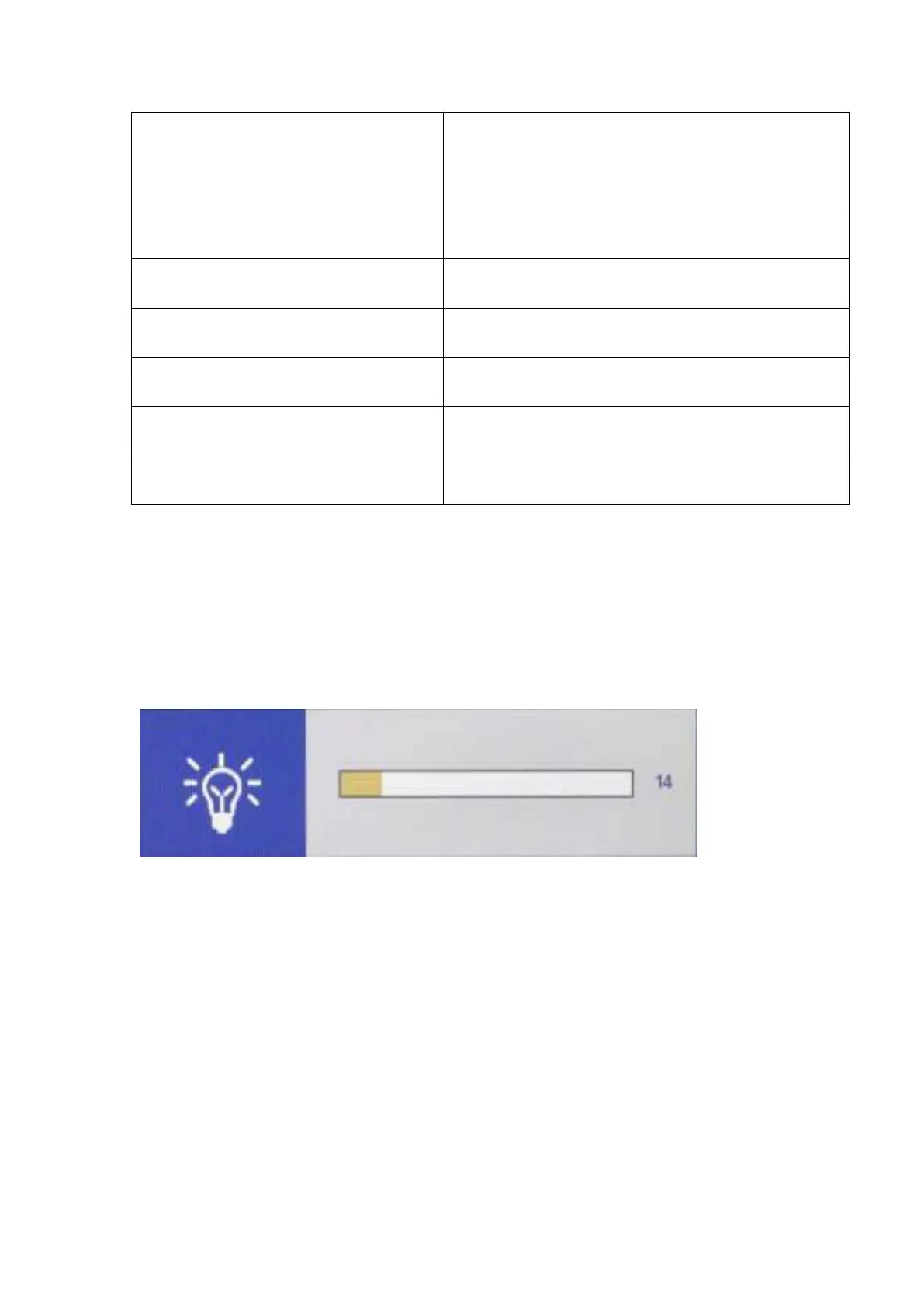
Press > key to bring up the backlight adjustment item, press the </>
key to adjust the analog value, after the adjustment, press EXIT key to
exit.



 To Next Page