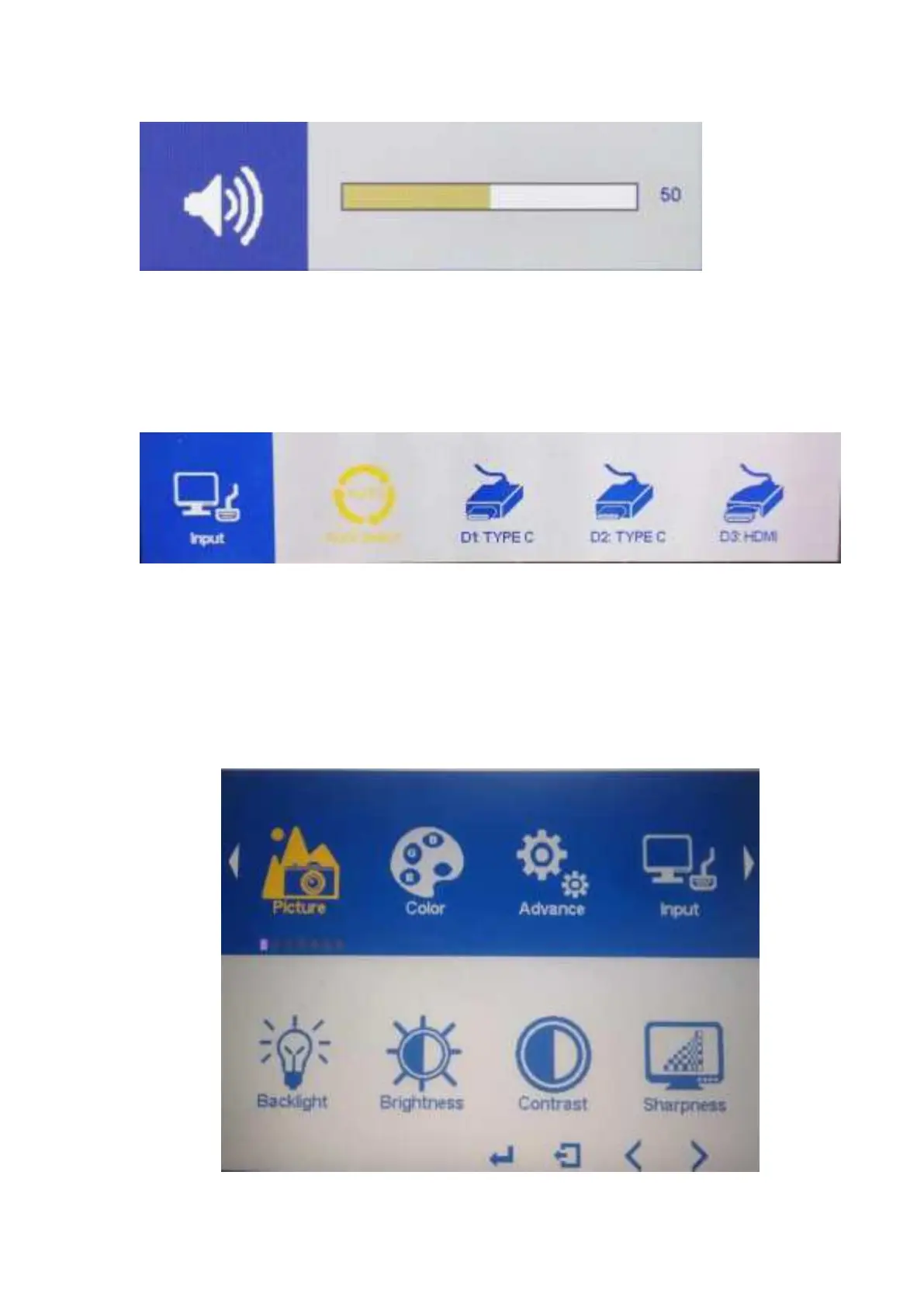
Press < key to bring up the volume adjustment item, press the </> key
to adjust the analog value, after the adjustment, press EXIT key to exit.
Press EXIT key to bring up the Input , press the</> key to select the
signal input, press Exit key to exit
5. Menu Operation Instructions



 To Next Page