EasyManua.ls Logo

Feelworld F5 Pro V2 - 3 Menu Function Instruction

Feelworld F5 Pro V2
19 pages
Print Icon
To Next Page IconTo Next Page
To Previous Page IconTo Previous Page
Loading...
13
shortcut menu will automatically exit after about 5 seconds
without operation.
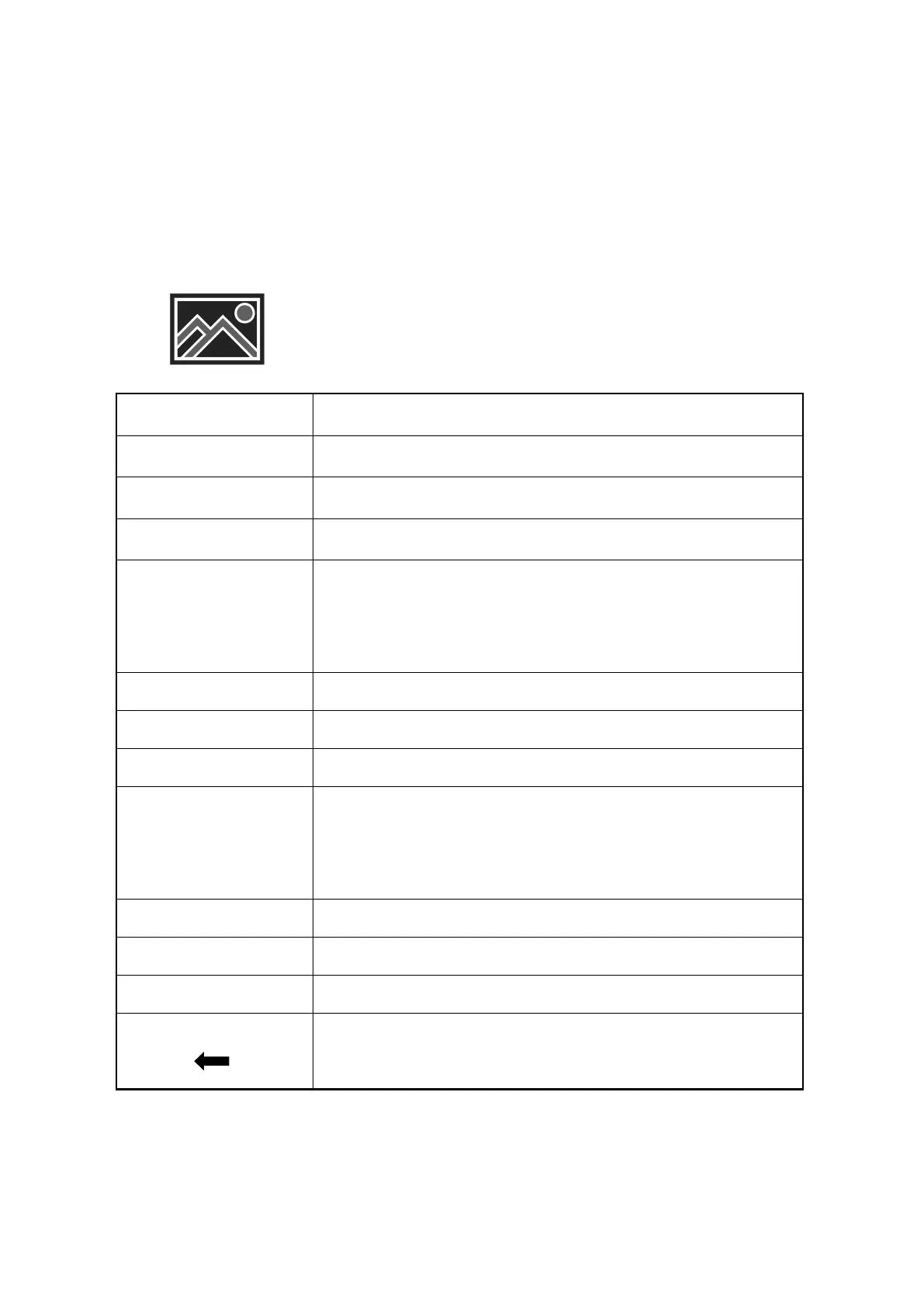
3. Menu Function Instruction
All Waves
OFF, ON
Parade
OFF, RGB, YUV, Y
Vector
OFF, ON
Histogram
OFF, ON
Focus Assist
OFF, ON
The focus level and focus color items are
displayed after the focus assist is turned on.
Focus Level
110
Focus Color
yellow, red, green, blue, white
Audio Meter
OFF, ON
Zebra
OFF, ON
The zebra value item is displayed only after the
zebra is turned on.
Zebra Value
1%100%
Monochrome
OFF, gray, red, green, blue
False Color
OFF, type1, type2
Return
Back to the previous OSD menu

Related product manuals