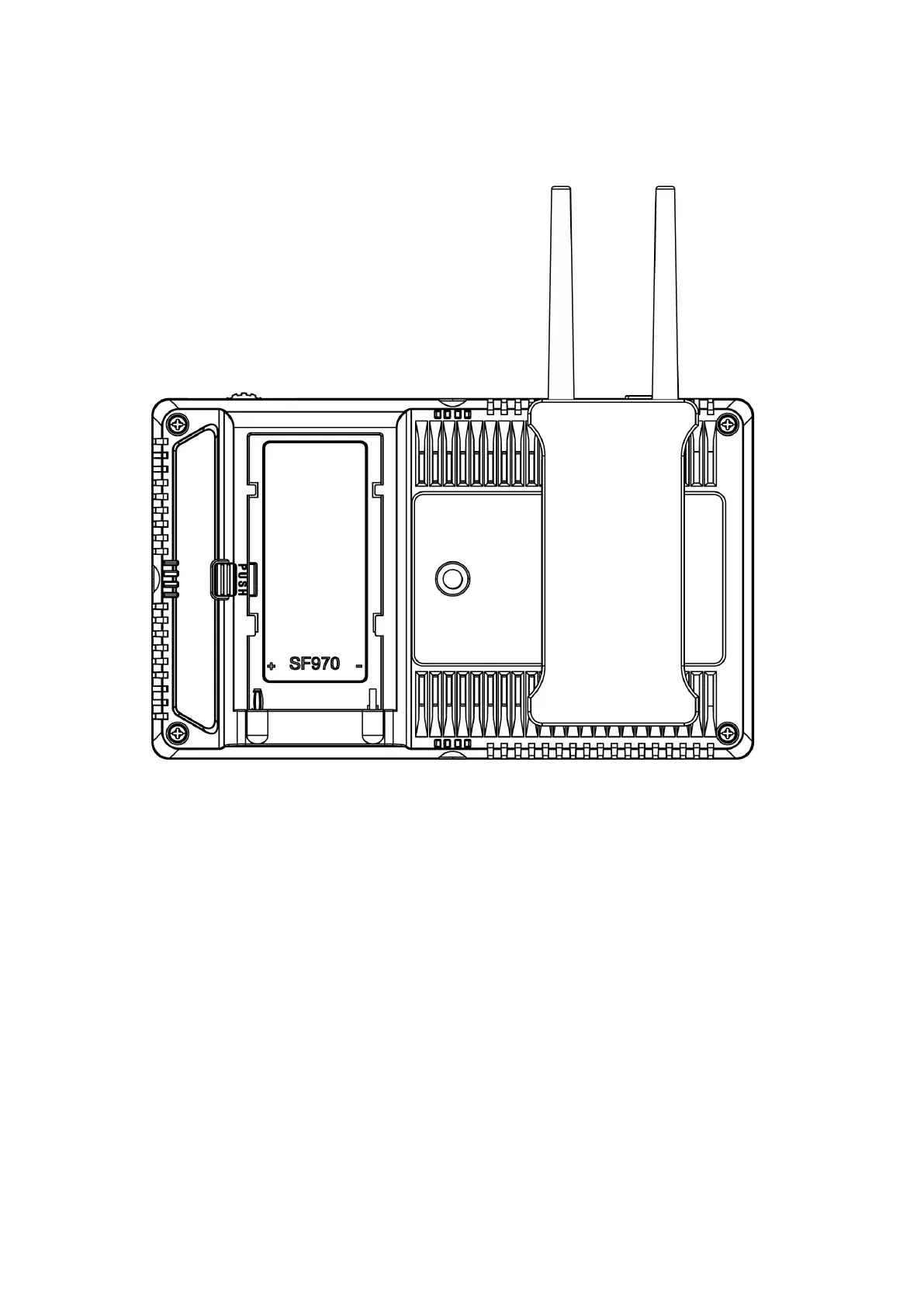
Note: Before disassembling the kit, make sure that the monitor is
turned off, and then remove the battery or power adapter.
(1) Just move the kit: Loosen 2 screws, and then adjust up / down / left / right.
(2) Steps to remove the kit:
①. Loosen the 2 screws.
②
. Use both hands to move the kit left.
③
. Move the round holes to the corresponding 2 screws.
(You can also install the kit upside down.)


 To Next Page