HARDWARE CONFIGURATION
3.1 Operating Environment
R301 supports contact smart cards and it can be used in various operating environments, including hardware
and software operating environments, thus expanding the scope of use of reader R301 Card Reader.
3.2 Hardware Operating Environment
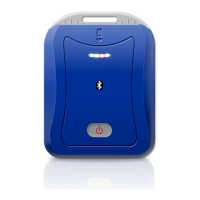
R301 Card Reader providing user with USB, it helps to make connection between PC, Android device or
other equipment more convenient. The card can be operated by local PC or Android device via R301 Card
Reader.
3.3 Software Environment
R301 Card Reader has rich software environment. It supports Android (Has not be tasted on all Android
versions or smartphones), Windows 2003Server, Windows XP (SP2, SP3), Windows 2008Server,
Windows Vista, Windows 7, Windows CE, Linux, Mac OS X 10.6 (X64)/Mac OS X 10.6 (X32)/Mac OS
X 10.5 (X32) (These systems need to install the driver first), etc.
3.4 Hardware Configuration
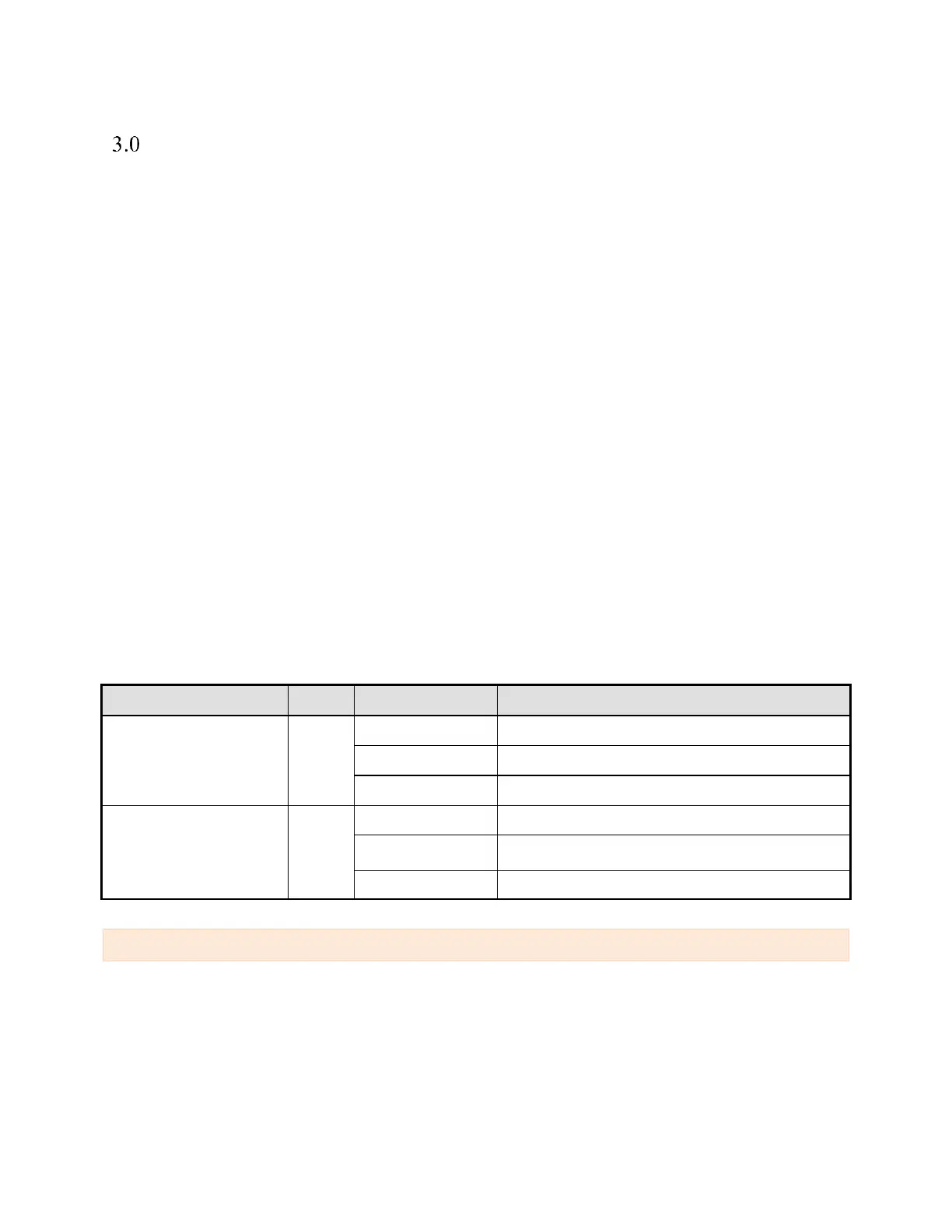
In order to help user to understand interaction between reader, device and card, the R301 Card Reader
hardware has various status of prompt information. Three LED status indicator lights is provided for the
user: red, blue, each of them representing work and charging indicator light, card detection indicator light
and data communication indicator. For details, please refer to the following table
Data communication
indicator
Exchange data between Card and reader
Note: When the program is upgraded, the indicator light (except for the charge) is flashing.


 To Next Page