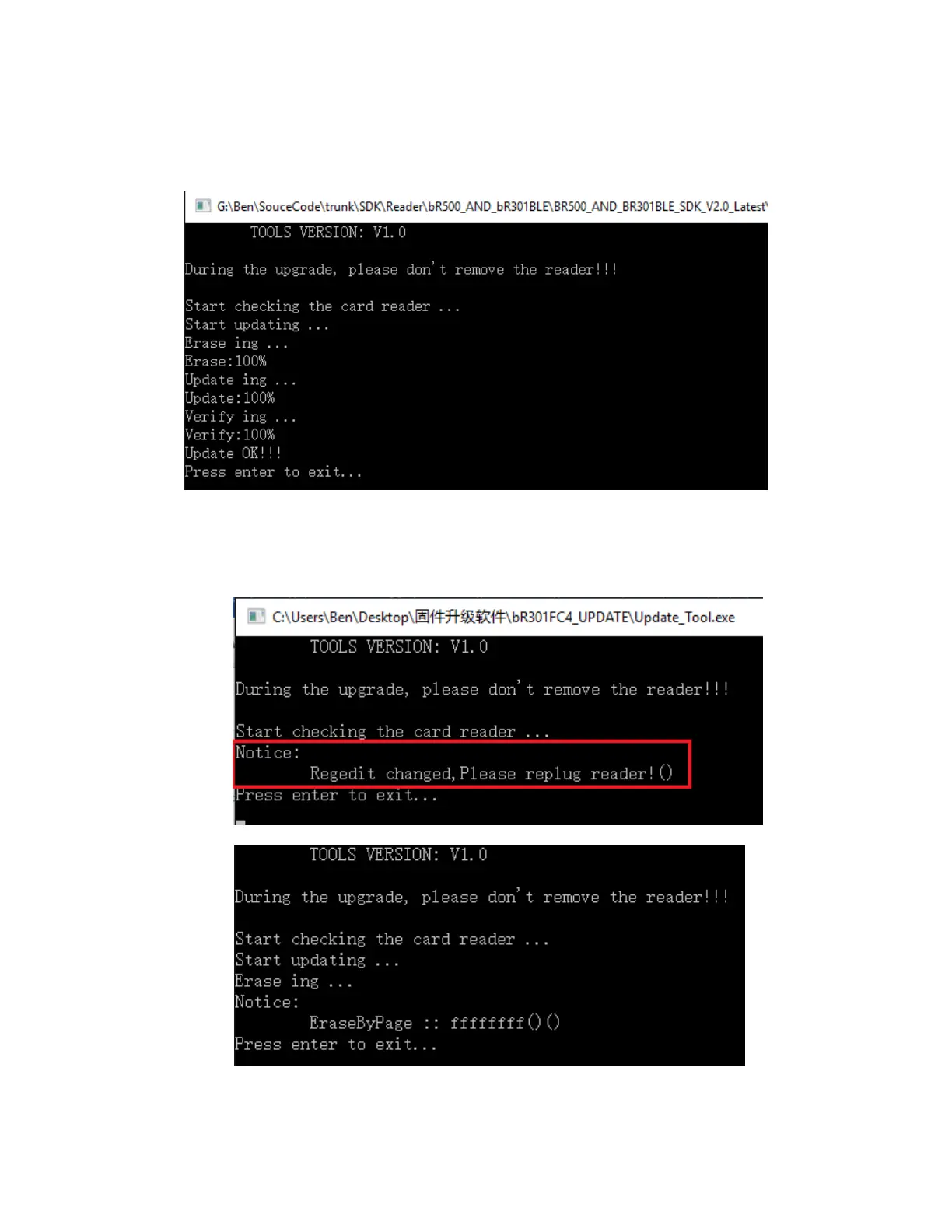
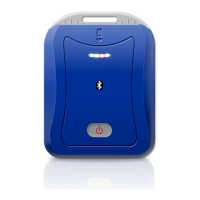
Step #2: After re-plug reader, open update tool application again and then starts updating.
The whole progress will cost around 30s. please not remove reader while in updating. If something
happens while in updating progress, please open tool and re-updating reader again.
4.3 Errors and solutions
1. If the update tool happens below error, please do re-plug reader.
2. If occurs error while in updating, please re-plug reader and running application do updating again


 To Next Page