www.feiyu-tech.com 1716
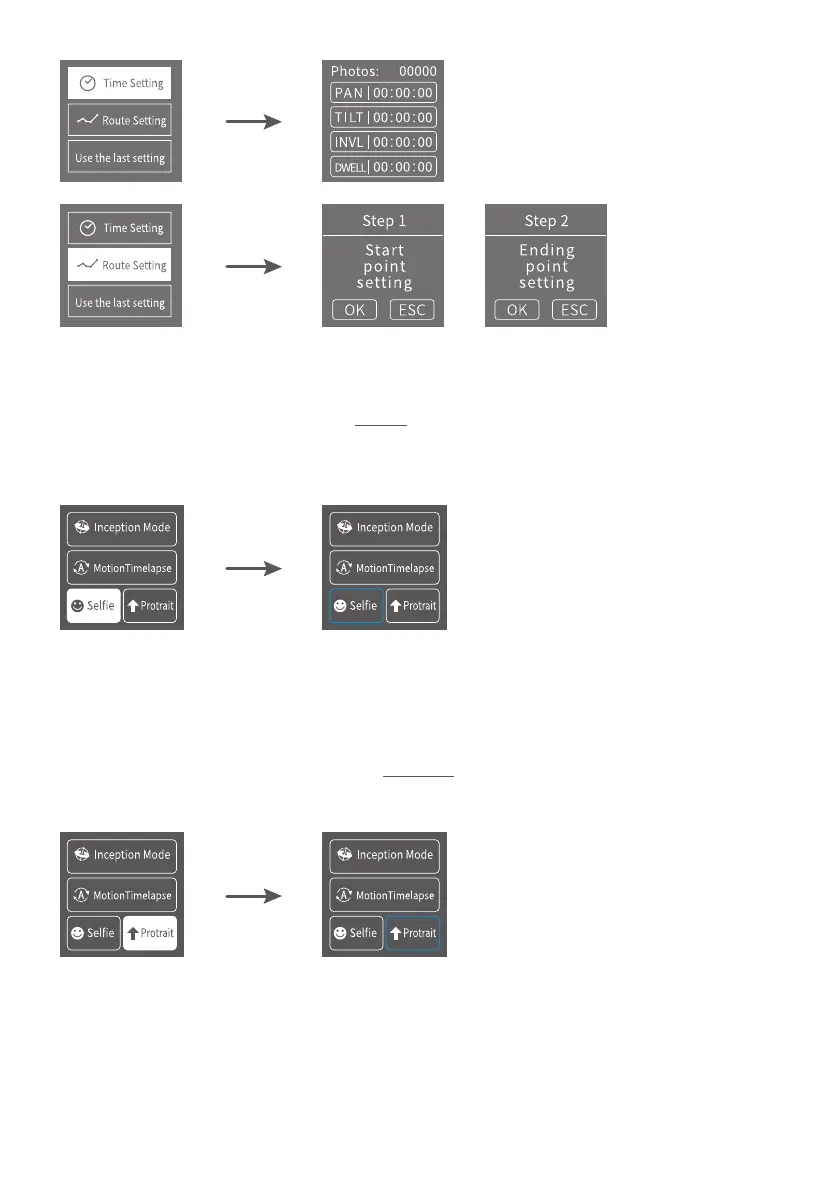
3.5.3 Sele Setting
Hold the gimbal horizontally, tap Sele on screen to enter Sele shooting, the
camera turns 180° horizontally.
A blue wireframe shows around the icon during Sele shooting.
Double tap trigger button to recenter the gimbal.
3.5.4 Protrait setting
Holding the gimbal horizontally, tap Portrait on screen to enter protrait shooting.
A blue wireframe shows around the icon during Protrait shooting.
3.5.5 Other setting
Set motor power according to camera weight.















 To Next Page