www.feiyu-tech.com 1918
3.6 Motion-timelapse Mode
3.6.1 Motion-timelapse setting
Method 1:
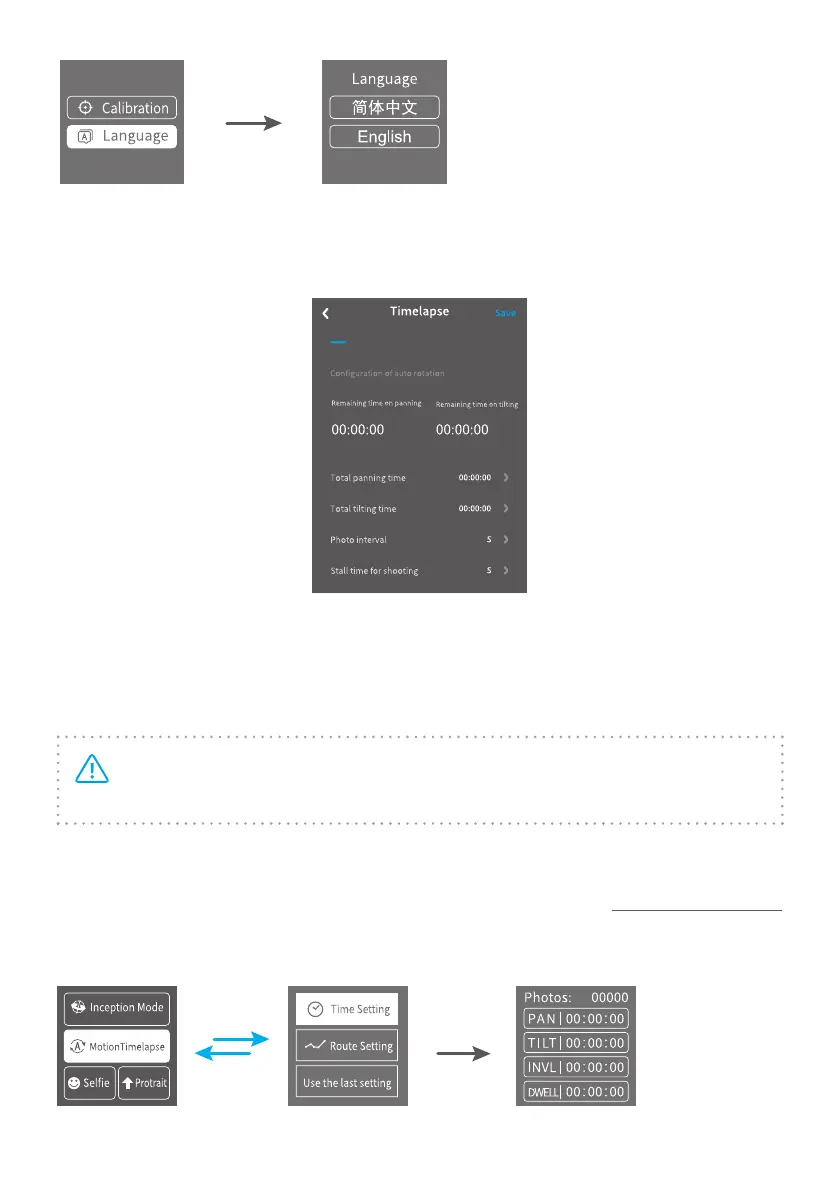
Set the Motion-timelapse mode parameters on Feiyu ON App.
Enter the parameter setting interface to select the Motion-timelapse mode for
setting. The maximum interval time is 59 seconds, while maximum staying time
for long exposure photograhy is 58 seconds.
Note: The photographing interval setting must be longer than the stop
time and less than the panning or the tilting rotation time.
Method 2:
Set the Motion-timelapse mode parameters by entering the Motion Timelapse
interface on screen. Operate with joystick to set up time setting parameter on
touch screen.















 To Next Page