www.feiyu-tech.com 20
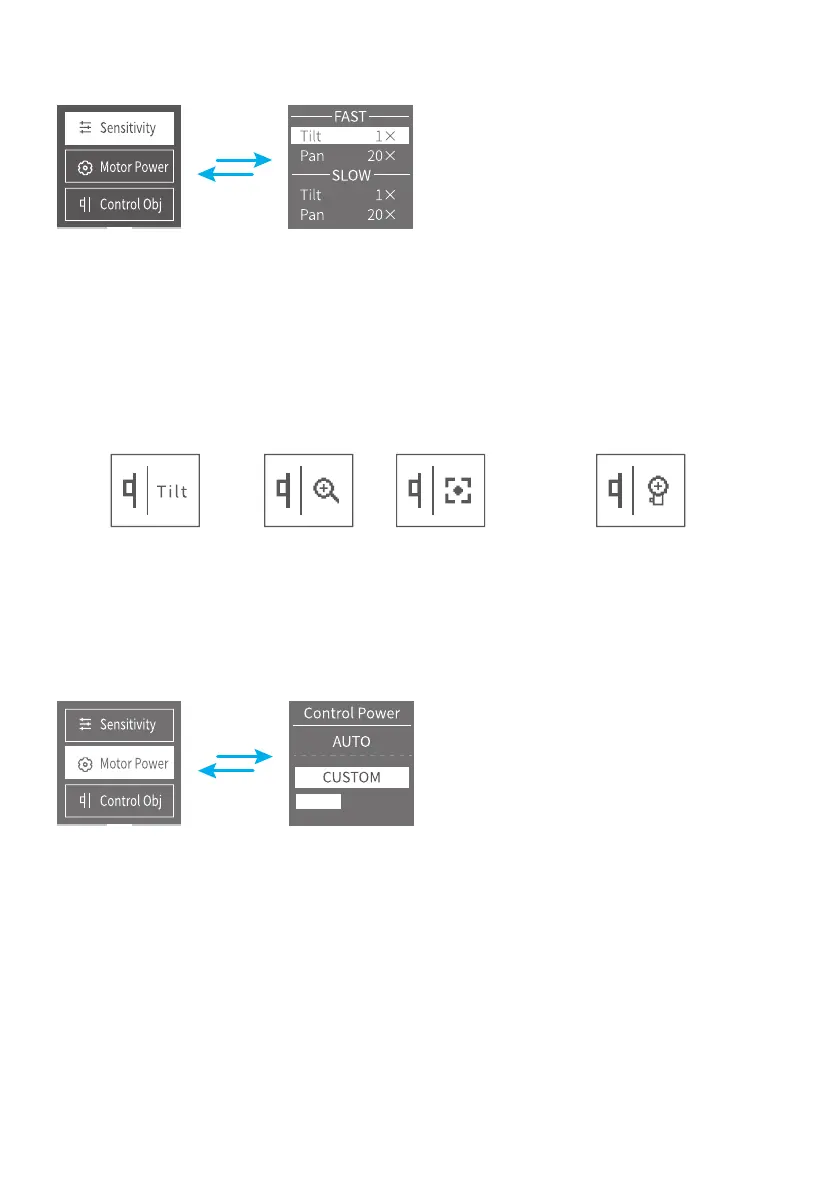
3.4.5 Sensitivity Setting
Once setting done, simply tag the trigger button to re-control the pan/tilt via
turntable and knob.
3.4.6 Control Object Setting
Use the touch screen to switch.
Refer to P15 3.2.6.
Control the gimbal Zoom Follow focus Control the non-brush follow focus
3.4.7 Motor Power Setting
Scroll the left knob to select auto/customize, and scroll the turntable under the
display to adjust the custom force.
After setting, just click the trigger button to make the knob and turntable control
the gimbal again.














 To Next Page