www.feiyu-tech.com 8
3.3 Function Button Operation
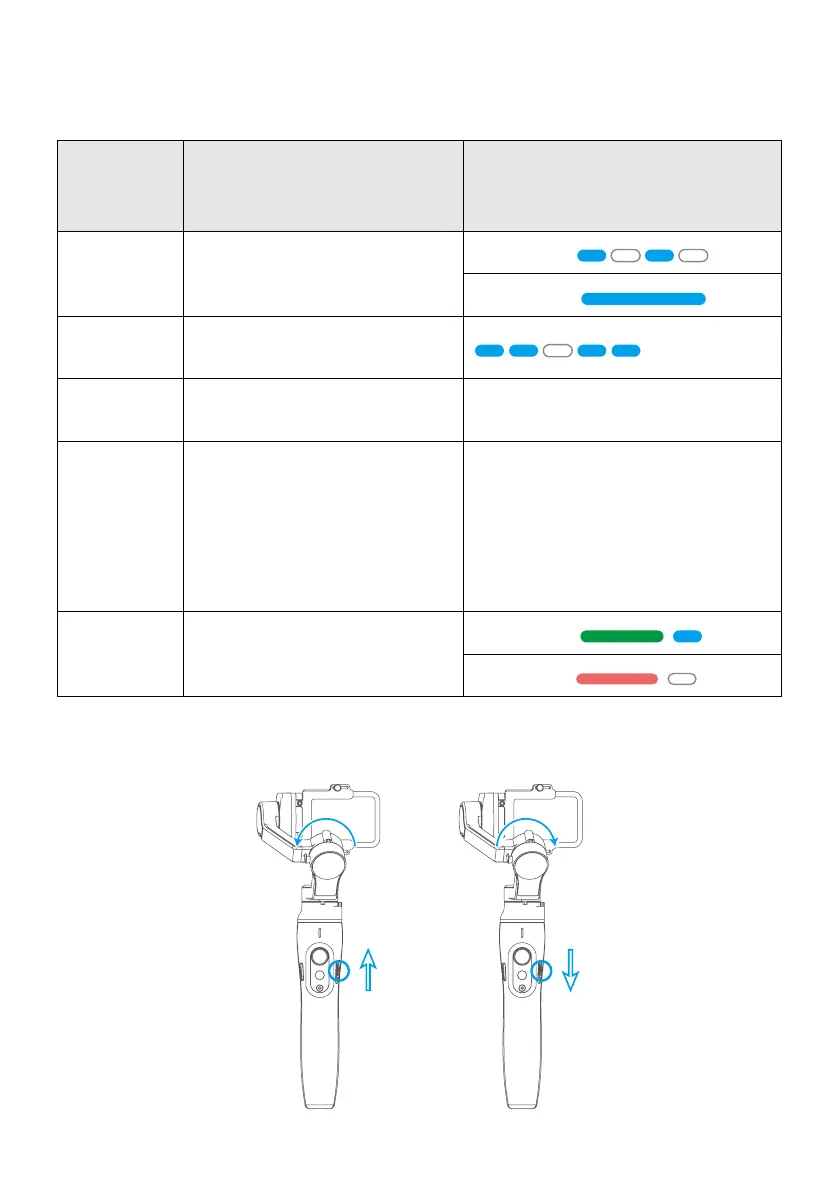
Identify the current working mode through status indicator.
Function
Button
Operation
Function Indicator Status
Single Tap
Switch Between Pan Mode/
Lock Mode
Pan Mode
Lock Mode
Double Tap
Follow Mode
(Pan and Tilt Axis Will Follow)
Triple Tap
All Follow Mode
(pan, tilt and roll axis will follow)
/
Five Tap Gimbal Initialization
Motors will stop working after the
tone. Status indicator turns solid
blue. The blue light will ash three
times to indicate end of the reset
process. After the initialization is
successful, single tap the function
button again to wake up.
Long Press Power On / O
Power On
Power O
3.4 Slide Button Operation















 To Next Page