9
5.Gimbal Initialization
You can initialize your gimbal when:
(1)When smartphone is not level
(2)If not used for a long period of time
(3)In case of extreme temperature variations
Steps
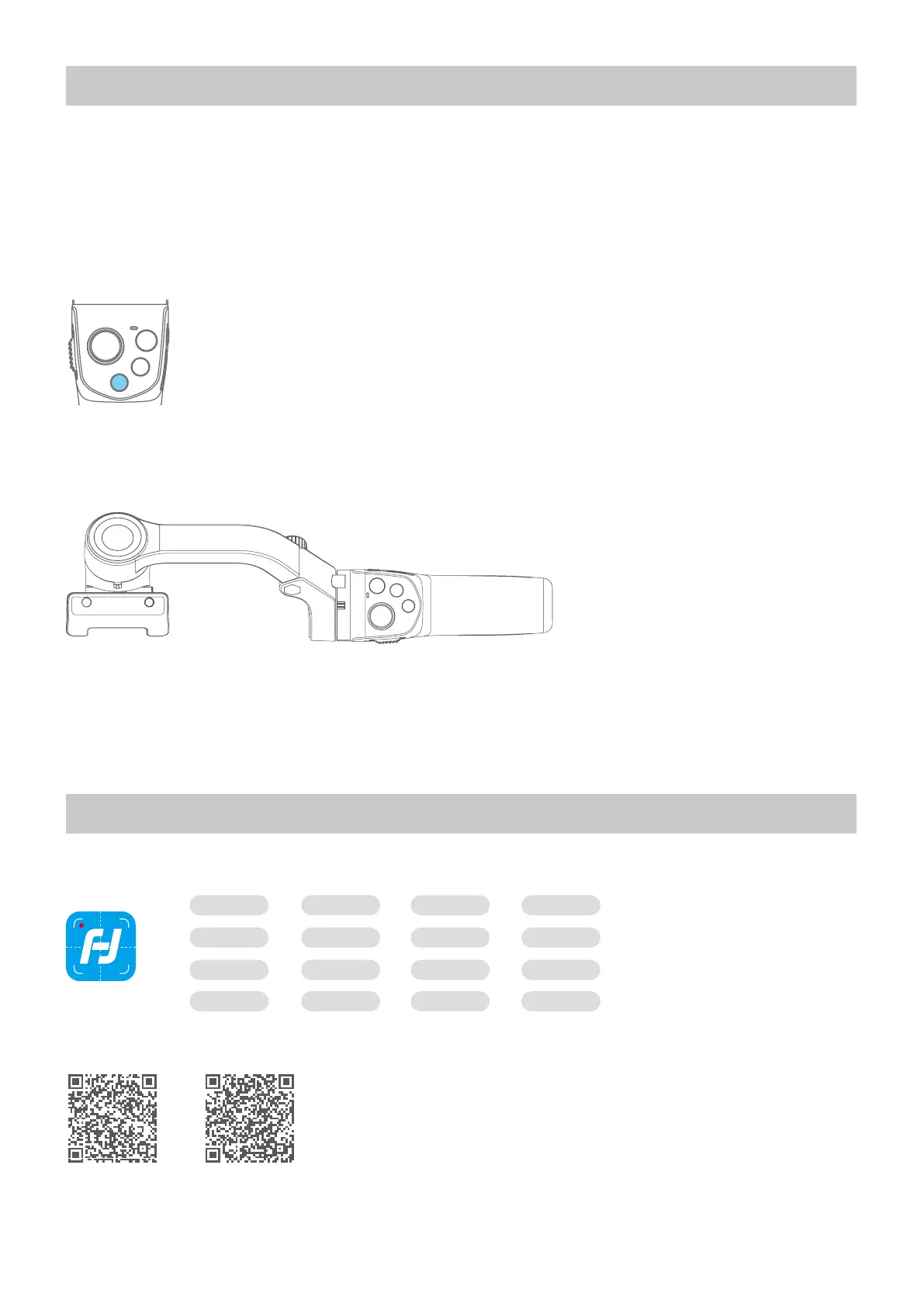
(1) Click the function button ve times. The motors will stop working. Status indicator turns solid blue.
(2) Place the gimbal on a at, horizontal surface. The gimbal will automatically reset after a few seconds detecting
no movement. The blue light will ash three times to indicate end of the reset process.
(3) After the initialization is successful, click the function button to wake up.
*Note: if the initialization is not successful, click the function button to wake up. restart initialization process.
6.Connect and Use Feiyu ON App
6.1 Download the App
Path time-lapseZooming
Firmware
upgrade
Photo/Video
Timer
photography
Overlapping
images
Landscape and
portrait switching
Video editing
Beauty
Light tracking
photography
Face lockingObject tracking
Ultra-wide angle
panorama
......
Slow motion Filter
Feiyu ON
Please download Feiyu ON at your smartphone app store or scan the QR code below.
* Requires iOS 9.0 or later, Android 6.0 or later.
iOS Version Android Version



 To Next Page