7
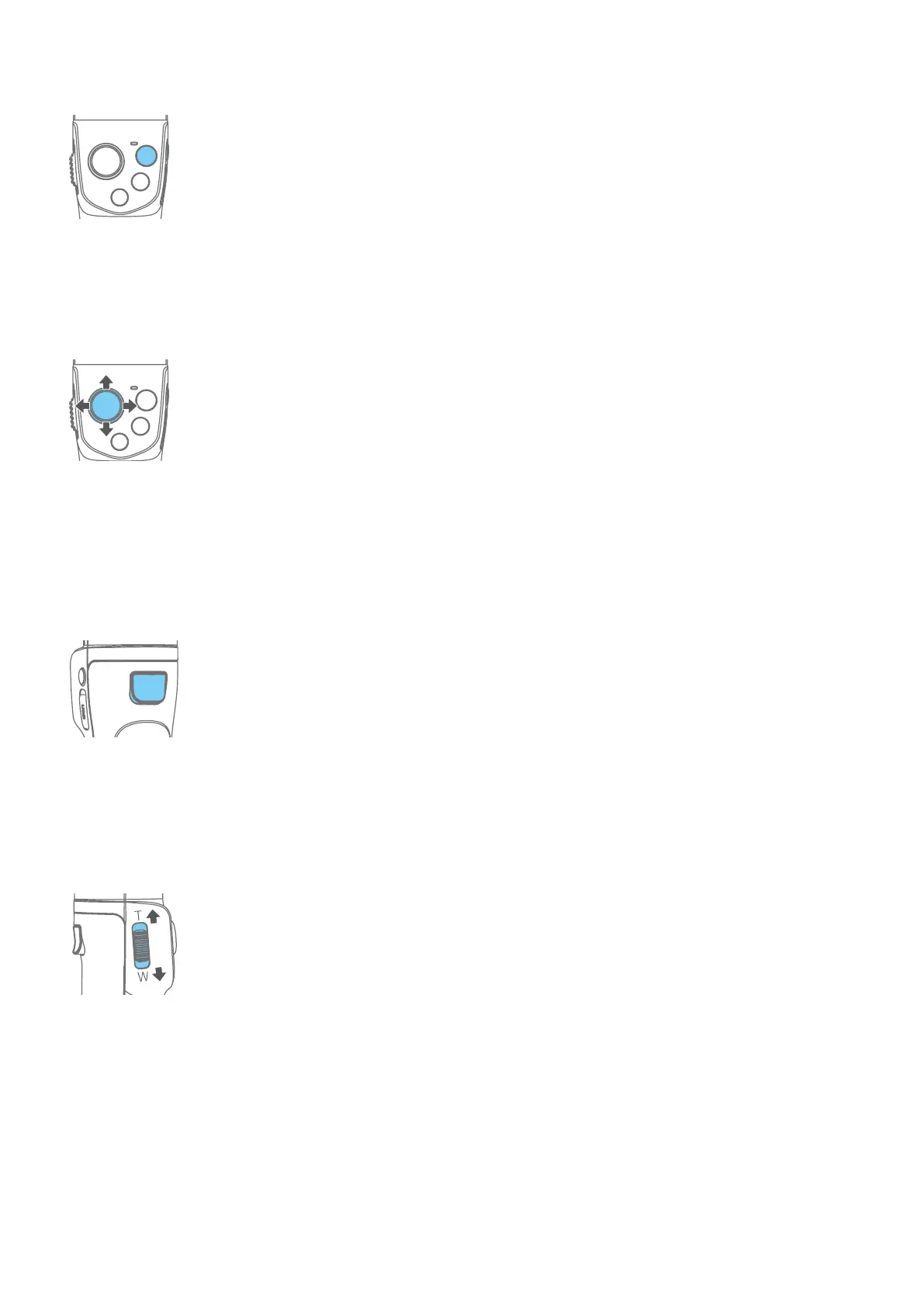
Video button
Single tap: Start/ stop recording(Bluetooth connectivity is needed)
Joystick
Control the rotation of the gimbal (in normal working state)
Setting options (when set on the App shortcut menu page)
Trigger button
Press and hold: Lock (Release it to quit)
Double tap: Reset
Triple tap: Switch front and rear camera(Need to connect Feiyu ON App)
Single tap rst then press and hold: Fast follow mode (Release it to quit)
Focus button
Slide up and down to adjust focus
Slide to the T direction to zoom in (Far Focus)
Slide to the W direction to zoom out (Close Focus)
Button combination
Move the joystick downward+ double tap power button: clean Bluetooth pairing



 To Next Page