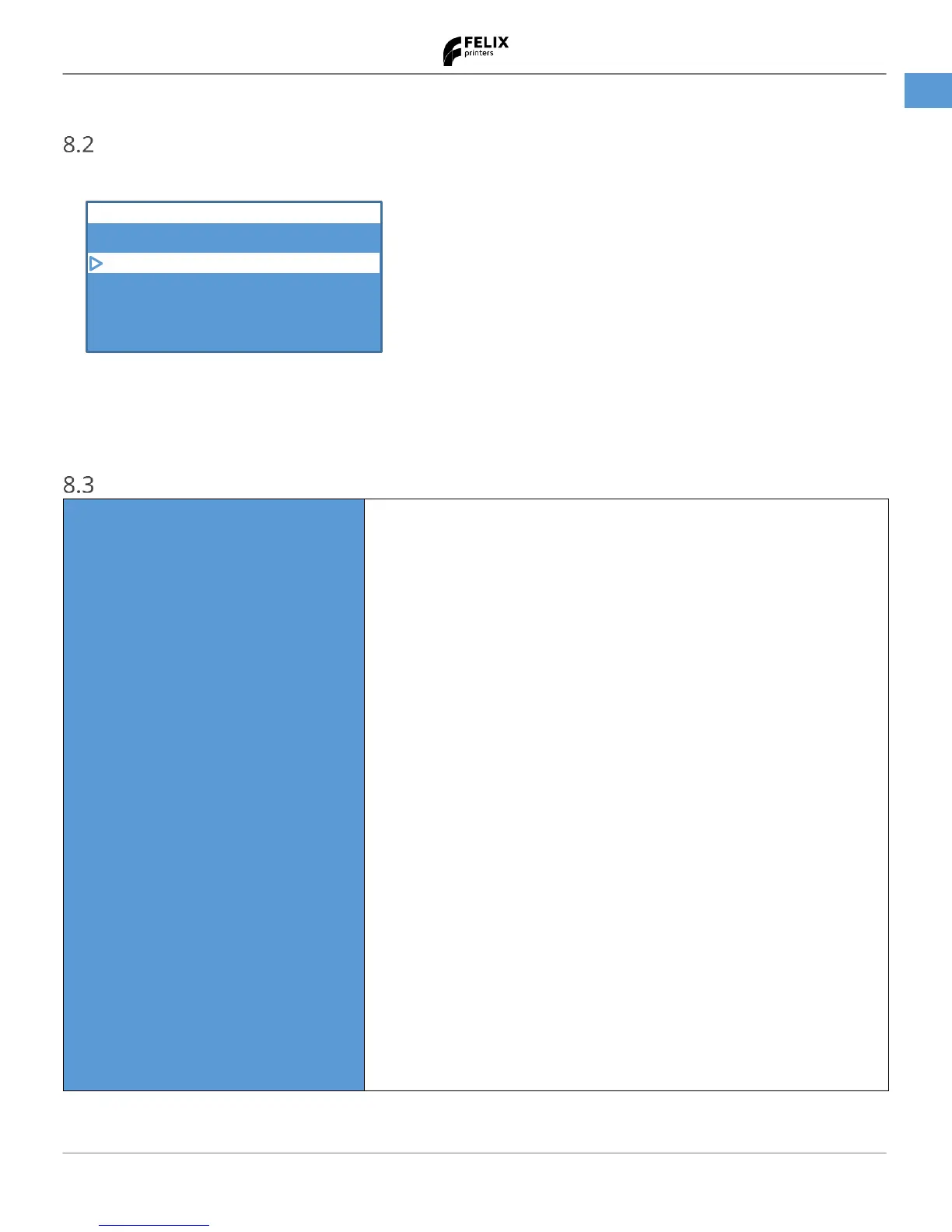
Return to previous menu.
Toggles heaters On or OFF to preset temperatures
Disables heaters and moves platform forward for convenient bed removal
Shows a routine to change filament.
Performs a bed leveling calibration routine
Level build plate and measure bump map
Calibrate Z-probe height, for first layer
Calibrate XY distance between extruders
Home X axis of the printer.
Home Y axis of the printer.
Home Z axis of the printer.(Nozzles will heat up first to 120 ˚C
Enter the X axis normal movement menu. Click again to exit.
This indicates if the zero position sensor is activated.
This indicates if the maximum position sensor is activated.
Enter the X axis fine movement menu. Click again to exit.
Enter the Y axis normal movement menu. Click again to exit.
Enter the Y axis fine movement menu. Click again to exit.
Enter the Z axis normal movement menu. Click again to exit.
Enter the Z axis fine movement menu. Click again to exit.
Enter the extruder movement menu. Click again to exit.
Turn blue knob to feed in or out filament of the active extruder.
The percentage shows how much power is sent to the heater,
Disables all motor power, enabling manual movement of axes by hand.
Left Extruder temperature (actual temp / setpoint temp)
Right Extruder temperature
Bed temperature


 To Next Page