EasyManua.ls Logo

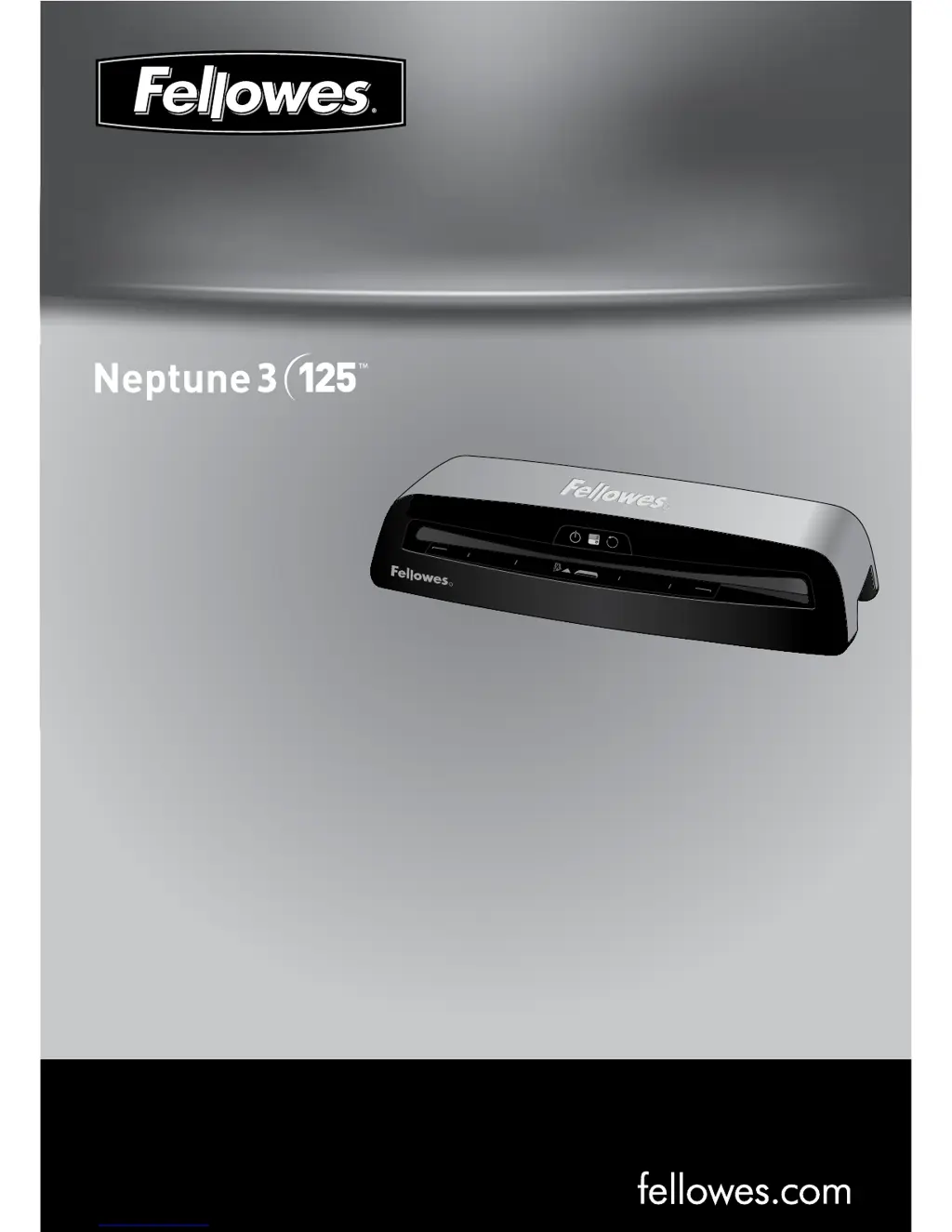
Fellowes Neptune 3 - User Manual

Fellowes Neptune 3
14 pages
Print Icon
To Next Page IconTo Next Page
Loading...
Please read these instructions before use.
Lire ces instructions avant utilisation.
Lea estas instrucciones antes del usarlo.
E
F
S
fellowes.com
1789 Norwood Avenue, Itasca, Illinois 60143-1095 USA 630-893-1600
Ofce Laminator
Auto
Cold
R
MENU/A3
LETTER/A4
PHOTO
Insert Sealed
Edge First
Auto Sense
3 - 7ml | 75 - 175mic
PHOTO
LETTER/A4
MENU/A3
R

Questions and Answers

  • D
    Destiny PachecoJul 26, 2025
    How to fix a Fellowes Laminator with no glowing ‘blue’ Power on LED?
    • M
      Michael WalshJul 27, 2025
      If the 'blue' Power LED on your Fellowes Laminator isn't glowing, make sure the machine is switched on at the right side and at the wall socket. Also, press the power standby button.
  • V
    Vincent CarsonAug 2, 2025
    What to do if the Fellowes Laminator pouch is lost in the machine?
    • L
      lkingAug 2, 2025
      If your Fellowes Laminator pouch gets stuck, activate the reverse button and gently pull the pouch out manually.
  • S
    Samantha BrooksAug 10, 2025
    Why is my Fellowes Laminator pouch not sealing completely?
    • S
      Samantha BakerAug 10, 2025
      If your Fellowes Laminator pouch isn't sealing completely, it could be that the item you're trying to laminate is too thick. The maximum document thickness should be .025 inches. Try running it through the laminator a second time.
  • H
    harrisjamesAug 18, 2025
    What to do if Fellowes Neptune 3 Laminator pouch is damaged after lamination?
    • M
      michael36Aug 18, 2025
      If the pouch is damaged after lamination in your Fellowes Laminator, the rollers may be damaged or have adhesive on them. To resolve this, pass cleaning sheets through the machine to test and clean the rollers.

Summary

Product Registration and Warranty

Worldwide Warranty Details

Details the 2-year warranty for parts and workmanship, covering repair or replacement of defective parts.

Laminator Controls and Operation

Component Identification

Identifies and labels the key external components of the laminator, denoted by letters A through H.

Quick Start Guide Steps

Provides a step-by-step visual guide for operating the laminator, covering setup and usage.

Laminator Controls, Capabilities, and Safety

Control Panel Descriptions

Explains the function of each control button and indicator light on the laminator's panel.

Product Specifications and Performance

Lists the technical specifications including entry width, pouch thickness, speed, and power requirements.

Safety Precautions and Warnings

Outlines essential safety guidelines for using the laminator, including what to do and what not to do.

Features and Lamination Process

Product Features Explained

Details advanced features like AutoSense, Reverse function, Sleep Mode, and HeatGuard Technology.

Step-by-Step Lamination Guide

Provides a comprehensive guide on how to prepare and perform the lamination process.

Troubleshooting and Support

Resolving Common Problems

Offers solutions for frequent issues such as non-operation, incomplete sealing, and damaged pouches.

Customer Support and Maintenance

Provides contact information for customer service and instructions for storing and cleaning the machine.

Fellowes Contact and Compliance

International Contact Numbers

Lists useful phone numbers for Fellowes customer support across various countries and regions.

Regulatory Compliance Information

Details FCC Class B and Canadian ICES-003 compliance notices for the digital apparatus.

Fellowes Neptune 3 Specifications

General IconGeneral
BrandFellowes
ModelNeptune 3
CategoryLaminator
LanguageEnglish

Related product manuals