EasyManua.ls Logo

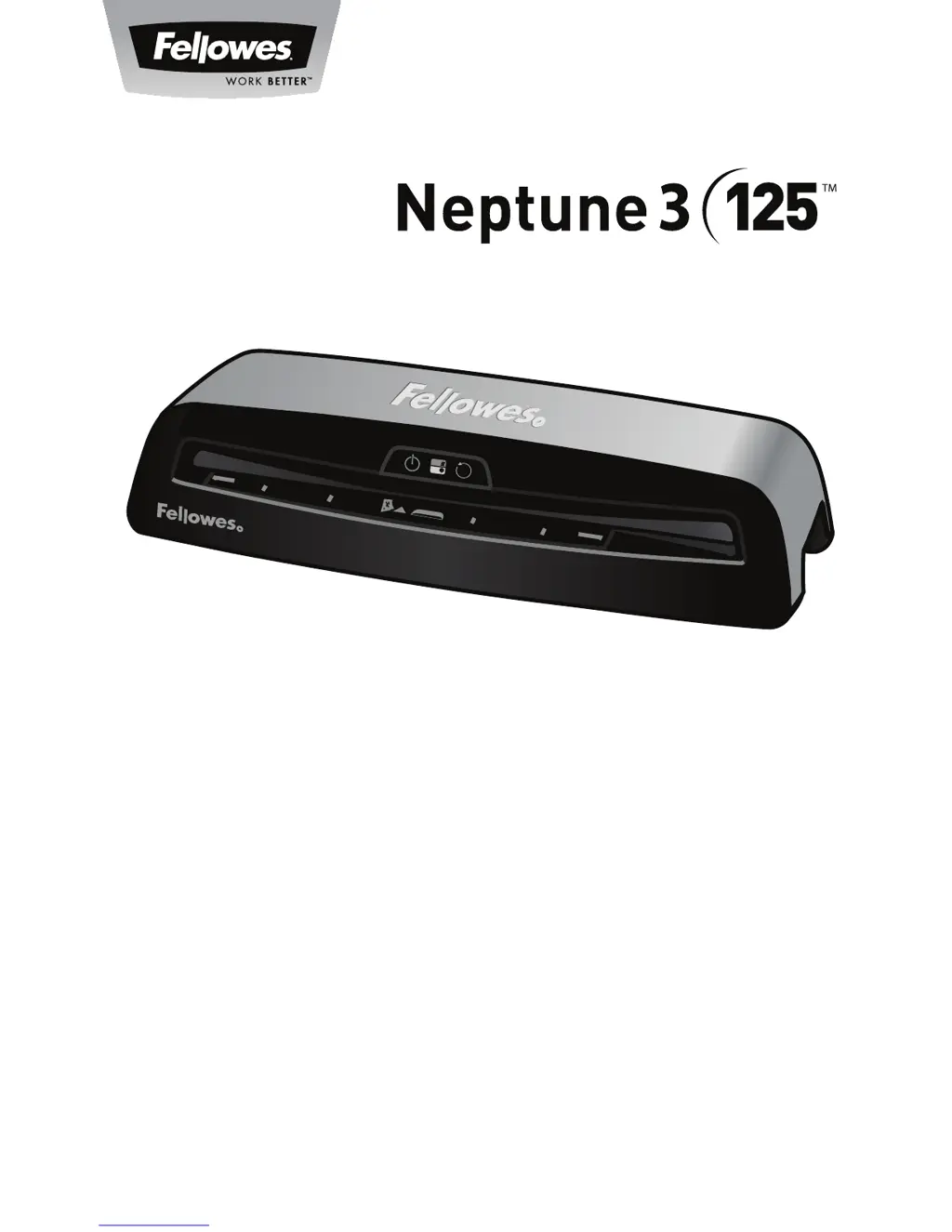
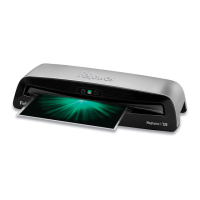
Fellowes Neptune 3 125 - User Manual

Fellowes Neptune 3 125
13 pages
Print Icon
To Next Page IconTo Next Page
Loading...
Office Laminator
PLEASE READ THESE INSTRUCTIONS BEFORE USE.
DO NOT DISCARD: KEEP FOR FUTURE REFERENCE.
VEUILLEZ LIRE CES INSTRUCTIONS AVANT D’UTILISER L’APPAREIL.
NE PAS JETER : CONSERVER AFI N DE CONSULTER LES DIRECTIVES
ULTÉRIEUREMENT, EN CAS DE BESOIN.
LEA ESTAS INSTRUCCIONES ANTES DEL USO.
NO LAS DESECHE: CONSÉRVELAS COMO REFERENCIA FUTURA.
Auto
Cold
R
MENU/A3
LETTER/A4
PHOTO
Insert Sealed
Edge First
Auto Sense
3 - 7ml | 75
-
175mic
PHOTO
LETTER/A4
MENU/A3
R

Questions and Answers

  • M
    Michael SmithJul 27, 2025
    Why is the reverse button LED blinking and beeping on my Fellowes Neptune 3 125 Laminator?
    • B
      blakepattersonJul 27, 2025
      If the reverse button LED is blinking and a beep is sounding on your Fellowes Laminator, it indicates that the pouch is mis-fed or jammed. To resolve this, press and hold the reverse button on the front of the machine to remove the laminate.
  • W
    Walter ChandlerAug 2, 2025
    How to fix a Fellowes Neptune 3 125 Laminator pouch that is damaged after lamination?
    • M
      monica09Aug 2, 2025
      If your Fellowes Laminator pouch is damaged after lamination, it may be due to damaged rollers or adhesive on the rollers. To resolve this, pass cleaning sheets through the machine to test and clean the rollers.
  • C
    Cindy WrightAug 9, 2025
    How to turn on a Fellowes Neptune 3 125 if there is no glowing ‘blue’ Power on LED?
    • C
      cadamsAug 9, 2025
      If the ‘blue’ Power on LED is not glowing on your Fellowes Laminator, ensure the machine is switched on at the right side and at the wall socket. Then, press the power standby button.
  • J
    joseph98Aug 14, 2025
    What to do if the Fellowes Neptune 3 125 Laminator pouch is lost in the machine?
    • T
      Tiffany SmithAug 15, 2025
      If the Fellowes Laminator pouch is lost in the machine because it's jammed, activate the reverse button and manually pull the pouch out.
  • K
    Kevin RodriguezAug 20, 2025
    Why does my Fellowes Laminator pouch not completely seal the item?
    • M
      Mark MathisAug 20, 2025
      If your Fellowes Laminator pouch does not completely seal the item, the item may be too thick to laminate. The maximum document thickness should be .025 inches. Try passing it through the laminator a second time.

Summary

Product Registration and Worldwide Warranty

Laminator Controls Overview

Laminator Control Diagram

Visual guide to the laminator's physical controls and components.

Quick Start Guide Steps

Sequential steps for initial setup and operation of the laminator.

Laminator Controls and Capabilities

Detailed Control Descriptions

In-depth explanations for each labeled control (A-H) on the laminator.

Laminator Capabilities

Technical specifications and performance features of the laminator.

Important Safety Instructions

Critical safety warnings and precautions for using the laminator.

Laminator Features and Operation

Features and Operating Tips

Highlights key features like AutoSense and provides useful operating tips.

Preparation and Lamination Steps

Guidance on preparation and detailed steps for the lamination process.

Troubleshooting and Maintenance

Troubleshooting Common Problems

Solutions for frequent issues encountered during laminator operation.

Storage and Cleaning Procedures

Instructions for proper storage and cleaning of the laminator.

Customer Support and Regulatory Information

Customer Service Contact

Contact details for customer support and assistance.

Regulatory Compliance Notices

Information on FCC and Canadian compliance standards for the device.

Fellowes Neptune 3 125 Specifications

General IconGeneral
BrandFellowes
ModelNeptune 3 125
CategoryLaminator
LanguageEnglish

Related product manuals