4
IMPORTANT SAFEGUARDS
• NEVER insert hands or fingers into paper entry as serious personal injury may result.
• This machine is NOT a toy. Keep children and pets away from shredder at all times, as serious injury may result. ALWAYS unplug
shredder when not in use and before moving or cleaning the shredder.
• Keep loose objects (jewellery, ties, long hair etc.) away from shredder. These items and others like them may cause serious injury if
they accidentally fall into the paper entry.
• Do NOT use this product if it or the power cord has been damaged in any way.
OPERATING CAUTIONS
• Do not exceed recommended sheet capacity or running time (see
Product Usage Guide
below).
• This personal shredder is intended for paper only. Do not attempt to shred any hard materials (except paper clips and staples).
• Do not shred plastic, continuous forms, adhesive labels, transparencies, newsprint or cardboard.
• Do not place shredder near or over a heat source or water.
• Do not insert aerosol cleaners or lubricants into or around the shredder and NEVER use flammable synthetic oil or petroleum based
lubricants. Some agents may combust, causing serious injury.
• Do not open the cover for any reason. Doing so can expose you to dangerous voltages and will void your warranty.
POWERCORD CARE
• Place power cord in an easily accessible position, because it is the main disconnect switch.
• Do not place machine where adults, children or animals may walk on the cord.
• Do not rest anything on the power cord.
• If an extension cord is used, be sure that all products plugged into it do not exceed the ampere rating.
OPERATION
1. Assemble shredder (see page 3).
2. Ensure shredder is in OF
F (O)
position. Plug shredder into proper power supply outlet. Switch on at outlet (where applicable).
3. Move power switch to
AUTO (I)
position. The shredder will start when paper is fed into paper entry.
This product features an electronic auto-start switch. This switch will turn on the cutter blades whenever anything is inserted into the
paper entry (whilst the power switch is in the AUTO (I) position).
4. Remove foreign objects and slide paper straight into paper entry until shredder begins to operate. If folding paper to fit entry, adjust
sheet capacity accordingly.
5. The shredder stops automatically when shredding is completed.
6. Continue shredding as desired to a
MAXIMUM
shredding time of 15 to 20 minutes. At this time the shredder MUST be allowed to “cool
down” for a
MINIMUM
of 25 minutes. The shredder is fitted with a
Thermal Overload Protection
, which prevents the motor from over-
heating and lengthens product life. This causes the shredder to shut down automatically.
7. When shredding is finished or the shredder has entered the “cool down” period, move power switch to
OFF
(O) position and unplug.
MAINTENANCE
Model PS80C-2 requires regular oiling of cutting blades. Failure to do so may result in a reduction of shredding efficiency. We
recommend the use of Fellowes shredder lubricant (order number 35250) or a vegetable-based oil in a non-aerosol container with an
extension nozzle.
TO OIL: Move power switch to
OFF (O)
position. Squeeze the lubricant over the full width of the cutters from the top of the shredder.
Move the power switch to
REVERSE (R)
position and allow it to run for at least 3 seconds.
PRODUCT USAGE GUIDE
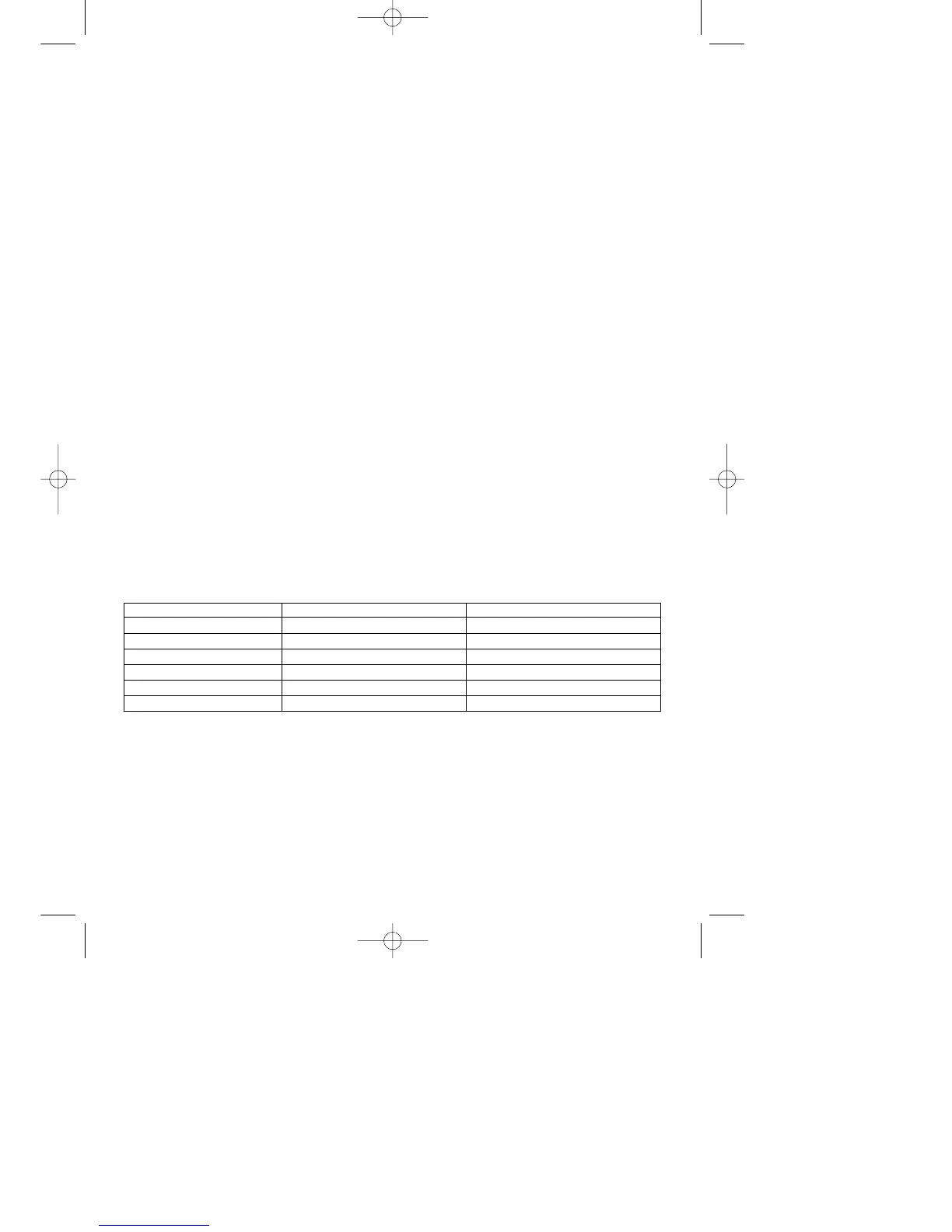
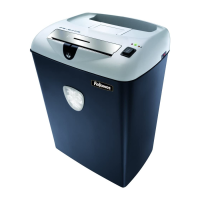
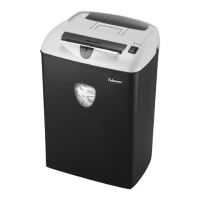
PS70-2 PS80C-2
Recommended Daily Usage 50-100 shredding passes 50-100 shredding passes
Sheet Capacity (A4/70gsm) 12 8
Sheet Capacity (A4/80gsm) 11 7
Shred Size/mm 3.9 3.9 x 20
Entry Width/mm 230 230
Max Running Time/min 15-20 on / 25 off 15-20 on / 25 off



 To Next Page