EasyManua.ls Logo

Fellowes Starlet 2+ 120 - User Manual

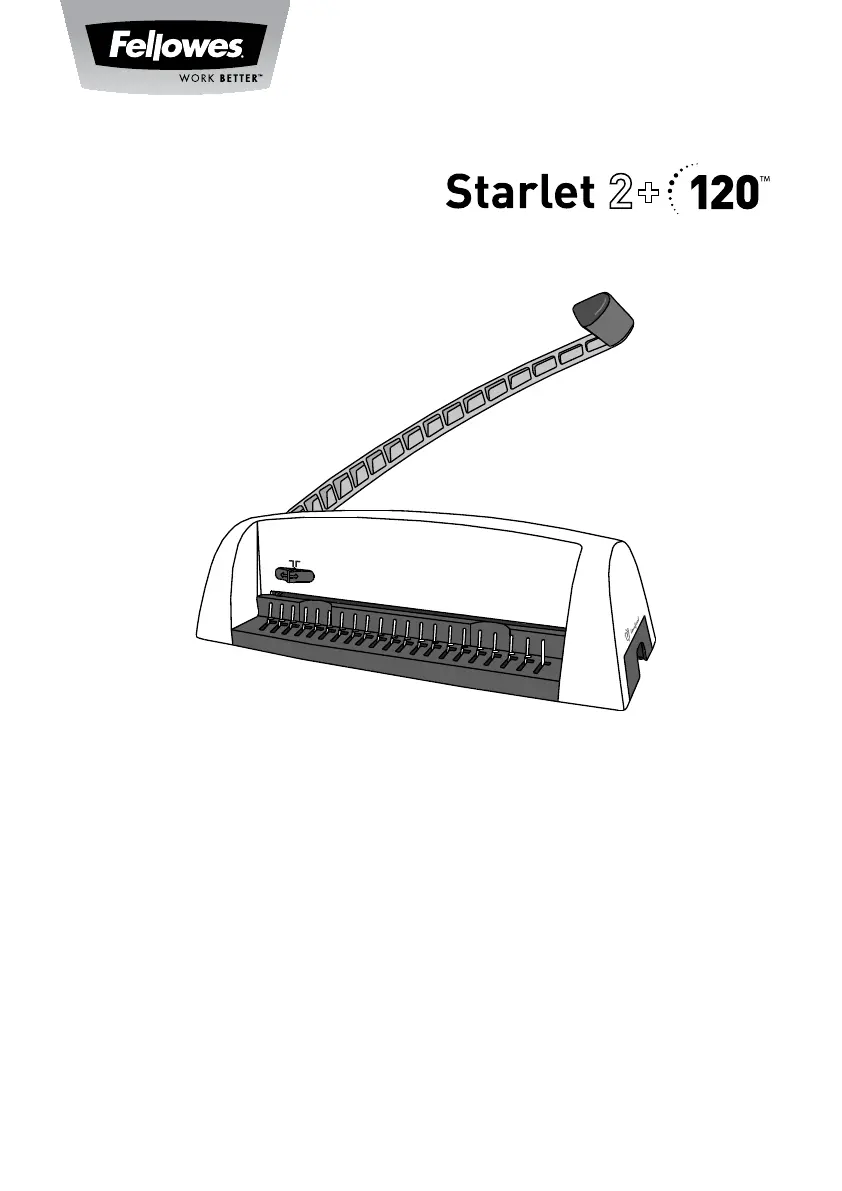
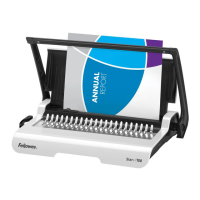
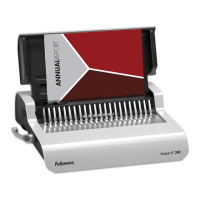
Fellowes Starlet 2+ 120
10 pages
Print Icon
To Next Page IconTo Next Page
Loading...
OVERSIZE
COVER
LETTER
PLEASE READ THESE INSTRUCTIONS BEFORE USE.
DO NOT DISCARD: KEEP FOR FUTURE REFERENCE.
VEUILLEZ LIRE CES INSTRUCTIONS AVANT D’UTILISER L’APPAREIL.
NE PAS JETER : CONSERVER AFI N DE CONSULTER LES DIRECTIVES
ULTÉRIEUREMENT, EN CAS DE BESOIN.
LEA ESTAS INSTRUCCIONES ANTES DEL USO.
NO LAS DESECHE: CONSÉRVELAS COMO REFERENCIA FUTURA.
Electric Premium Comb Binder

Questions and Answers

  • T
    Tiffany DunnAug 2, 2025
    What to do if my Fellowes Starlet 2+ 120 will not punch?
    • J
      jenniferhensonAug 3, 2025
      If your Fellowes Binding Machine won't punch, the issue might be a blockage. First, ensure the waste tray is empty. Then, inspect the paper entry for any obstructions.
  • J
    Jeffery GarciaAug 7, 2025
    Why are there damaged hole edges when using my Fellowes Binding Machine?
    • S
      stevenchungAug 7, 2025
      Damaged hole edges when using the Fellowes Binding Machine are possibly due to overloading the machine. Try punching plastic covers with paper sheets. You might also need to reduce the number of sheets being punched at once.
  • J
    Jordan MorrisonAug 12, 2025
    How to fix waste tray leaks in Fellowes Starlet 2+ 120?
    • A
      Anthony MitchellAug 12, 2025
      If the waste tray of your Fellowes Binding Machine leaks, it may not be correctly inserted or the 'burst feature' has been activated. Check that the waste tray is empty and that the 'burst feature' is closed.
  • L
    Lisa AliAug 17, 2025
    What to do if Fellowes Starlet 2+ 120 punch holes are not centered?
    • M
      Michelle SantiagoAug 18, 2025
      If the punch holes are not centered, the edge guide may not be set correctly. Adjust the edge guide until the hole pattern is correct.
  • C
    Christian CooperAug 22, 2025
    Why are punch holes not parallel to edge on my Fellowes Starlet 2+ 120 Binding Machine?
    • G
      gabriel44Aug 22, 2025
      If the punch holes are not parallel to the edge, debris might be stuck below the dies. Slide a stiff piece of cardboard into the paper entry and move it sideways to dislodge any stray clippings into the waste tray.
  • C
    carterangelaAug 28, 2025
    How to resolve partial holes in my Fellowes Binding Machine?
    • J
      James WardAug 28, 2025
      Partial holes in your Fellowes Binding Machine may be caused by sheets not being correctly aligned to the punch pattern. Adjust the edge guide and test punch some scrap sheets until it's correct.

Summary

Product Registration and Worldwide Warranty

Location of Controls

Punch Handle

The lever used for punching paper sheets.

Edge Guide Selector

Adjusts the paper guides for accurate hole punching.

Edge Guide

Aligns paper for correct punching placement.

Paper Entry

Slot where paper is inserted for punching.

Waste Tray

Collects paper scraps after punching.

Document Measure

A guide to measure document thickness for comb selection.

Comb Lever

Operates the comb opening mechanism.

Capabilities

Important Safety Instructions

Comb Diameter and Document Sizes

Set Up

Before You Bind

Steps to Bind

Troubleshooting

Customer Service & Support

Fellowes Starlet 2+ 120 Specifications

General IconGeneral
BrandFellowes
ModelStarlet 2+ 120
CategoryBinding Machine
LanguageEnglish

Related product manuals