EasyManua.ls Logo

Fellowes Startlet 2 120 - User Manual

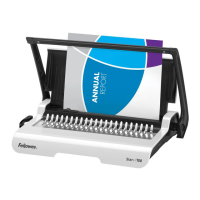
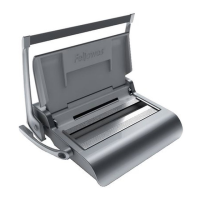
Fellowes Startlet 2 120
11 pages
Print Icon
To Next Page IconTo Next Page
Loading...
A
4
A
5

Questions and Answers

Summary

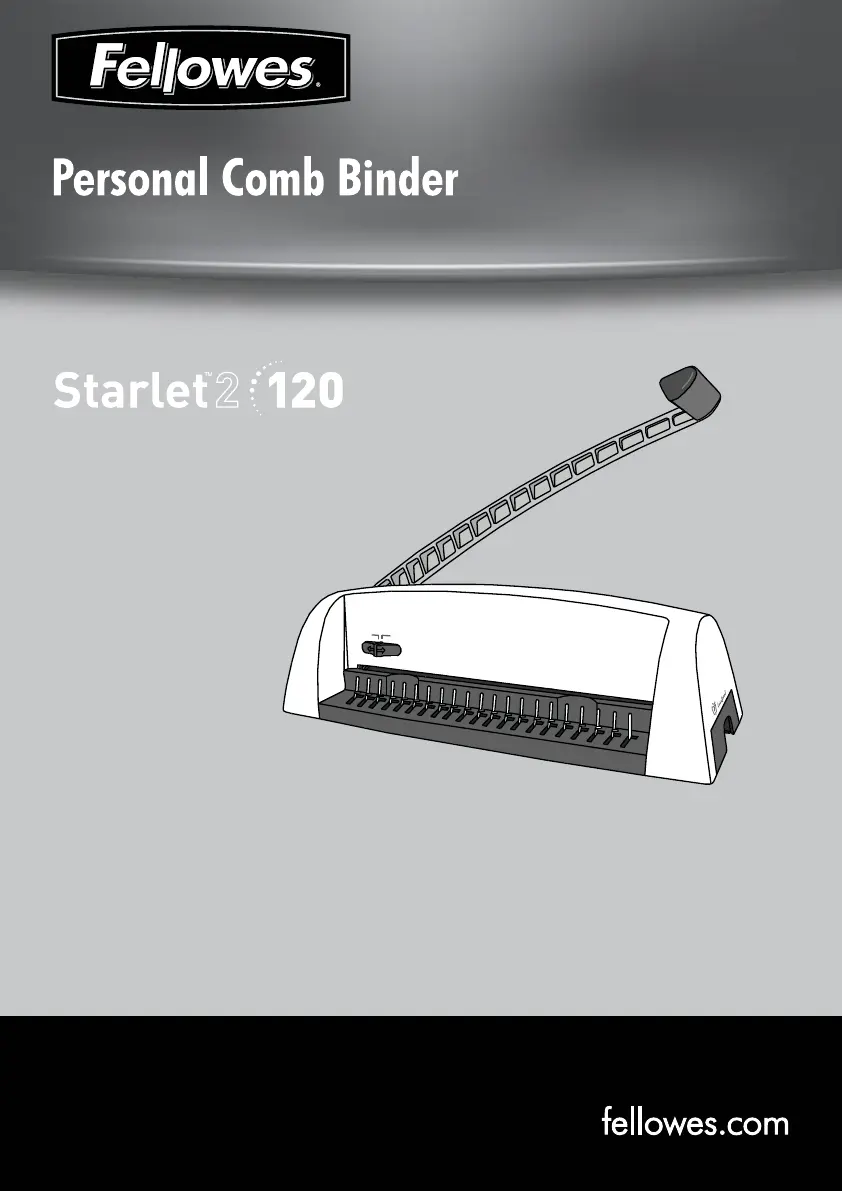
Location of Controls

Punch Handle

The lever used to operate the punching mechanism.

Edge Guide

Guides paper into the correct position for punching.

Waste Tray

Collects punched paper clippings.

Comb Lever

Lever to open and close the binding comb.

Document Measure

Guides document placement for binding.

Capabilities

Punching Capacity

Maximum number of sheets that can be punched at once.

Binding Capacity

Maximum comb size and sheet capacity for binding.

Important Safety Instructions

Comb Diameter and Document Sizes

Set Up

Before You Bind

Steps to Bind

Troubleshooting

Product Registration and Worldwide Warranty

Useful Phone Numbers

Help Line

General support contact numbers by region.

Fellowes Support Contacts

Specific contact numbers for Fellowes offices worldwide.

Summary

Location of Controls

Punch Handle

The lever used to operate the punching mechanism.

Edge Guide

Guides paper into the correct position for punching.

Waste Tray

Collects punched paper clippings.

Comb Lever

Lever to open and close the binding comb.

Document Measure

Guides document placement for binding.

Capabilities

Punching Capacity

Maximum number of sheets that can be punched at once.

Binding Capacity

Maximum comb size and sheet capacity for binding.

Important Safety Instructions

Comb Diameter and Document Sizes

Set Up

Before You Bind

Steps to Bind

Troubleshooting

Product Registration and Worldwide Warranty

Useful Phone Numbers

Help Line

General support contact numbers by region.

Fellowes Support Contacts

Specific contact numbers for Fellowes offices worldwide.

Fellowes Startlet 2 120 Specifications

General IconGeneral
Binding Capacity120 sheets
Binding StyleComb
Punching Capacity12 sheets
Vertical PunchingYes
Hole Pattern19 holes
Document SizeLetter

Related product manuals