EasyManua.ls Logo

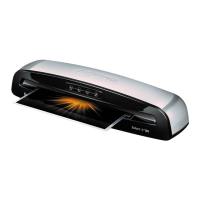
Fellowes Venus 125 - Capabilities; Important Safety Information; Auto Shut-off Feature; Operation Controls and Reversing

Fellowes Venus 125
6 pages
Print Icon
To Next Page IconTo Next Page
To Previous Page IconTo Previous Page
Loading...
http://www.monomachines.com
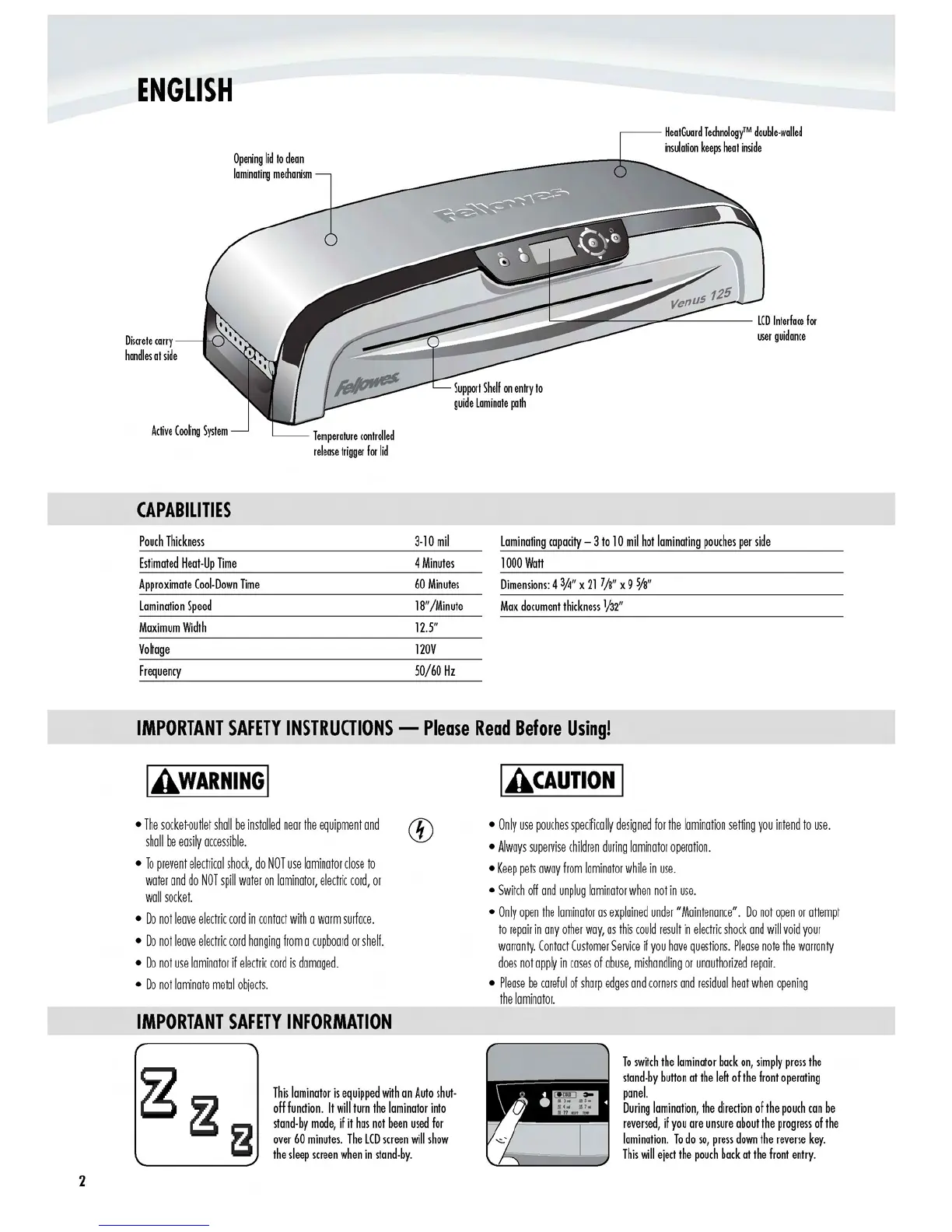
ENGLISH
HeatGuard
TechnologyTM
double·walled
insulation
keeps
heat
inside
Opening
lid
to
clean
laminating
mechanism
Discrete
carry
handles
at
side
CAPABILITIES
Pouch
Thickness
Estimated
Heat·Up
Time
Approximate
Coo
Down
Time
Lamination
Speed
Maximum
Width
Voltage
Frequency
~::
~iiii
..
~~~~~
:::;::;;---~=-----
user
guidance
.;::::;;;;;-=--
Temperature
controlled
release
trigger
for
lid
IMPORTANT
SAFETY
INSTRUOIONS
-
IAWARNINGI
The
socket·outlet
shall
be
installed
near
the
equipment
and
shall
be
easily
accessible.
To
prevent
electrical
shock,
do
NOT
use
laminator
close
to
water
and
do
NOT
spill
water
on
laminator,
electric
cord,
or
wall
socket.
Do
not
leave
electric
cord
in
contact
with
a
warm
surface.
Do
not
leave
electric
cord
hanging
from
a
cupboard
or
shelf.
Do
not
use
laminator
if
electric
cord
is
damaged.
Do
not
laminate
metal
objects.
IMPORTANT
SAFETY
INFORMATION
3·10
mil
Laminating
capacity
-
3to
10
mil
hot
laminating
pouches
per
side
4
Minutes
1000
Wall
60
Minutes
Dimensions:
4
3/4"
x
21
7/8"
x 9
W'
18"/Minute
Max
document
thickness
1/32"
12.5"
120V
50/60
Hz
Please
Read
Before
Using!
I
ACAUTIONI
Only
use
pouches
specifically
designed
for
the
lamination
setting
you
intend
to
use.
Always
supervise
children
during
laminator
operation.
Keep
pets
away
from
laminator
while
in
use.
Switch
off
and
unplug
laminator
when
not
in
use.
Only
open
the
laminator
as
explained
under
"Maintenance".
Do
not
open
or
attempt
to
repair
in
any
other
way,
as
this
could
result
in
electric
shock
and
will
void
your
warranty.
Contact
Customer
Service
if
you
have
questions.
Please
note
the
warranty
does
not
apply
in
cases
of
abuse,
mishandling
or
unauthorized
repair.
Please
be
careful
of
sharp
edges
and
corners
and
residual
heat
when
opening
the
laminator.
To
switch
the
laminator
back
on,
simply
press
the
stand·by
bullon
at
the
left
of
the
front
operating
This
laminator
is
equipped
with
an
Auto
shut·
panel.
During
lamination,
the
direction
of
the
pouch
can
be
off
function.
It
will
turn
the
laminator
into
reversed,
if
you
are
unsure
about
the
progress
of
the
stand·by
mode,
if
it
has
not
been
used
for
lamination.
To
do
so,
press
down
the
reverse
key.
over
60
minutes.
The
LCD
screen
will
show
This
will
eject
the
pouch
back
at
the
front
entry.
the
sleep
screen
when
in
stand·
by.
http://www.monomachines.com
2

Other manuals for Fellowes Venus 125

Related product manuals