EasyManua.ls Logo

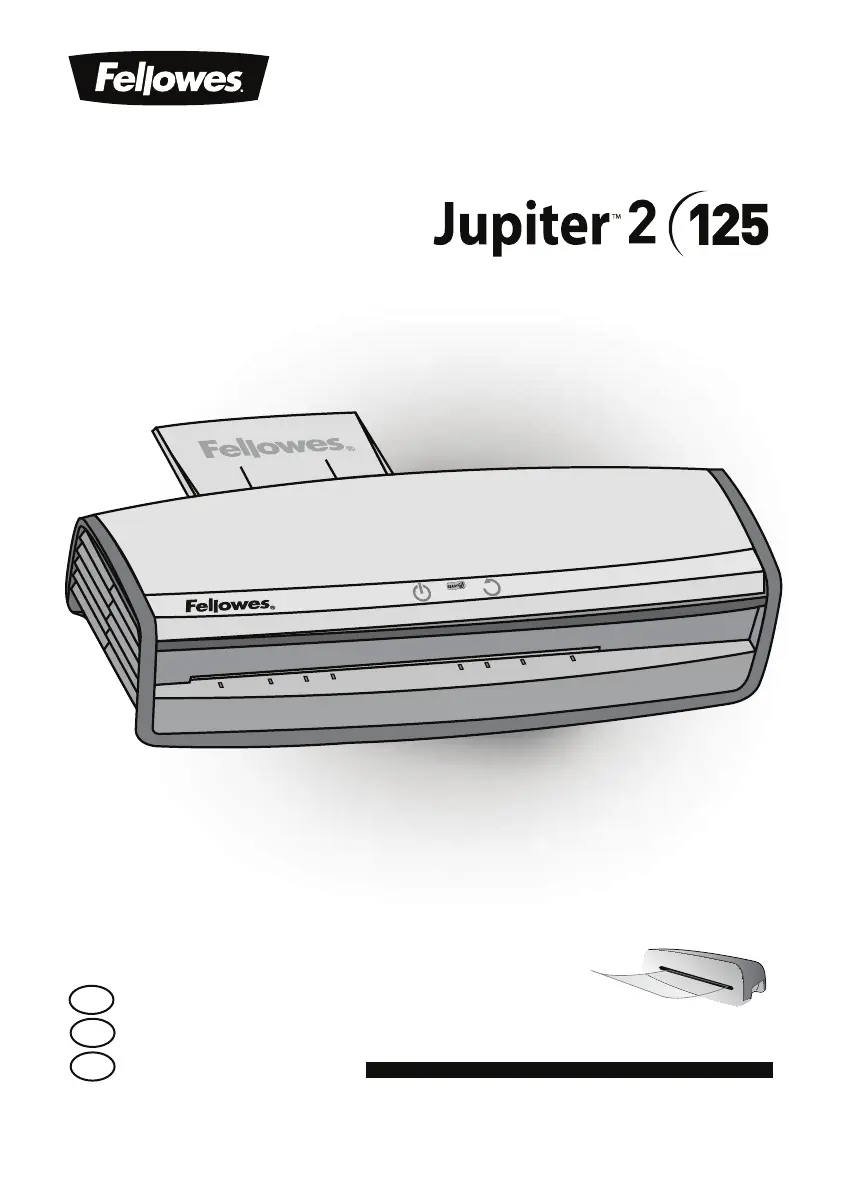
Fellowes jupiter 2 125 - User Manual

Fellowes jupiter 2 125
14 pages
Print Icon
To Next Page IconTo Next Page
Loading...
Office Laminator
Please read these instructions before use.
Lire ces instructions avant utilisation.
Lea estas instrucciones antes del usarlo.
E
F
S
For best quality use Fellowes ImageLast pouches
Pour une meilleure qualité, utilisez les pochettes ImageLast Fellowes
Para obtener la mejor calidad, utilice bolsas Fellowes ImageLast

Other manuals for Fellowes jupiter 2 125

Questions and Answers

  • C
    Cameron BruceJul 27, 2025
    How to turn on Fellowes Laminator if there is no light?
    • M
      Melissa LeachJul 27, 2025
      If the ‘blue’ Power on LED is not glowing on your Fellowes Laminator, ensure the machine is switched on at the right rear side and at the wall socket. Then, press the power standby button.
  • T
    thompsonvirginiaAug 5, 2025
    What to do if my Fellowes Laminator pouch doesn't seal completely?
    • M
      Mary BuckleyAug 6, 2025
      If your Fellowes Laminator pouch isn't sealing completely, it might be because the item you're trying to laminate is too thick. To resolve this, try passing the pouch through the laminator a second time.
  • L
    Lisa MorrisAug 17, 2025
    Why is my Fellowes jupiter 2 125 pouch damaged after lamination?
    • T
      Tina CaldwellAug 17, 2025
      If your Fellowes Laminator pouch is damaged after lamination, it could be due to damaged rollers or adhesive on the rollers. Try passing cleaning sheets through the machine to test and clean the rollers.

Summary

Product Registration and Worldwide Warranty

Warranty Details

Fellowes warrants laminator parts for 2 years against material and workmanship defects.

Laminator Controls and Quick Start Guide

Laminator Controls Overview

Identifies and describes the functions of the laminator's buttons, switches, and indicators.

Quick Start Guide Steps

Step-by-step instructions for operating the laminator, including setup and lamination process.

Features and Tips

Advanced Pouch Tracking System

Detects and alerts users to mis-feeds, automatically reversing documents to clear jams.

AutoSense and Reverse Function

System detects pouch thickness; reverse button ejects pouches when needed.

Auto Shut-Off Function

Machine enters standby mode after 30 minutes of inactivity to save power.

Best Practices for Lamination

Recommendations for pouch usage, item preparation, and testing for optimal results.

Troubleshooting and Maintenance

Common Troubleshooting Issues

Addresses problems like no power, incomplete sealing, or lost/damaged pouches.

Storage and Cleaning Procedures

Guidance on turning off the machine and cleaning the exterior and rollers for maintenance.

Fellowes Pouch Recommendations

ImageLast Pouch Features

Highlights premium materials, UV protection, and directional guidance for pouches.

Available Pouch Sizes and Packs

Lists order numbers and descriptions for various mil thickness and pack quantity pouches.

Customer Service and Regulatory Notices

Customer Support Information

Provides contact phone numbers and website for customer service and support.

FCC Class B and Canadian ICES-003 Notices

Details compliance with digital device regulations for interference and modifications.

Fellowes jupiter 2 125 Specifications

General IconGeneral
Laminating Width12.5 inches
Temperature Settings3
Max Pouch Thickness10 mil
Auto Shut-offYes
Warm-up Time60 seconds

Related product manuals