EasyManua.ls Logo

Fellowes Venus 2 A3 - User Manual

Fellowes Venus 2 A3
7 pages
Print Icon
To Next Page IconTo Next Page
Loading...
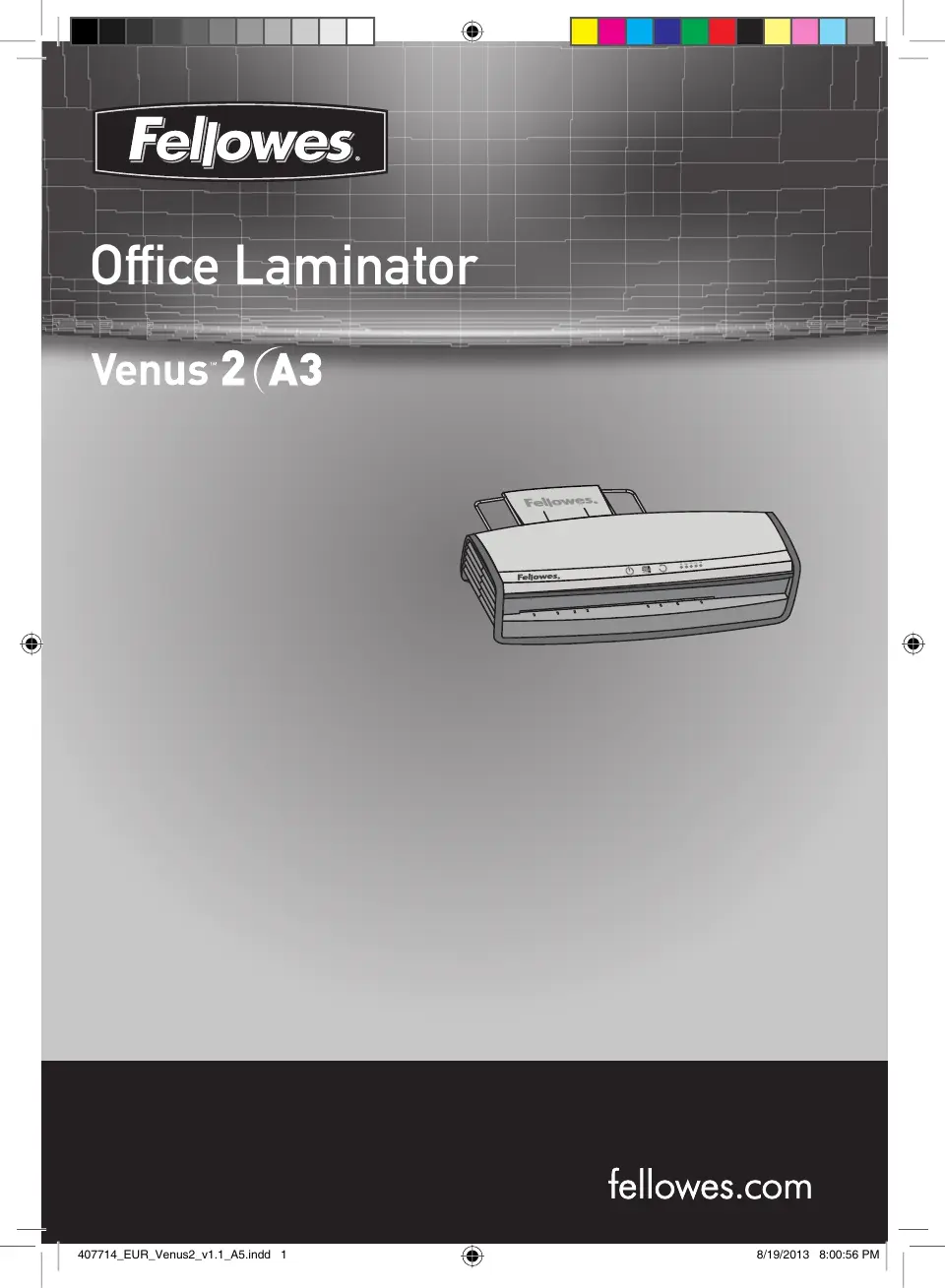
Ofce Laminator
Auto
Cold
80
100
125
175
250
407714_EUR_Venus2_v1.1_A5.indd 1 8/19/2013 8:00:56 PM

Other manuals for Fellowes Venus 2 A3

Questions and Answers

  • E
    Emily BrownJul 28, 2025
    How to fix a Fellowes Laminator with no glowing ‘blue’ Power on LED?
    • J
      Jessica BrayJul 28, 2025
      If the ‘blue’ Power on LED is not glowing on your Fellowes Laminator, ensure that the machine is switched on at the right rear side and at the wall socket. Also, make sure to press the power standby button.
  • B
    bbrightAug 6, 2025
    Why does my Fellowes Venus 2 A3 Laminator pouch not completely seal the item?
    • S
      Scott MontgomeryAug 6, 2025
      If your Fellowes Laminator pouch doesn't completely seal the item, it might be because the item you're trying to laminate is too thick. The maximum document thickness that the laminator can handle is .03 inches. Try passing the pouch through the laminator a second time.
  • L
    Leah MillerAug 17, 2025
    What to do if the pouch is damaged after lamination in Fellowes Laminator?
    • L
      Lauren RowlandAug 17, 2025
      If the pouch is damaged after lamination in your Fellowes Laminator, it could be due to damaged rollers or adhesive on the rollers. To resolve this, pass cleaning sheets through the machine to test and clean the rollers.

Summary

Laminator Controls Diagram

Quick Start Guide

Laminator Controls and Capabilities

Laminator Controls List

Detailed list of controls A-K with their functions and descriptions.

Laminator Capabilities

Performance specifications and technical data for the laminator.

Important Safety Instructions

Features and Tips

AutoSense Technology

System detects pouch thickness and self-adjusts to optimal lamination.

Reverse Function

Ejects the laminating pouch during use by pressing and holding the reverse button.

Sleep Mode Function

Machine enters standby mode after 30 minutes of inactivity.

HeatGuard Technology

Keeps the laminator surface comfortable to the touch.

Before Laminating

Steps to Laminate

Troubleshooting

Storage and Cleaning

Product Registration and Warranty

Declaration of Conformity

Useful Phone Numbers and Contact Information

Help Line Numbers

Contact numbers for customer support by region.

Fellowes Country Contacts

Direct phone numbers for Fellowes offices in various countries.

Fellowes Venus 2 A3 Specifications

General IconGeneral
BrandFellowes
ModelVenus 2 A3
CategoryLaminator
LanguageEnglish

Related product manuals