Pag 20
FINGERPRINTFINGERPRINT
FINGERPRINTFINGERPRINT
FINGERPRINT
FINGERPRINTFINGERPRINT
FINGERPRINTFINGERPRINT
FINGERPRINT
REMOTE UNIT
FOR ACCES CONTROL
+
321
7 8 9
0
x
-
654
REMOTE UNIT
FOR ACCES CONTROL
+
321
7 8 9
0
x
-
654
REMOTE UNIT
FOR ACCES CONTROL
+
321
7 8 9
0
x
-
654
A d d
A u
- - - -
REMOTE UNIT
FOR ACCES CONTROL
+
321
7 8 9
0
x
-
654
- - - -
0 y
A u
REMOTE UNIT
FOR ACCES CONTROL
+
321
7 8 9
0
x
-
654
0 y
A L P
A u
REMOTE UNIT
FOR ACCES CONTROL
+
321
7 8 9
0
x
-
654
0 y
A L I
A u
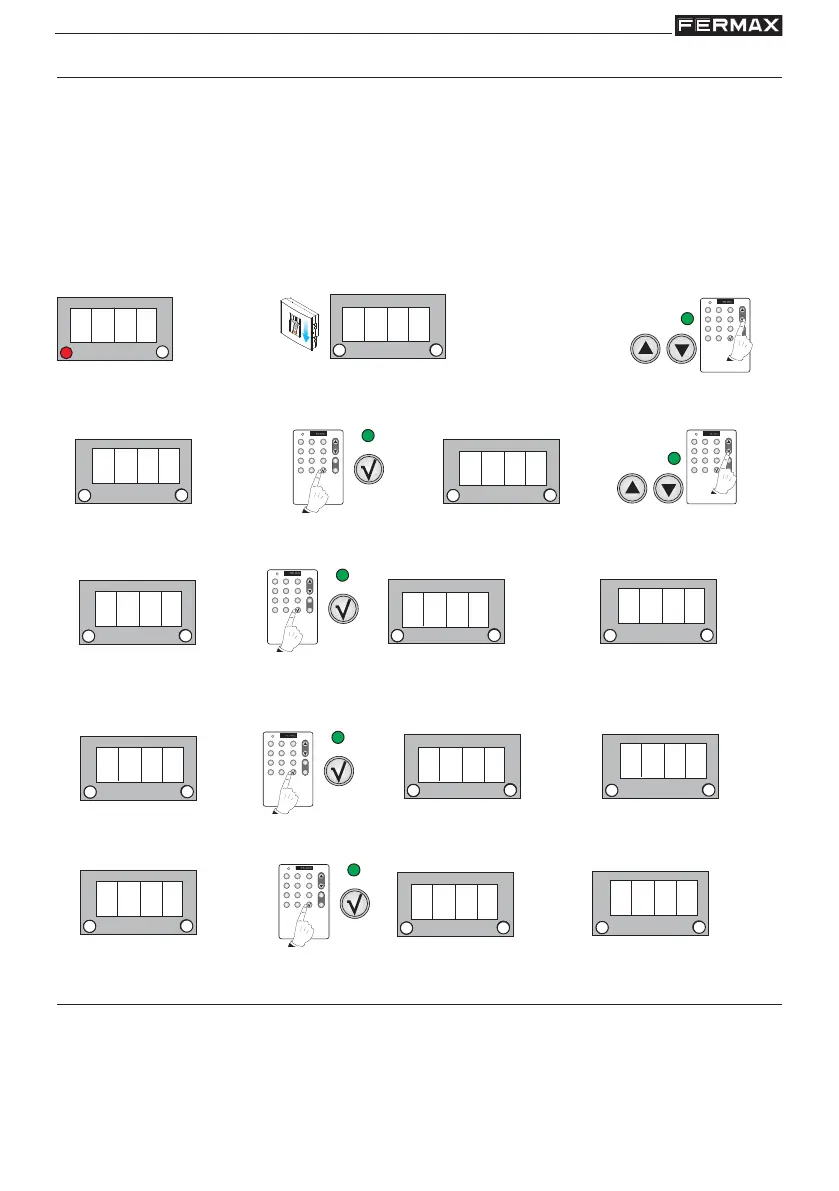
Auxiliary Output functionality (Au)
The following functions are possible:
- None activated: - - -
- Door and door forced open alarm: ALP
- Intruder alarm following an incorrect fingerprint: ALI
Only one of these functions can be activated on the system.
NOTE:
- If any of these functions is configured do not associate the exit Au (auxiliary exit) with a user
fingerprint.
Standby Mode
2. Search using the menu’s scroll keys:
Au
1. Enter the master fingerprint
1 beep
Enter Programming Mode
a) No option activated
Initially this function is disabled (- - - value).
3. Au is shown. Confirm with the OK key. - - - is shown. Using the scroll keys the following sequence will
appear: - - - -, ALI, ALP, - - - -.... Select the option you wish to configure.
1 beep
1 beep
1 beep
1 beep
1 beep
1 beep
b) Door and door forced open alarm
Door Alarm Activation Option. See the "Door Sensor Time" chapter.
c) Intruder alarm following an incorrect fingerprint
Intruder Alarm Activation Option.
1 beep
1 beep
Options with special MASTER (MSt) cards/fingerprints
Within the MSt option the following functions are possible:
- Change master fingerprint/card: MS1
- Add a second master finger/card MS2
- Add a trade finger/card: trd
- Add an unblock fingerprint/card: UnbL
- Add a fingerprint/card for the security/standard mode: Seq.



 To Next Page