Pag 26
Pag 26
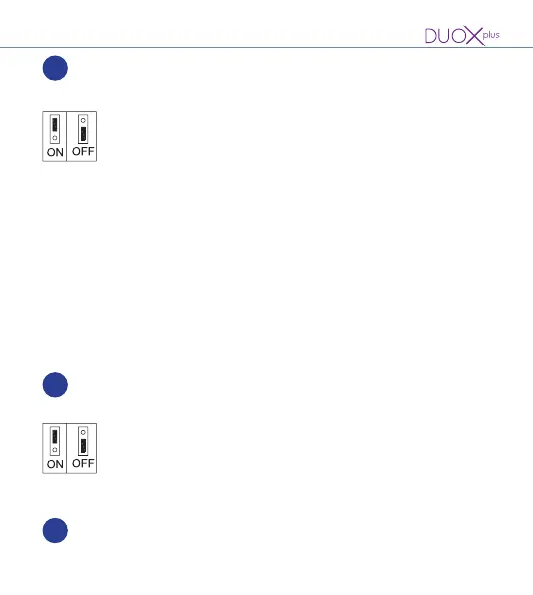
Cameras LEDs and their possible use:
- Upwards (ON): turned on when the camera is activated
(default).
- Downwards (OFF): always off.
10
JP1
Camera angle
- To adjust the camera image, see Voice Assisted Conguration
of Pushbutton Panels code 970048
- The adjustment can also be made by temporarily connecting
a keypad (ref. 7439). See DUOX PLUS Direct Video Panels
manual code 970052
Download the manuals at: www.fermax.com
Line adaptor bridge Integrated into the amplier for potential use:
• Upwards: Adaptation type C.
• Downwards: OFF. No line adaptation (default).
11
JP2
QR code (on the back of the amplier).
12
QR
Cameras LEDs and their possible use:
- Upwards (ON): turned on when the camera is activated
(default).
- Downwards (OFF): always off.
10
JP1
Camera angle
- To adjust the camera image, see Voice Assisted Conguration
of Pushbutton Panels code 970048
- The adjustment can also be made by temporarily connecting
a keypad (ref. 7439). See DUOX PLUS Direct Video Panels
manual code 970052
Download the manuals at: www.fermax.com
Line adaptor bridge Integrated into the amplier for potential use:
• Upwards: Adaptation type C.
• Downwards: OFF. No line adaptation (default).
11
JP2
QR code (on the back of the amplier).
12
QR















 To Next Page