7
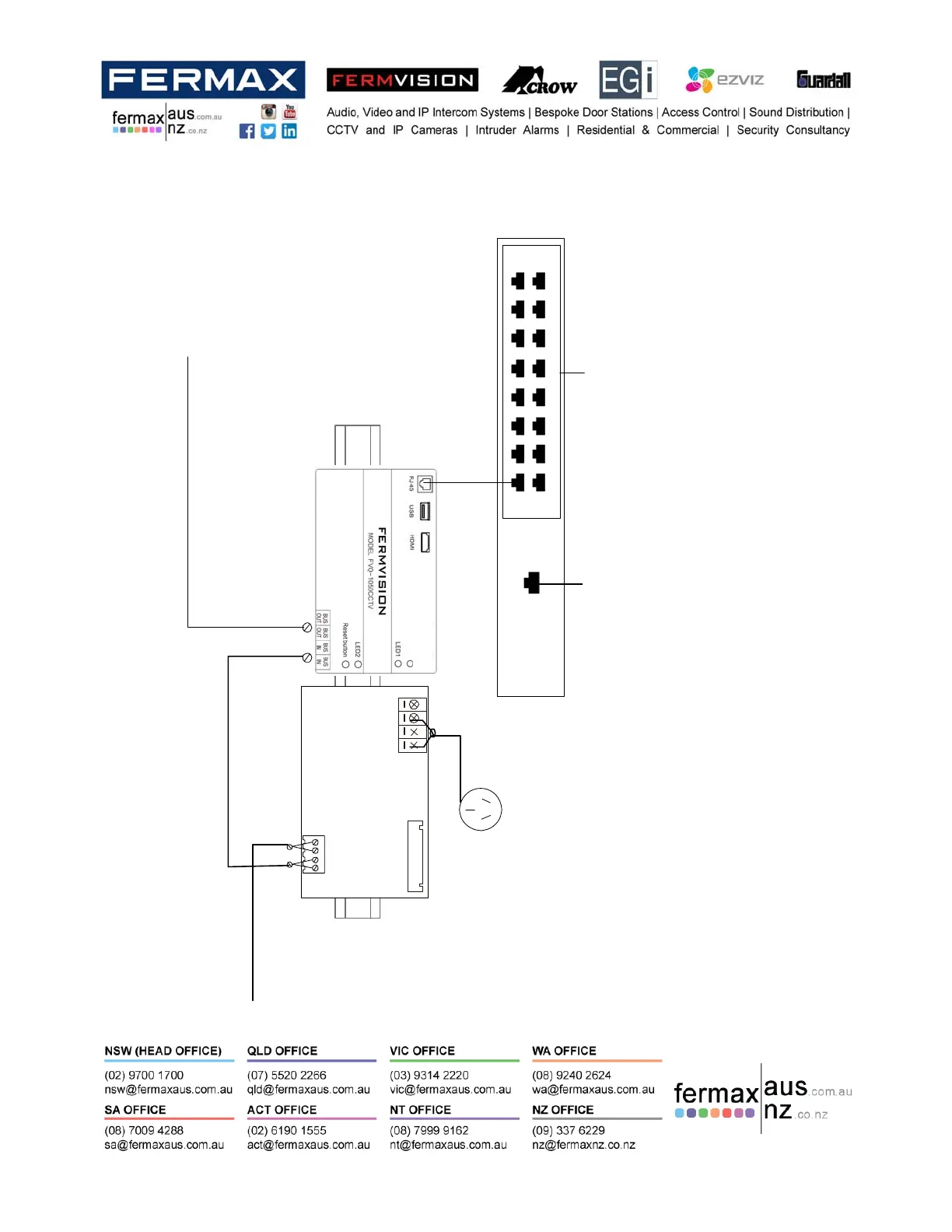
PLUGANDPLAY
PORTS
NetworkPort
P16
P8
P1
P9
REARFERMVISIONNVR
Alwaysplugintothelastplugandplayport
Example
Port4ona4Channel
Port8on8Channel
Port16on16Channel
AlwayswireondoorstationBUS
BUS(IM) BUS(DS)
PC 6
10 AGP0
DoNotConnect12VDCPower
ToDoorStationBUS
ToMonitorBUS
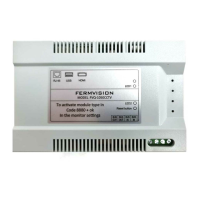
Toactivatemoduletypein
Code8880+Okayinthe
monitorsettings
Step 2–WiretheSystem
Thedeviceispre‐programmedforFermvisionNVR’susingtheplugandplaymethod.ThismeansallFermvision
cameraspluggedintoaFermvisionplugandplayportsoftheNVR.TheFVQ‐1050CCTVmodulewillalsobeplugged
intothelastportontheFermvisionplugandplayports.








 To Next Page