20
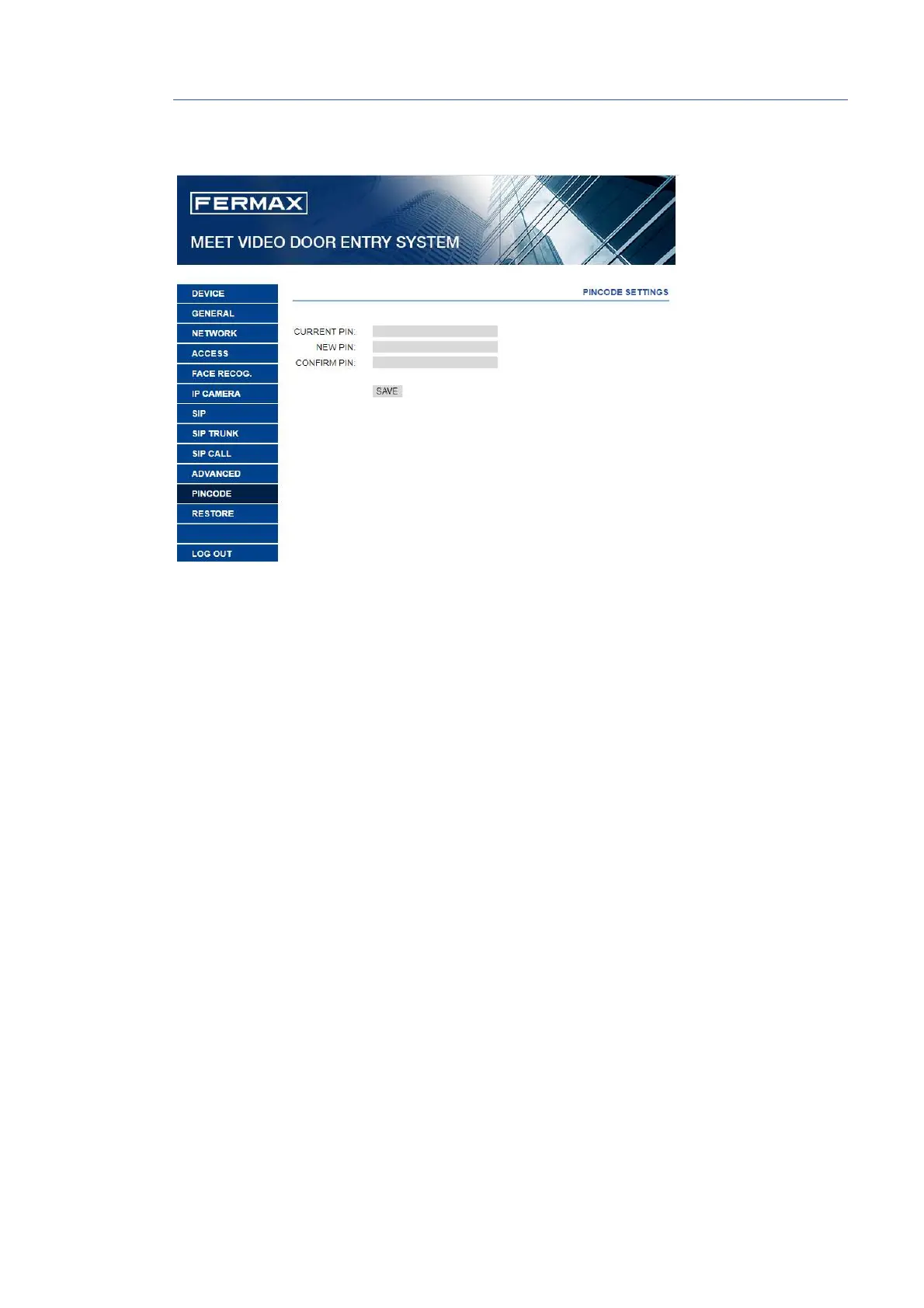
2.11 PINCODE
It allows you to change the INSTALLER PIN code, to access both the installation configuration
parameters through the monitor’s own screen and the configuration through a web browser.
Enter the current code, the new pin and confirm it.
The new password can have alphanumeric characters and has no limit on its length.
Finally, select SAVE.
NOTE:
Make a note of the new PIN at your convenience. If you lose or forget your PIN, you should contact
FERMAX's Technical Department to receive instructions regarding its recovery. All settings
programmed into the monitor will be lost.







 To Next Page