Pag 22
MENU
DISPLAY
TIME
EXIT 23.01.2008 12:37
MENU
DISPLAY
TIME
EXIT 23.01.2008 12:37
BRIGHTNESS
CONTRAST
COLOR
50
50
50
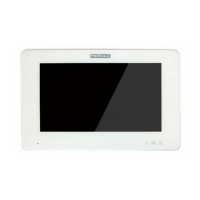
The monitor remains in this mode, awaiting a call from the entry panel. On receiving a call the monitor
will wait three seconds and then take a photo.
Keeping the Memory monitor in «standby mode» allows the automatic storage of the last 127 images
taken by the video camera on receiving calls. These images can be viewed subsequently, indicating
the date and time on which they were taken.
The monitor can function in either of the modes displayed below, and which are selected using the
memory function buttons ( and
REC
).
MEMORY FUNCTIONS
Image Saving Function
STANDBY Mode
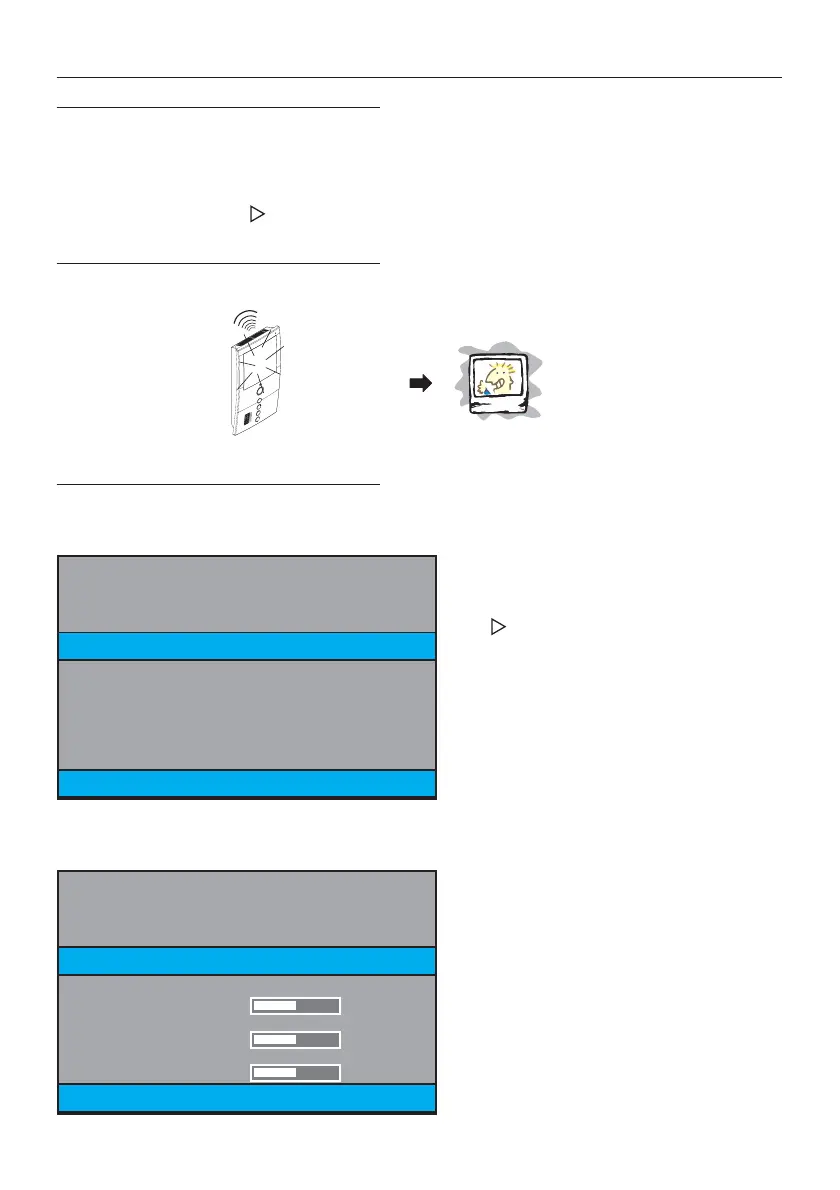
To adjust the monitor controls: SHINE, CONTRAST AND COLOUR.
With the Monitor in STANDBY mode (standby, monitor screen off), hold down the
REC
button for 2
seconds and you will see the following screen:
Monitor Adjustment Mode
Press to move between the different options.
Sequential Order: DISPLAY, TIME, EXIT, DISPLAY,
TIME... (the colour of the text will change to
yellow to indicate the option we are currently
in).
Press
REC
to the select the option
(red text).
Pressing
REC
, we select the DISPLAY option (red text).
+ 3 seg./sec./sek.







 To Next Page