X
X
X
X
X
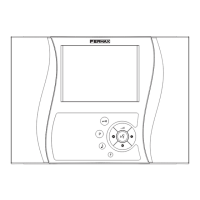
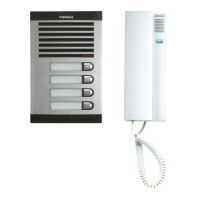
Kit VIDEO OLYMPO ADS
Kit VIDEO OLYMPO ADS
Pag 25
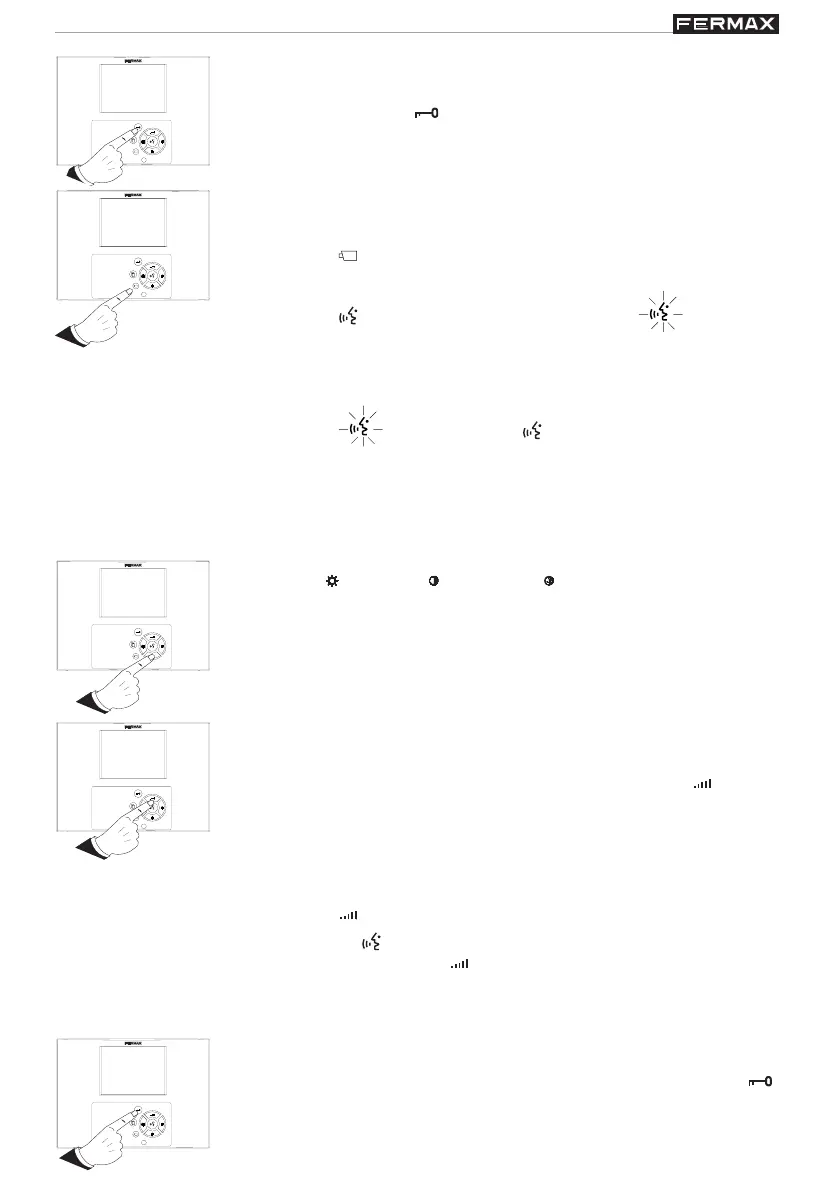
Manual activation of the monitor (auto-start)
* With the monitor on standby:
· Press the « » button to activate only the screen.
Note: Without audio, the monitor will remain on for 30 seconds.
· Press the « » button to establish communication; « » will light up.
Note: Once the communication has been activated, Audio + Video will remain
active for 90 seconds, after which they will automatically disconnect.
During this time, it is possible to open the door by pressing the «» button.
· Press the « » button, (the light « » on this will go out), to disconnect
the audio and see the visitor without being heard.
· You can deactivate the screen and the communication by pressing the «
X
»
button.
Important note: See examples of functioning at the end of this manual.
Volume adjustment
Audio (conversation) Volume
* When you are in communication with the outdoor panel, press the « » button to
adjust the volume of the conversation. There are four levels of adjustment, which
can be selected cyclically, with a warning sound when the highest level is
reached.
Call Volume (call tone)
* With the monitor on standby:
· Press the « » button once and the call tone is deactivated.
Note: The « » button blinks to indicate that the call tone has been deactivated.
· By sequentially pressing the « » button, you will go from the lowest to the highest
level.
Note: There are 3 levels of adjustment (minimum, medium and maximum). A
tone of the selected volume will be heard each time.
Brightness ( ), contrast ( ) and colour ( ) adjustment
* With the screen on, press the corresponding button to make the desired
adjustments. There are four levels of adjustment, which can be selected
cyclically, with a warning sound when the highest value is reached.
Call to Reception Centre (depending on installation)
* In installations with reception centres, press the door-opening button, ( ),
with the monitor on standby, to generate a call to the reception centre.
Opening the door for the visitor
* When you are in communication with the visitor, it is possible to open the
door by pressing the « » button.


 To Next Page