X
X
X
X
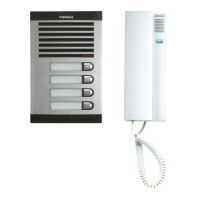
Kit VIDEO OLYMPO ADS
Kit VIDEO OLYMPO ADS
Pag 24
OLYMPO ADS BASIC MONITOR
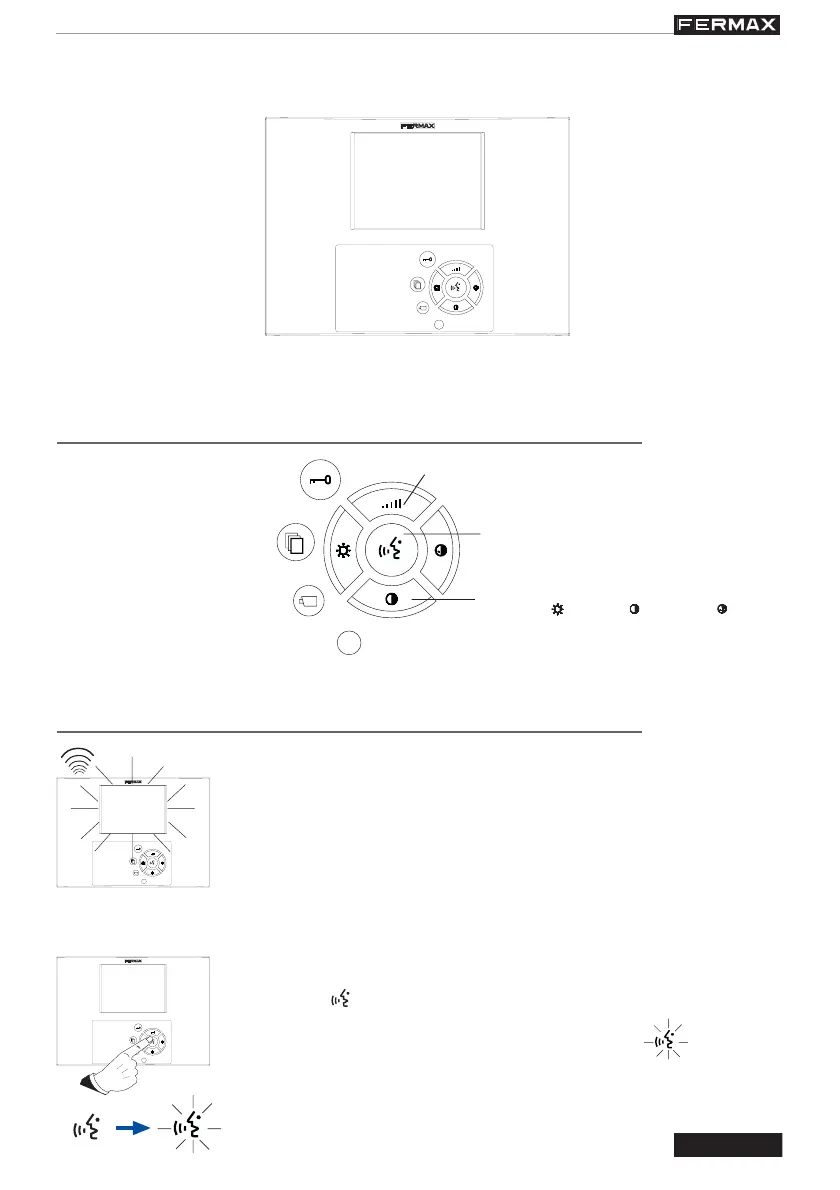
FUNCTIONING
Brightness ( ), contrast ( ) and colour ( ) control
CONTROLS
Off
(Audio + Video)
Door-opening
and call to reception
centre button
Button WITHOUT
FUNCTION
Activate communication
Auto-start
Main/secondary camera
selection (function
available depending on
type of installation)
Volume adjustment
Call
* When the call button on the Outdoor Panel is pressed, a call tone is
emitted both at the outdoor panel and at the monitor, and the screen
goes on.
If there are additional devices in the home, these will also emit a call
tone. If the call is not answered, the device will automatically disconnect
after 90 seconds.
Answering a call
* Press the « » button to establish communication with the visitor. The button
lights up, indicating that the communication is active « ».
Communication is limited to 90 seconds.
If the «
X
» button is pressed, the communication is ended and the screen
goes off.
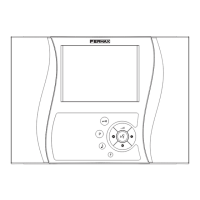
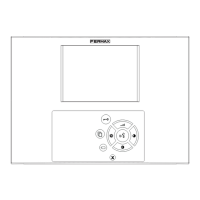
TFT colour 5” screen.
Loudspeaker with surround sound.
Complete hands-free functioning.


 To Next Page