24
3) Now your alarm will ring at the volume you set last.
Note: Default setting for alarm volume is at the highest level. In case of
power failure, it will return to the default setting.
Start of the cooking process
When you select the cooking mode and temperature you desire to
operate the cooker, you should also set the time. Otherwise, the cooker will
not operate.
1. Set the cooking time by turning the time setting button clockwise.
2. Put your food into the cooker.
3. Select the operating mode and temperature; seeUse of electric
cooker,
>>The cooker is heated to the temperature previously set and keep the
temperature level till the end of the cooking time you have set.
1. When the cooking time expires, the timer button will automatically
turn anticlockwise. And a “click” will be heard to indicate the time is
over and it is switched off.
If you don’t desire to use the timer function, turn the button
anticlockwise to the “hand” symbol
2. And switch off the cooker by using timer button, function button
and temperature button.
Switching off the cooker earlier than the time you desire
Turn the timer button anticlockwise till it reaches to the stop point.
Table for cooking times
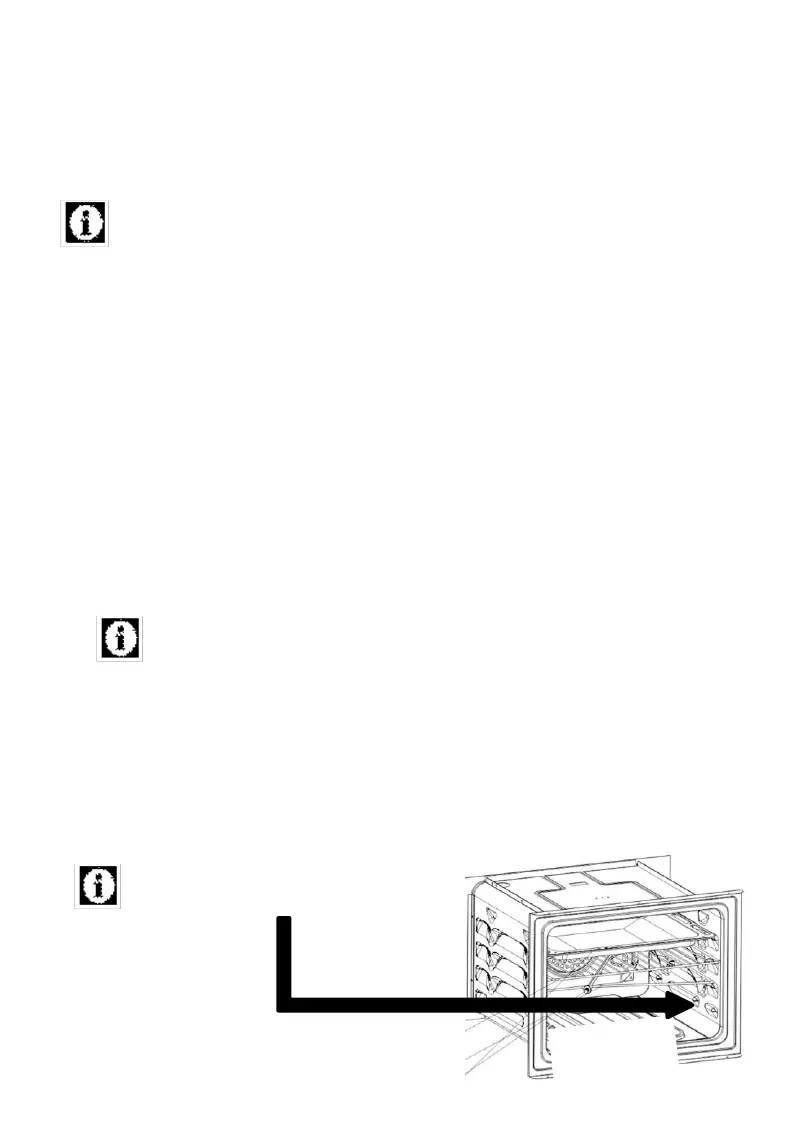
The lowest rack of the cooker is the
1
st
rack.


 To Next Page