user’s manual
WANDLA by Ferrum
10
C� Volume bar
Displays current volume level� It can act also as volume control - simply touch and swipe to left or right to
change volume level�
D� Mute
When activated it will mute all outputs�
E� Menu
This button gives access to the functions of the device and the Standby button�
7�2 Buttons
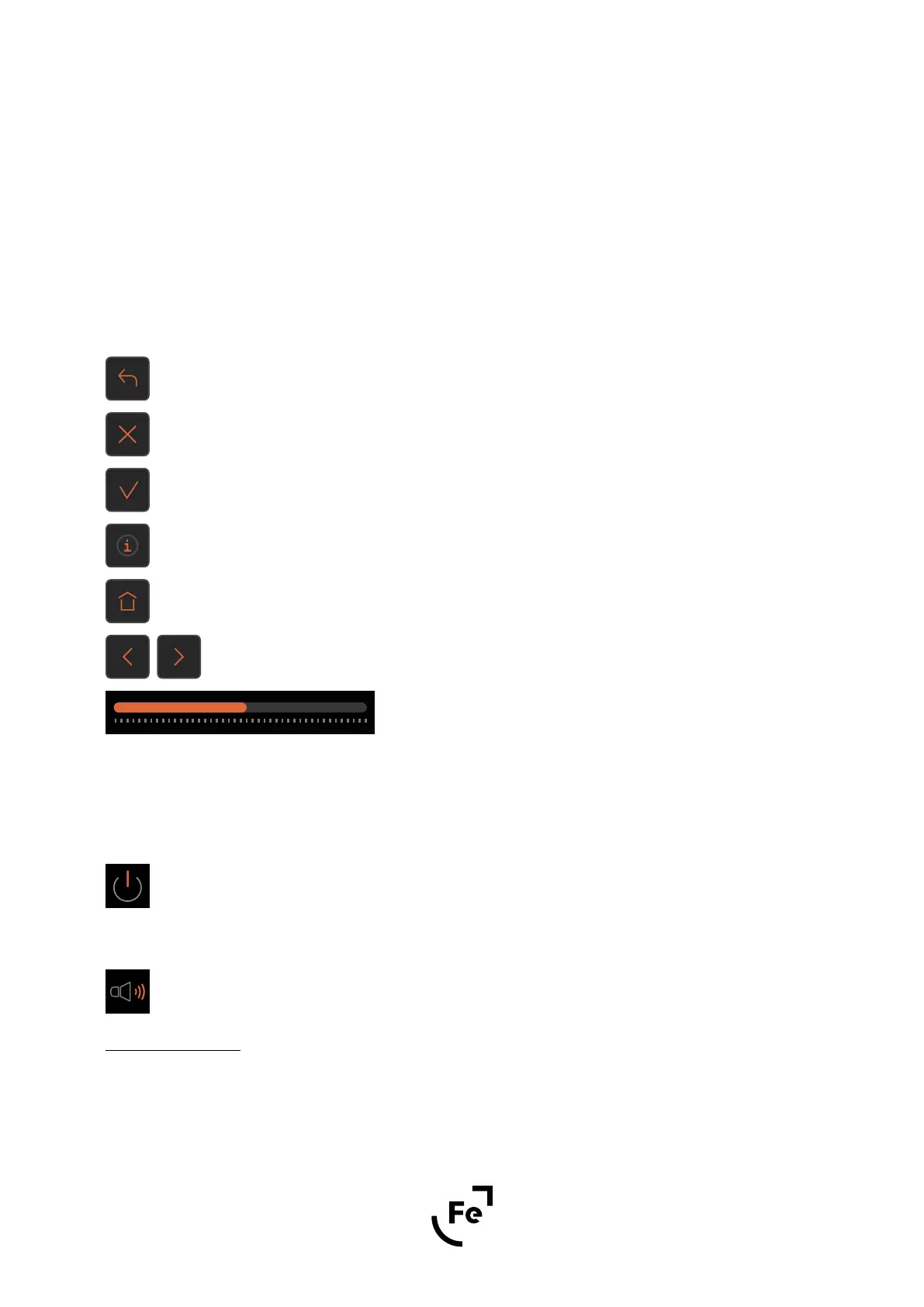
Return to the previous screen�
Close/cancel
Confirmation
Tooltip/info
Back to main screen
Left/right arrows - changes selected value
Slider - changes selected value
7�3 Menu Structure
7�3�1 STANDBY
This button turns on or puts WANDLA in standby mode�
7�3�2 AUDIO
Contains audio settings�
7�3�2�1 Volume Control
Allows you to set preferred volume regulation type refers to volume and trim�
● Analog - digitally controlled resistor ladder
● Digital - last stage of DAC processing (will not work with analogue input)


 To Next Page